Pocket Dial
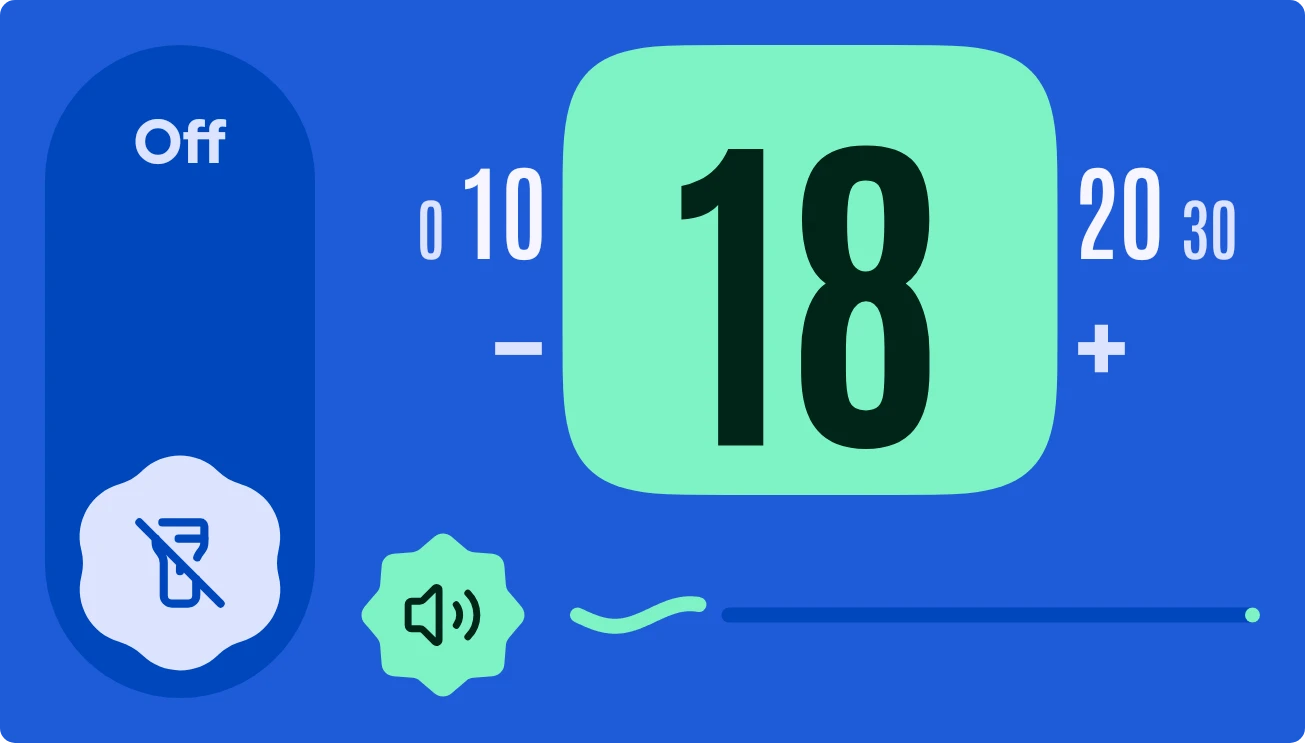
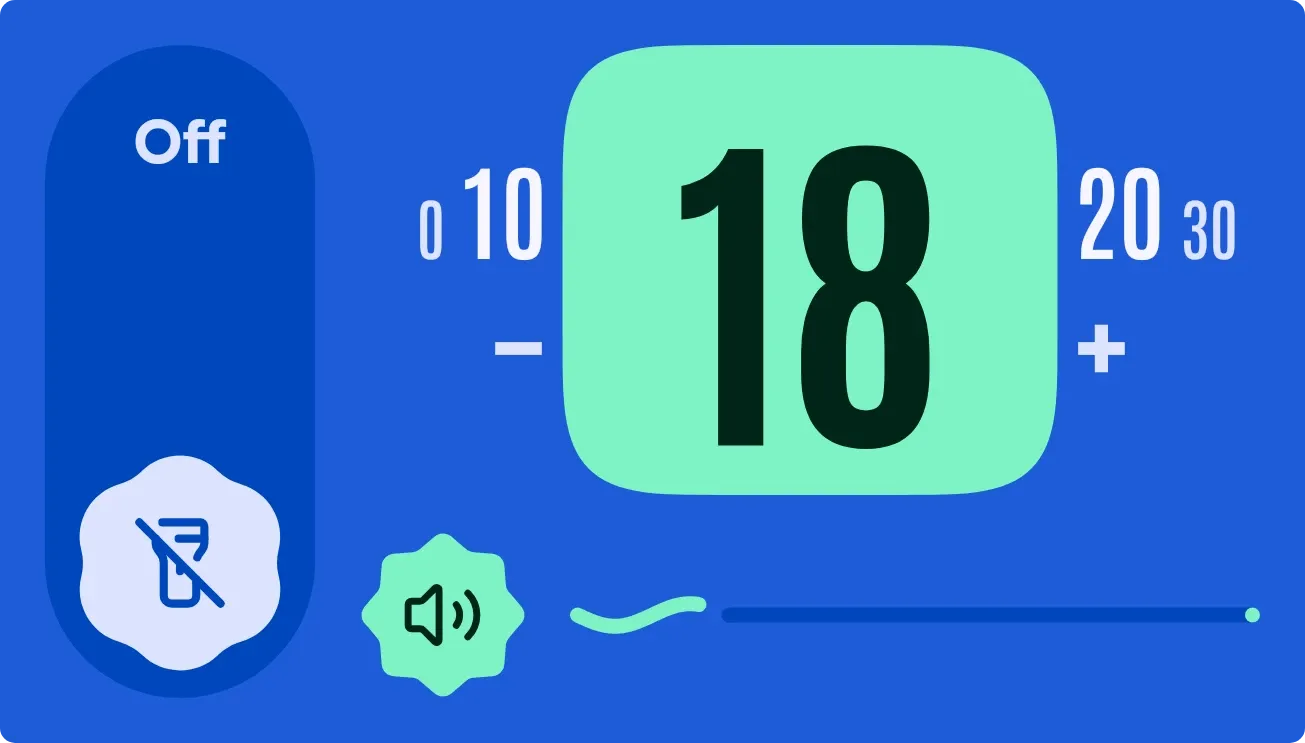
Pocket Dial shows your media volume as a large number inside a mint squircle on a blue background. The nearest steps of ten sit either side of it in smaller type, with a minus and a plus. Below is a wavy bar beside a speaker icon, and a tall flashlight switch runs down the left edge.
- Size
- 4x2 cells
- Kit
- Material Expressive
- Shows
- Phone controls
- Look
- Bold shapes, typographic and colourful
- Colours
- Blue and mint, dark background
- Looks like
- Pixel widgets
- Good for
- Music listening, dark rooms and night walks
- Android
- 10 or newer
- Needs
- No additional permissions
- Price
- Pro
Kiwi is in beta and is not on Google Play yet. Join to request an invitation.
- big-numbers
- blue
- bold
- controls
- dial
- flashlight
- flashlight-toggle
- media-controls
- mint-green
- numerals
- playful
- progress
- rounded
- sound
- torch
- volume
- volume-control
- wavy
What changes
- The big number follows your media volume, from 0 to 100, and updates when the volume changes.
- The smaller numbers either side move with it: the step of ten below on the left, the steps of ten above on the right.
- Tapping the minus side lowers the volume and tapping the plus side raises it. Tapping the number shows the volume control.
- The wavy bar fills in line with the media volume, and the speaker icon next to it mutes the sound when tapped.
- At volume 0 the icon changes to a crossed speaker and the bar is replaced by the words Muted, tap to unmute.
- The flashlight switch reads Off with a crossed flashlight and a pale knob. Tapping it turns the light on, and it turns mint and reads On.
Data and settings
- Reads your phone's media volume for the number, the steps beside it and the wavy bar.
- Reads whether the flashlight is on or off for the switch.
- Nothing to configure: volume and flashlight are changed by tapping the widget.
Set it up
- Open Pocket Dial in Kiwi, from its kit or from this page.
- Tap Use.
- Confirm your launcher's prompt to place the widget on your home screen.
Good to know
- The flashlight switch only appears on a phone that has a flashlight it can control.
- The number, steps and bar show media volume only, not ring, alarm or call volume.
- The side numbers move in steps of ten, so they show the nearest tens rather than exact values.
Widgets like Pocket Dial
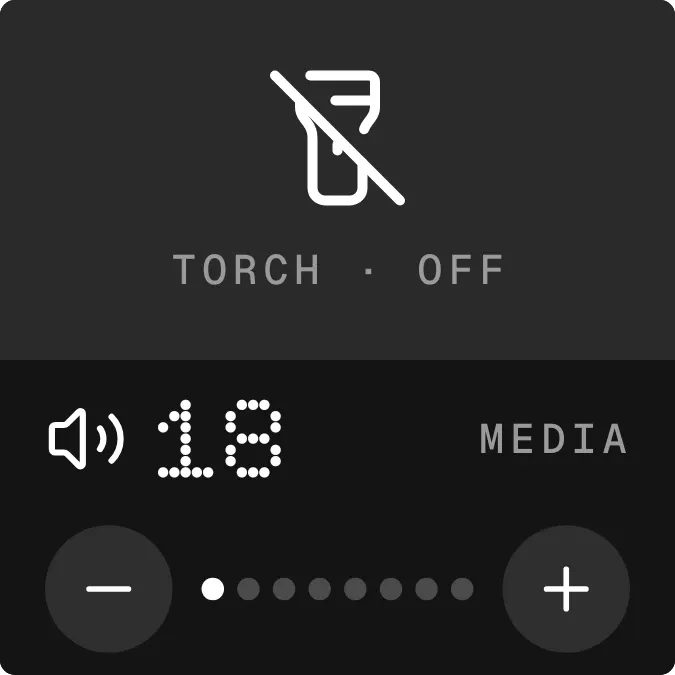 Lumen LoudNothing
 Gum LadderPlayful
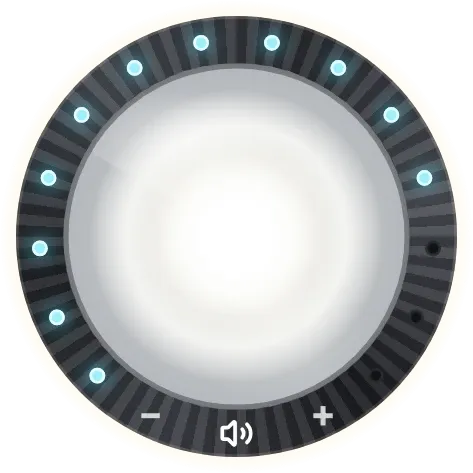 Halo KnobTactile Hardware
 Ruby LoopNothing



