Pearl Runway
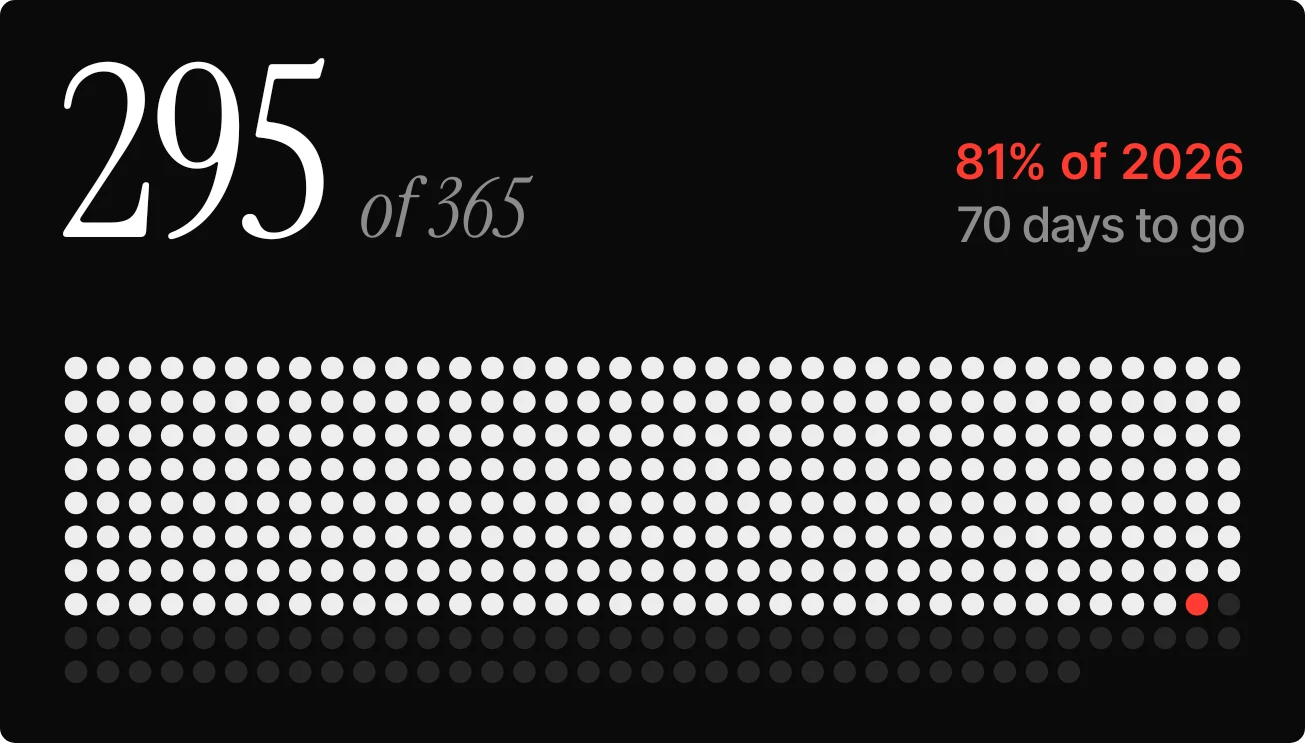
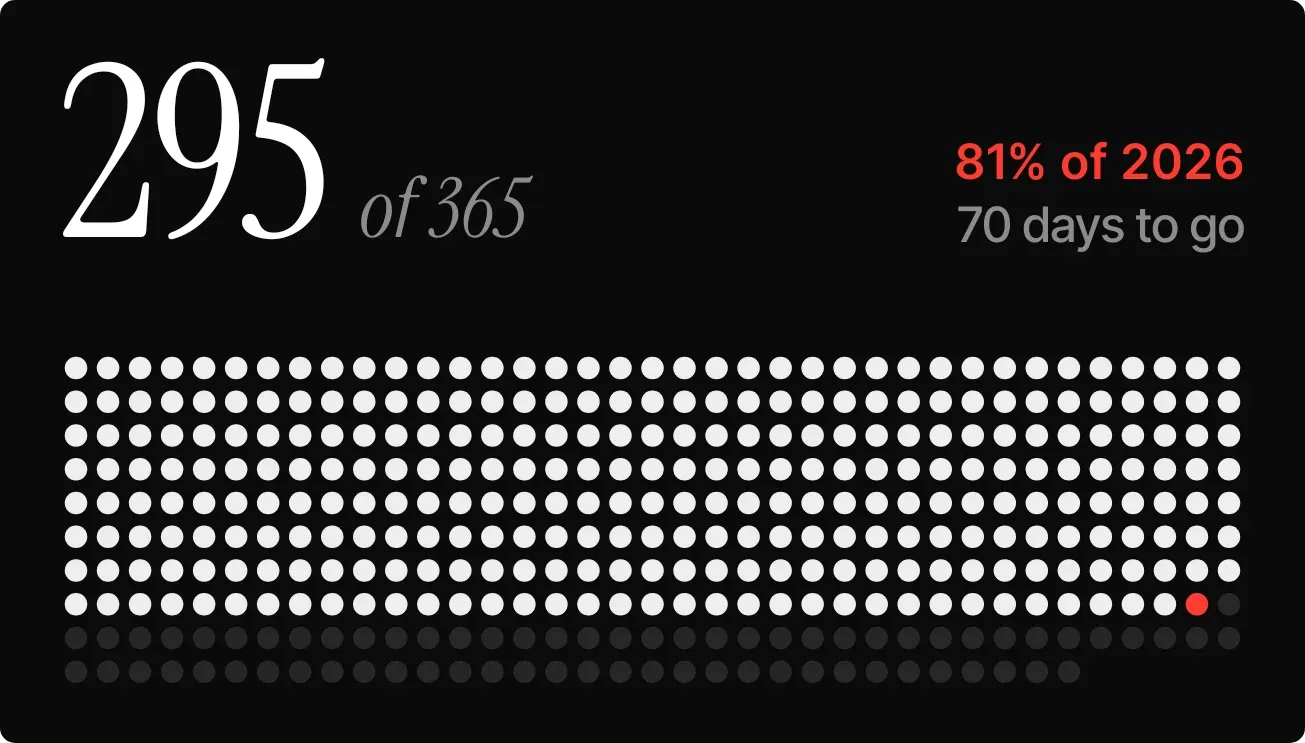
Pearl Runway shows how far through the year you are. A large white serif number gives the day of the year, with "of 365" beside it in smaller grey italics. Below, a field of small dots stands for each day of the year on a near-black background. Past days are pearl white and today is red.
- Size
- 4x2 cells
- Kit
- Instruments
- Shows
- Time and date
- Look
- Minimal, typographic and monochrome
- Colours
- Black and grey, dark background
- Good for
- New year, year end and goal tracking
- Android
- 10 or newer
- Needs
- No additional permissions
- Price
- Free
Kiwi is in beta and is not on Google Play yet. Join to request an invitation.
- big-numbers
- black-and-white
- calendar
- countdown
- dark
- date
- days-to-go
- dot-matrix
- dots
- minimal
- progress
- red
- serif
- typographic
- year
What changes
- The large number is today's day of the year, and the grey text beside it gives the total number of days in the year.
- Days already gone are shown as pearl-white dots, and the dot for today is red.
- Days still to come are shown as dark grey dots, so the white dots grow by one each day.
- The red line at the top right gives the percentage of the year gone, rounded to a whole number, followed by the year.
- The grey line under it counts the days left in the year.
- Tapping the widget opens the calendar.
Data and settings
- Reads the current date to work out the day number, the percentage, the year and the days left.
- There is nothing to set.
Set it up
- Open Pearl Runway in Kiwi, either from its kit or from this page.
- Tap Use.
- Confirm your launcher's prompt to place the widget on your home screen.
Good to know
- It counts days in the current calendar year, so the count and the dots start again when a new year begins.
Widgets like Pearl Runway
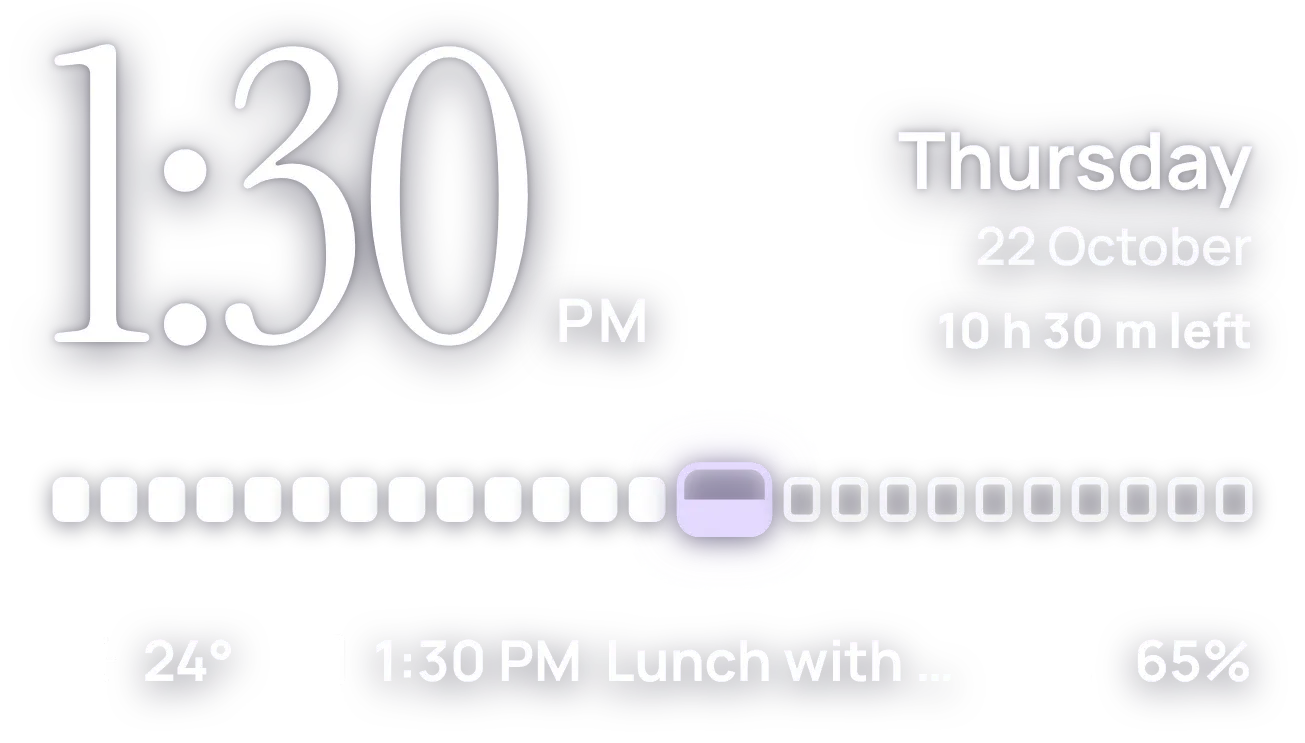 HourlaceClear
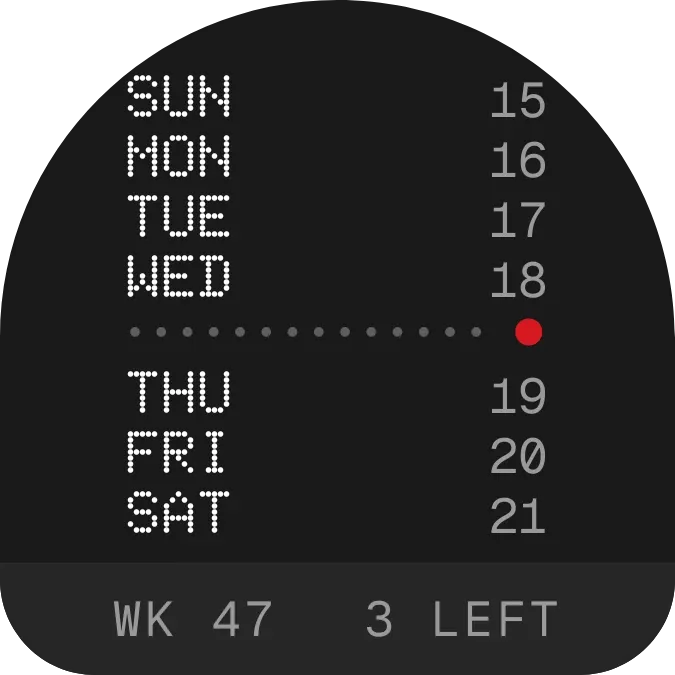 WeektraceNothing
 YearwingMaterial Expressive
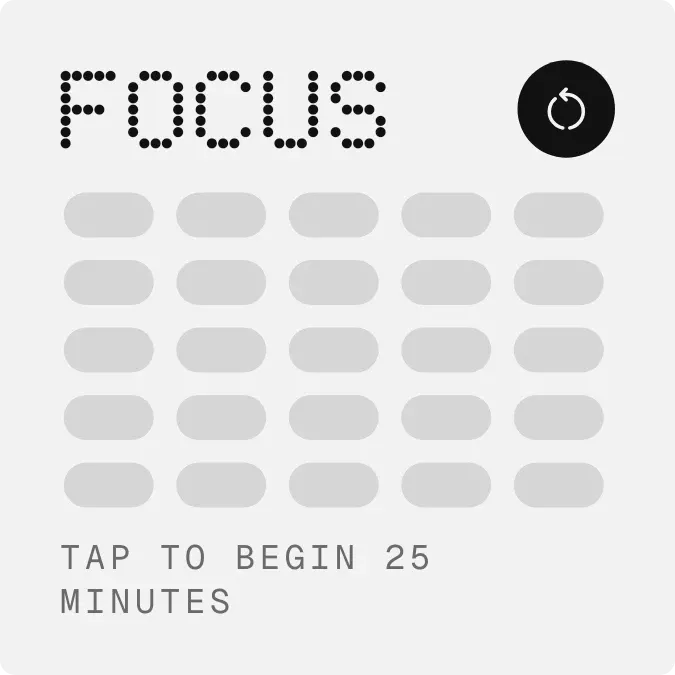 Spark RailNothing