Slow Pour
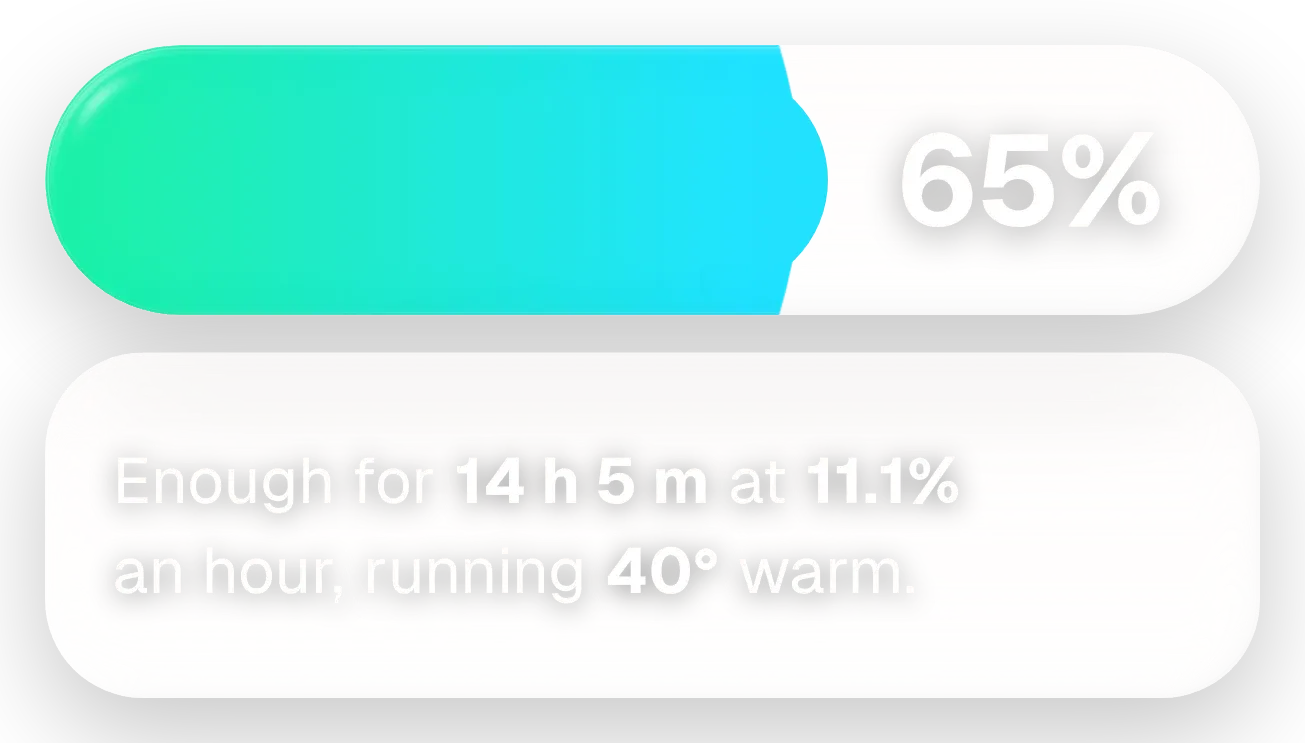
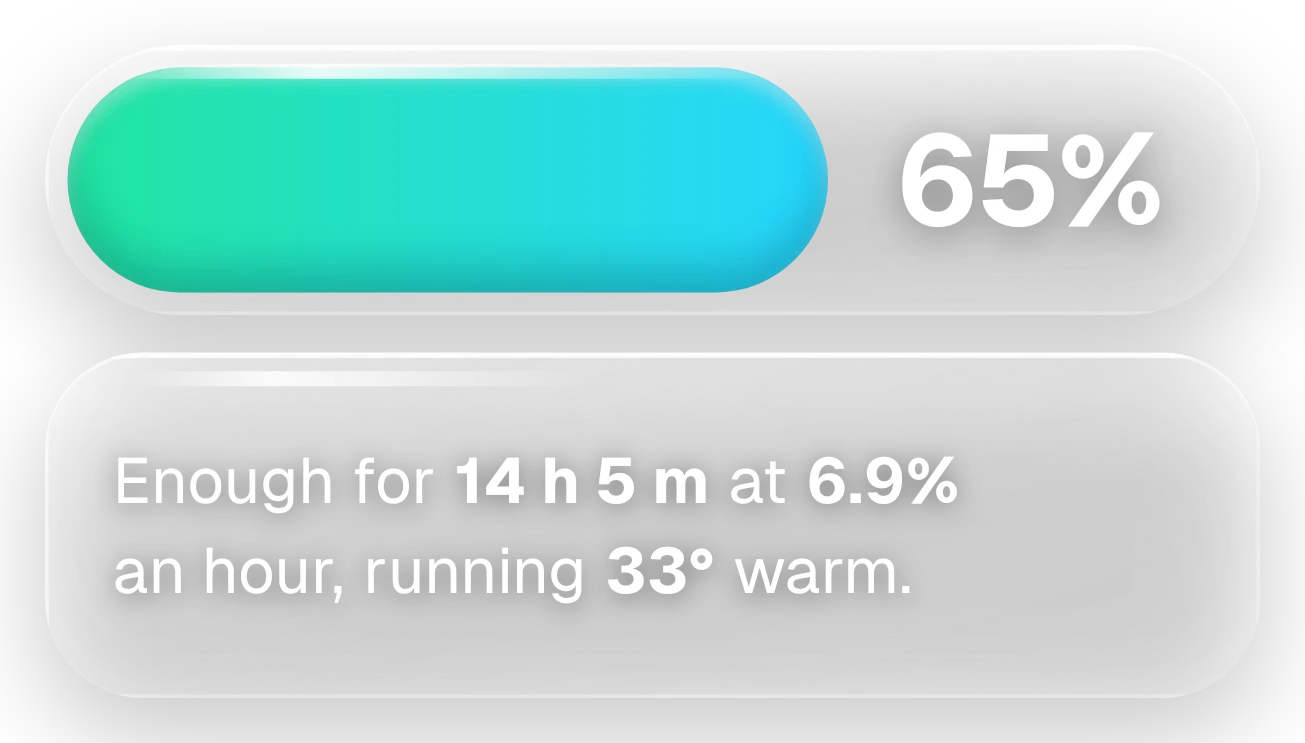
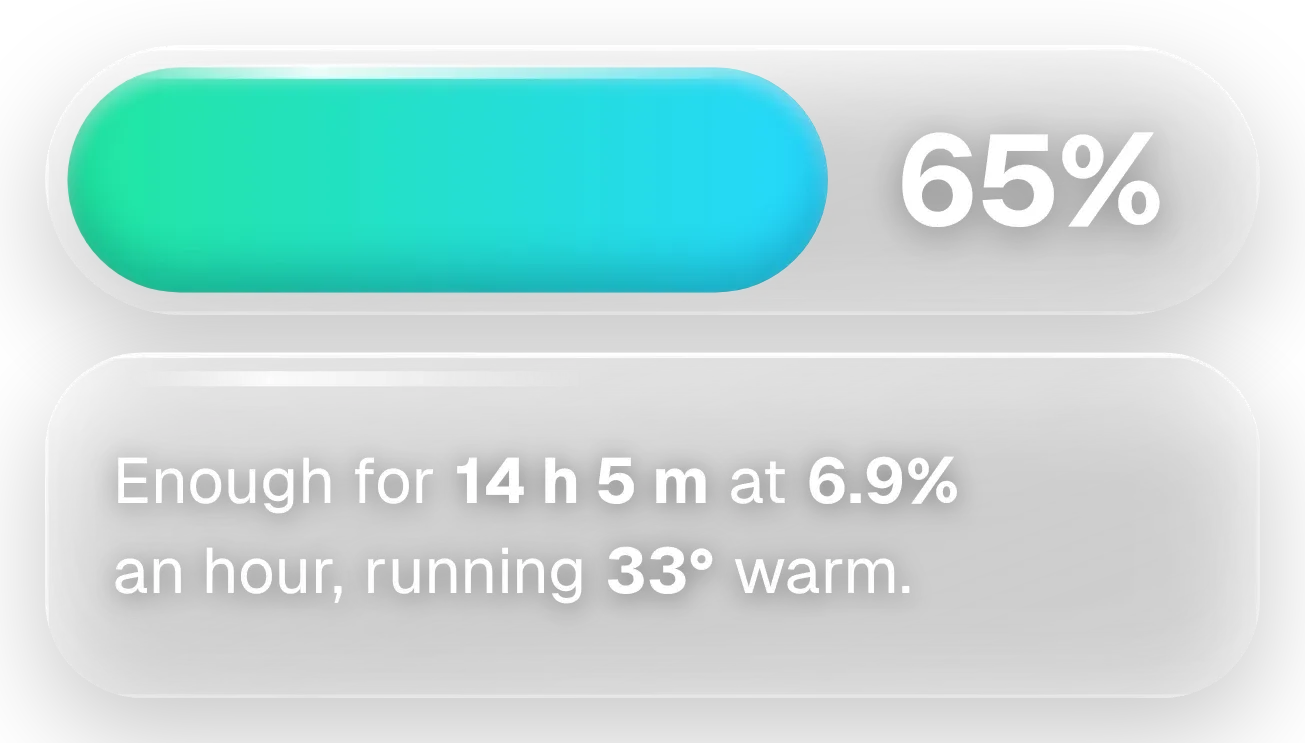
Slow Pour shows your battery level as a frosted glass tube filled with green-to-cyan liquid, with the percentage in large white numbers on the right. Below it, a second glass pane says in a plain sentence how long the charge will last, how fast it drains and how warm the phone is running.
- Size
- 4x2 cells
- Kit
- Glass
- Shows
- Battery
- Look
- Glass, gradient and soft UI
- Colours
- Grey and teal, light background
- Looks like
- iPhone widgets
- Good for
- Travel day, long commute and checking charge
- Android
- 10 or newer
- Needs
- No additional permissions
- Price
- Pro
Kiwi is in beta and is not on Google Play yet. Join to request an invitation.
- battery
- battery-time-left
- big-numbers
- cyan
- frosted-glass
- glass
- glow
- gradient
- green
- grey
- liquid
- liquid-glass
- modern
- percentage
- progress-bar
- temperature
- transparent
- white
What changes
- The liquid fills the tube in proportion to the charge level, and the percentage on the right changes with it.
- When the battery is low, the liquid turns from green-to-cyan to orange-to-red. It keeps a minimum width so a small amount of liquid stays visible.
- While charging, small bubbles appear in the tube. The pane says how fast it is filling in watts and when it will be full.
- If the full time isn't known yet while charging, the pane gives the watts and says it is working out when the battery will be full.
- On battery, the pane gives the time left, the hourly drain and the temperature. While it is still learning the drain rate, it says so and gives only the temperature.
- When the battery is full, the pane reads Full to the brim and says you can unplug any time. Tapping the widget opens battery information.
Data and settings
- Reads the battery level, charging state, estimated time left, drain per hour, temperature, charging power in watts and the expected time of a full charge.
- Nothing in the widget can be set.
Set it up
- Open the widget in Kiwi, either from its kit or from this page.
- Tap Use.
- Confirm your launcher's prompt to place it.
Good to know
- The time left and the hourly drain need a short learning period. Until then the pane says it is still learning.
- While charging, the full-by time can take a moment to appear after you plug in.
- The pane shows the time left, drain and temperature only when the phone is not charging, and shows charging power and full time only while charging.
Widgets like Slow Pour
 Tonic JarOne UI
 Halfway PillMaterial You
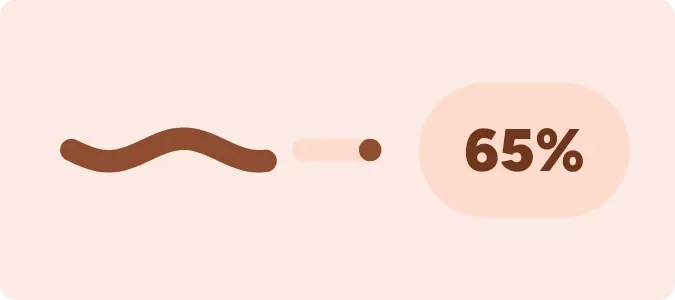 Tadpole HalfMaterial You