Hourwalk
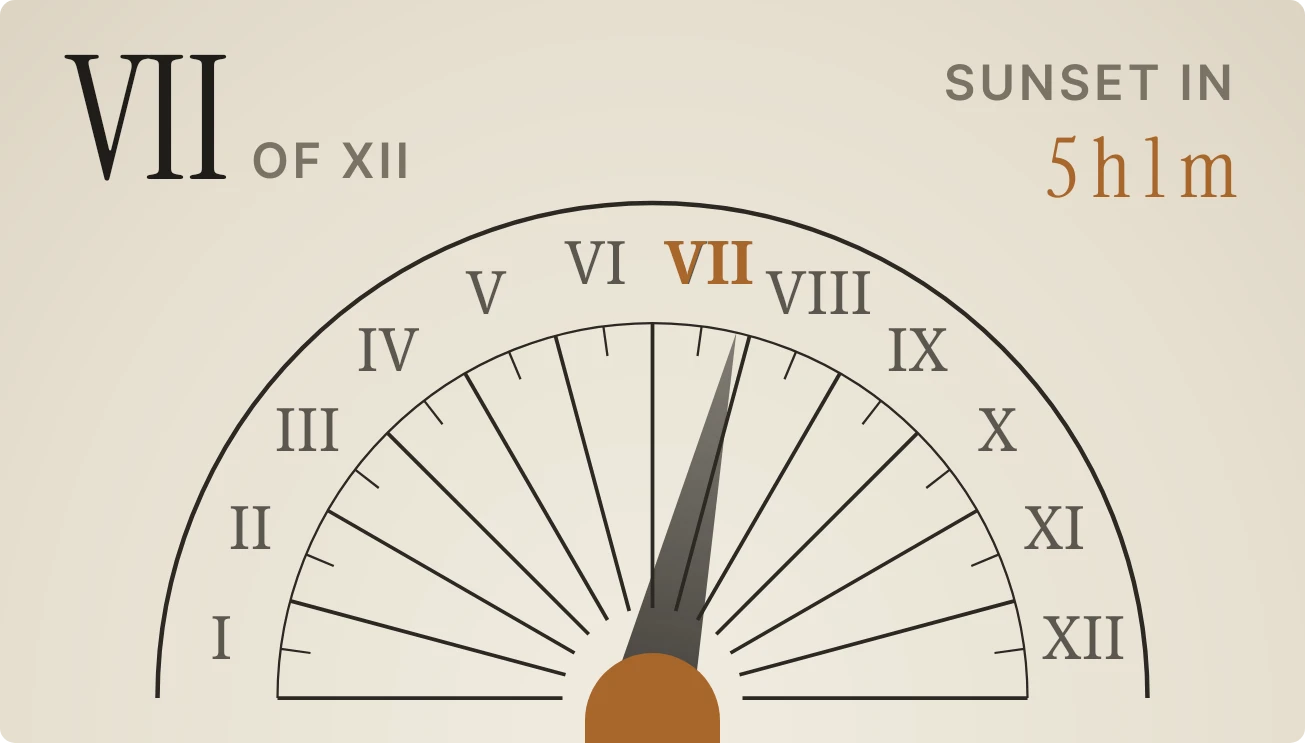
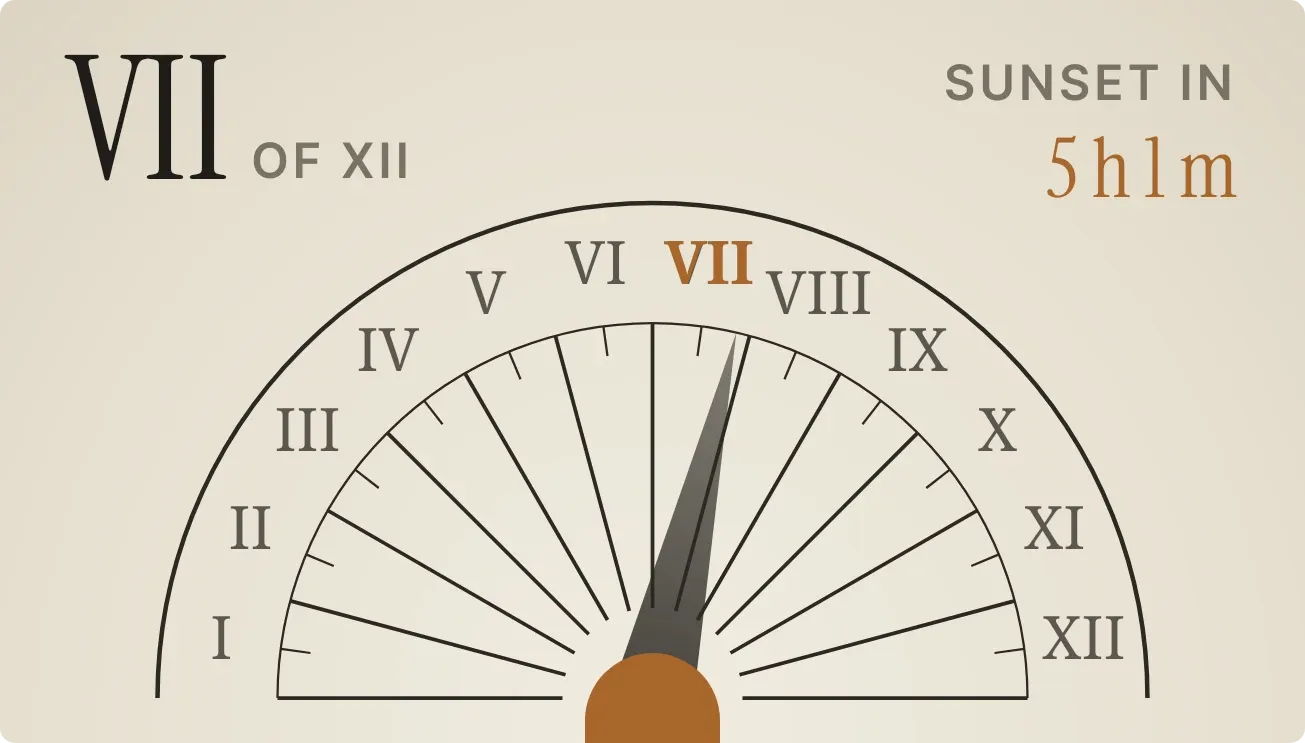
Hourwalk draws a half-circle stone dial marked with the Roman numerals I to XII on a pale parchment background. A dark shadow from a bronze post at the base swings across the dial through the day. The current hour appears large at top left, and the time until sunset appears at top right.
- Size
- 4x2 cells
- Kit
- Instruments
- Shows
- Sky
- Look
- Typographic, paper and retro
- Colours
- Cream, light background
- Good for
- Golden hour planning, photography and gardening
- Android
- 10 or newer
- Needs
- No additional permissions
- Price
- Free
Kiwi is in beta and is not on Google Play yet. Join to request an invitation.
- analog
- analog-clock
- big-numbers
- bronze
- brown
- calm
- countdown
- cream
- daylight
- dial
- minimal
- nostalgic
- orange
- retro
- roman-numerals
- serif
- shadow
- sun
- sun-dial
- sundial
- sunset
- sunset-countdown
- time
- typographic
- warm
What changes
- While the sun is up, the shadow turns from the left edge of the dial at sunrise to the right edge at sunset, and the numeral it points to turns bold bronze.
- The large numeral at top left shows the current hour, followed by the words of XII. Daylight is split into twelve equal parts, so each hour is a twelfth of the day.
- During the day, the top right reads Sunset in, followed by the time left in hours and minutes, in bronze.
- After sunset the shadow and the highlighted numeral disappear. Top left shows Nox with the words at rest, and top right shows Sunrise in with the time left.
- When the sun's times can't be worked out, the widget shows No sun with the words Set a city in bronze. Tapping it brings up Kiwi.
- Tapping the widget at any other time opens the clock.
Data and settings
- Reads the sun's position from the sky: whether it is up, how far through the day it is, and the time to the next sunset or sunrise.
- A city can be set, which the widget asks for when it has no sun times to show.
Set it up
- Open the widget in Kiwi, from its kit or from this page.
- Tap Use.
- Confirm your launcher's prompt to place it.
- If the widget shows Set a city, tap it and choose your city so it can work out sunrise and sunset.
Good to know
- Without a city or sun times, it shows only No sun and Set a city, and no hour or countdown.
- The hours are twelfths of daylight, so their length changes with the season and differs from clock hours.
- At night it shows Nox and the time to sunrise, but no hour numeral and no shadow on the dial.
- The countdown shows only the next sunset or sunrise, not other times of day.
Widgets like Hourwalk
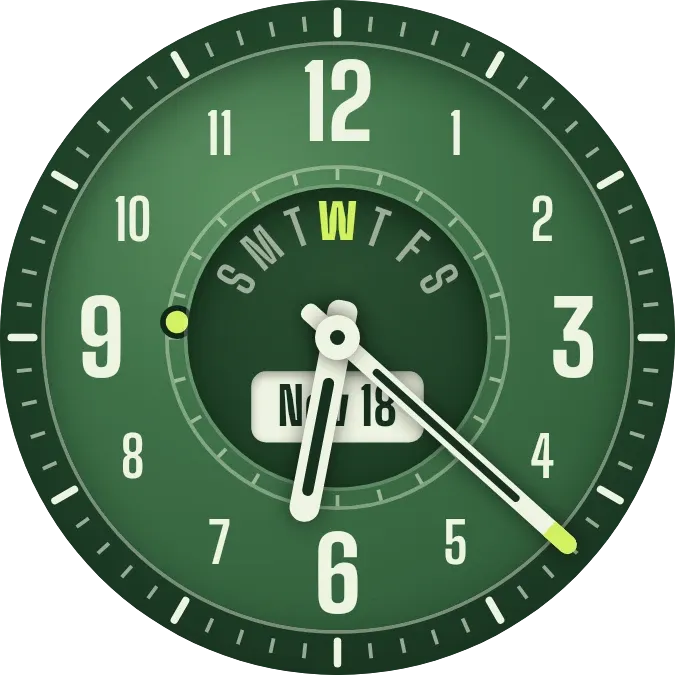 FernworksWatch Face
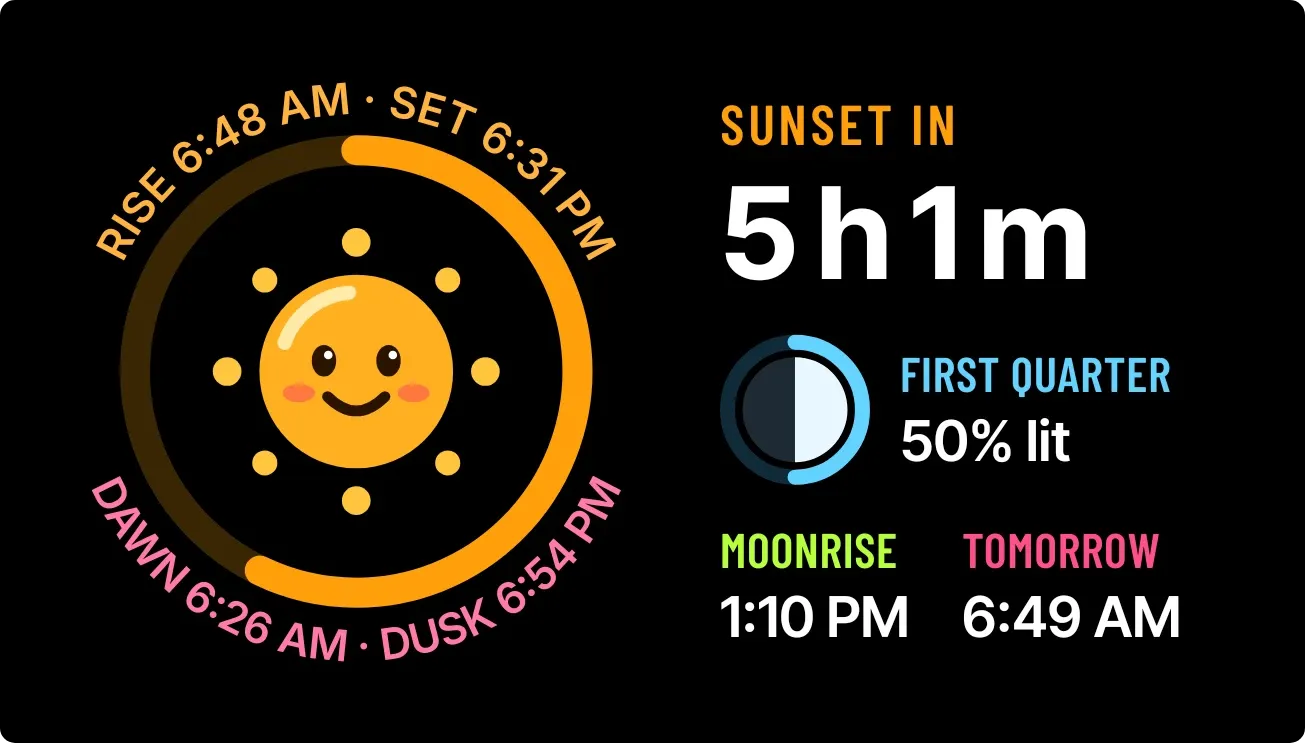 Drowsy DuskWatch Face
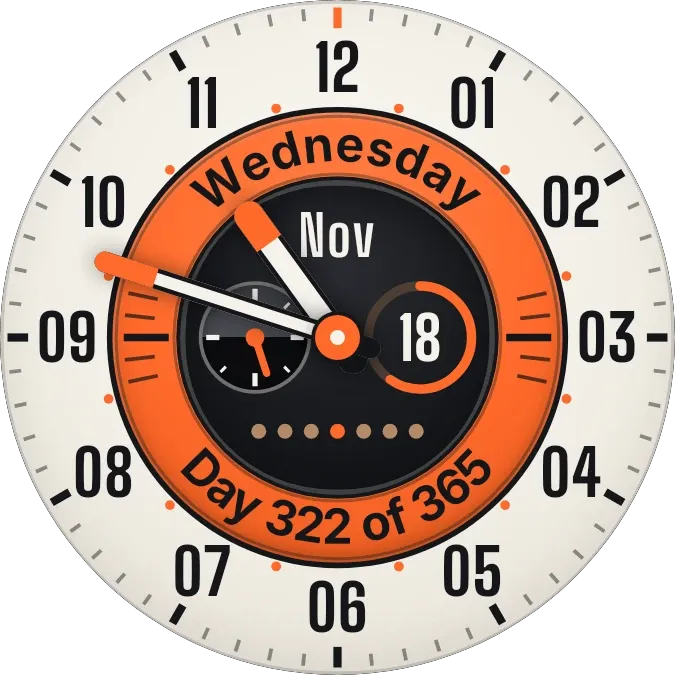 TracksideWatch Face
 SandglowScenes