Dotwheel
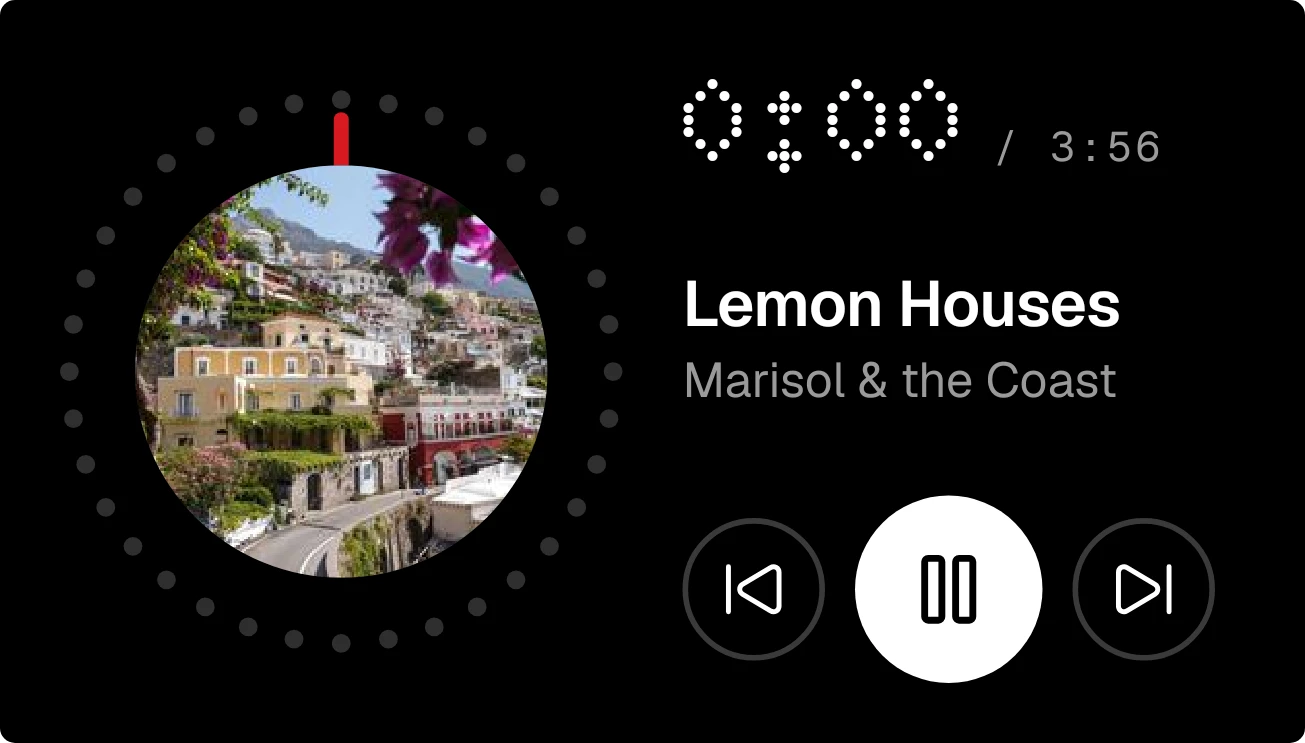
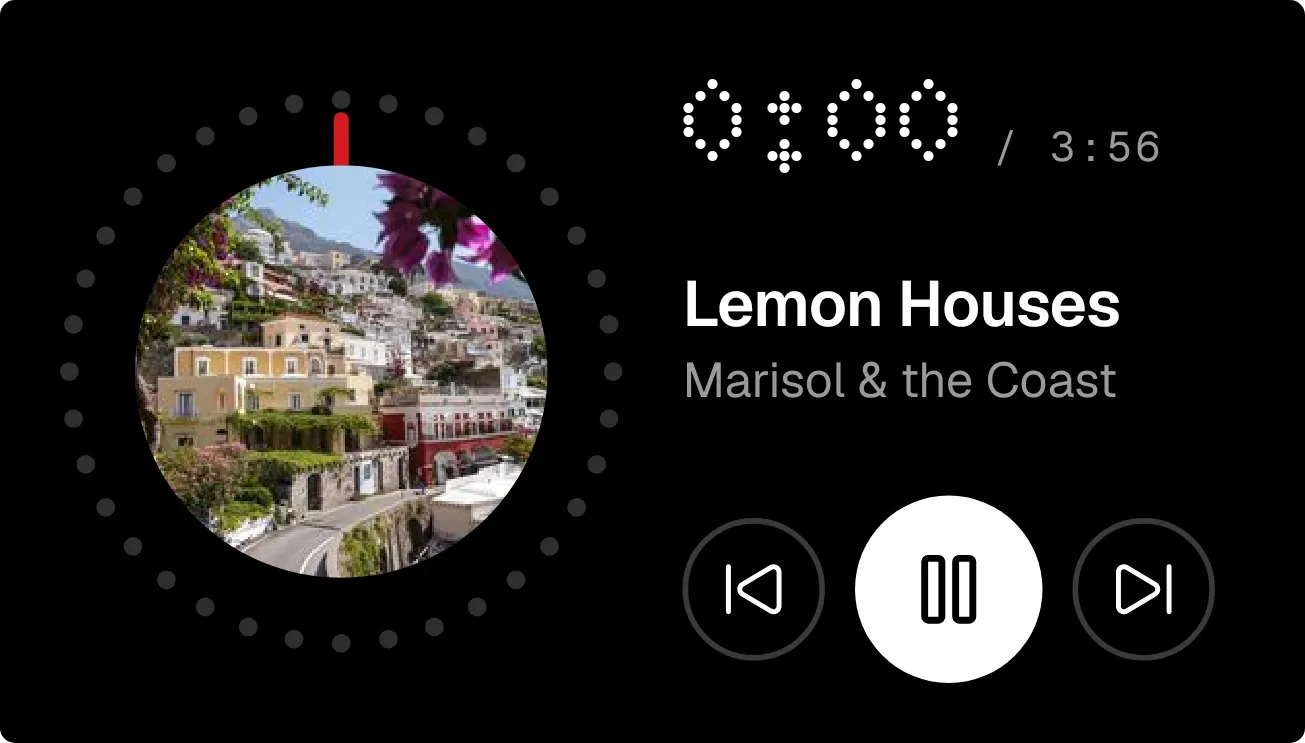
Dotwheel is a black music player panel with rounded corners. On the left, a record dial is ringed by 36 dots, with a red needle and the cover art or a disc icon in the centre. On the right are the elapsed time in dot-matrix digits, the song length, the title, the artist, and previous, pause and next buttons.
- Size
- 4x2 cells
- Kit
- Nothing
- Shows
- Now playing
- Look
- Dot matrix, minimal and monochrome
- Colours
- Black, dark background
- Looks like
- Nothing widgets
- Good for
- Commute, gym and focus music
- Android
- 10 or newer
- Needs
- Notification access
- Price
- Free
Kiwi is in beta and is not on Google Play yet. Join to request an invitation.
- big-numbers
- black
- bold
- dark
- dial
- digital
- dot-matrix
- dots
- grey
- media-controls
- minimal
- moody
- music
- music-player
- needle
- now-playing
- playback
- player
- progress
- red
- track-progress
- white
What changes
- While a song plays, the ring's dots fill in white and the needle sweeps round the dial to match how far through the song it is.
- The elapsed time counts up in dot-matrix digits, with the full song length shown beside it in small grey text.
- When playing, the needle is red and the main button shows pause. When paused, the needle turns grey and the button shows play.
- The centre of the record shows the song's cover art. If the song has none, it shows a grey disc icon.
- The previous, play or pause, and next buttons control the music. Tapping the record opens the music app.
- With nothing playing, the ring is empty, the time reads 0:00, and it says Nothing playing. Without music access it says Music is hidden, and tapping it opens Kiwi.
Data and settings
- Reads the song now playing: its title, artist, cover art, current position, length, and whether it is playing or paused.
- There is nothing to set. The widget follows whichever music is playing.
Set it up
- Open the widget in Kiwi, either from its kit or from this page.
- Tap Use.
- Confirm your launcher's prompt to place it on your home screen.
- If the widget shows Music is hidden, tap it to open Kiwi and give Kiwi Notification access so it can see what is playing.
Permissions
- Notification access, to see what's playing. Android keeps what your music apps are playing behind notification access. Only the song, artist, cover and where it's up to; never what your notifications say.
Good to know
- It needs Notification access before it can show anything that is playing.
- It shows only what your music app reports, so the title, artist, cover art or length may be missing for some songs.
- Long titles and artist names are cut off with an ellipsis rather than wrapping onto a second line.
Widgets like Dotwheel
 Ember GrooveInstruments
 Glint SpinInstruments
 Scribble DeckTactile Hardware



