Sunpane Duo
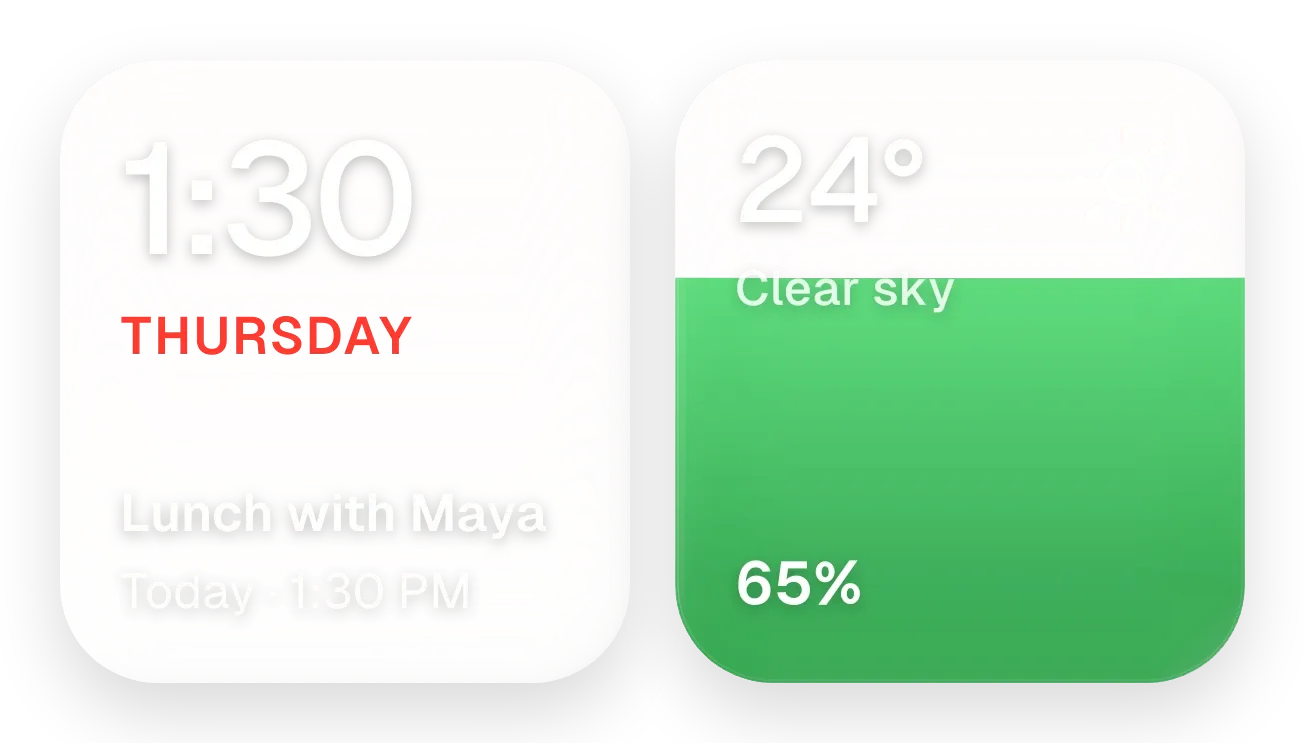
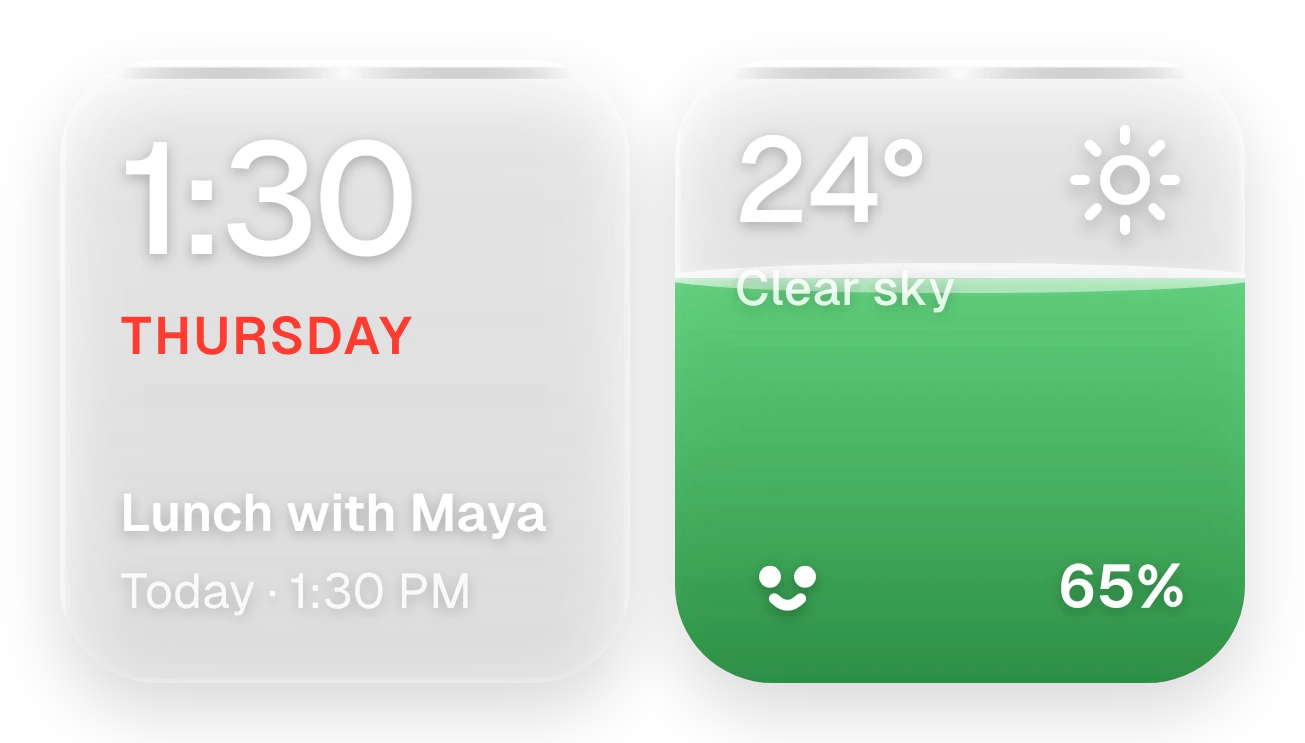
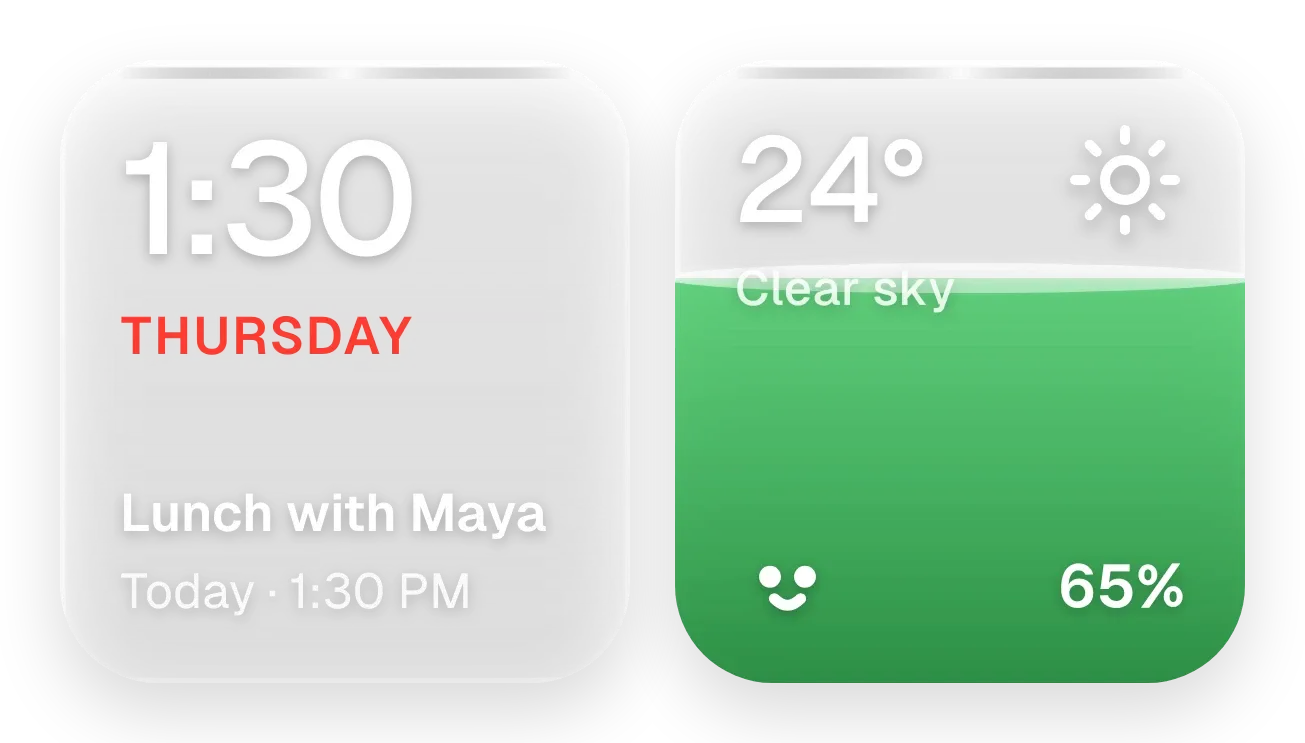
Sunpane Duo is a pair of rounded panes side by side. The frosted grey pane on the left shows the time in large white digits, the weekday in red capitals, and your next calendar event. The pane on the right shows the temperature, a sky description and a weather icon, with the battery percentage and a small face at the bottom, over a fill that rises with the charge level. In the preview the right pane is yellow.
- Size
- 4x2 cells
- Kit
- Glass
- Shows
- Battery, Calendar, Time and date, Weather
- Look
- Glass, gradient and minimal
- Colours
- Yellow and grey
- Looks like
- iPhone widgets
- Good for
- Morning routine, summer and work day
- Android
- 10 or newer
- Needs
- READ_CALENDAR (optional)
- Price
- Pro
Kiwi is in beta and is not on Google Play yet. Join to request an invitation.
- at-a-glance
- battery
- big-numbers
- bright
- calendar
- clear-sky
- clock
- colourful
- date-display
- day-of-week
- event
- forecast
- frosted-glass
- glass
- grey
- minimal
- red
- sun
- sunny
- temperature
- time
- warm
- weather
- white
- yellow
What changes
- The time and the weekday name follow the clock. The weekday is written in capital letters, such as SATURDAY.
- With an upcoming event, the grey pane shows its title, then the day and start time, such as Today · 12:00 PM. A long title is cut off with an ellipsis.
- With calendar access but no upcoming event, it shows No events and Enjoy your day. Without calendar access, it shows Calendar hidden and Tap to allow.
- The right pane fills from the bottom to match the battery level, never lower than 15 percent. The fill is green normally, red when the battery is low and yellow while charging.
- The face by the percentage changes: a smile normally, crossed-out eyes when low, and lightning-bolt eyes while charging. At 30 percent or more the percentage sits inside the fill, below that it sits above it.
- The temperature, sky description and weather icon change with conditions. Until weather is available, it shows --° and No city set. Tapping the weather area refreshes it.
Data and settings
- Reads the current time and date from your device.
- Reads your next calendar event: its title, day and start time. This needs calendar permission, which is optional.
- Reads the temperature and sky conditions for a city you set.
- Reads the battery level and whether the device is charging.
Set it up
- Open Sunpane Duo in Kiwi, either from its kit or from this page.
- Tap Use.
- Confirm your launcher's prompt to place the widget on your home screen.
- To see your next event, allow calendar access when it is requested. Without it the widget shows Calendar hidden.
- If the weather area shows No city set, set a city so the temperature and sky can appear.
Permissions
- Calendar (optional: it works without it). Your next events come from the calendar on this phone. Only the times and titles of what's coming up; never sent anywhere, and never changed.
Good to know
- Weather needs an internet connection and a city. Without them the right pane shows --° and No city set.
- Events appear only after calendar permission is allowed. Until then the widget shows Calendar hidden.
- It shows only the next event, with its title, day and start time.
- The battery shown is your device's, so the fill and percentage reflect that charge level only.
Widgets like Sunpane Duo
 Sundown PaneScenes
 Drizzle LensScenes