Morrowmint
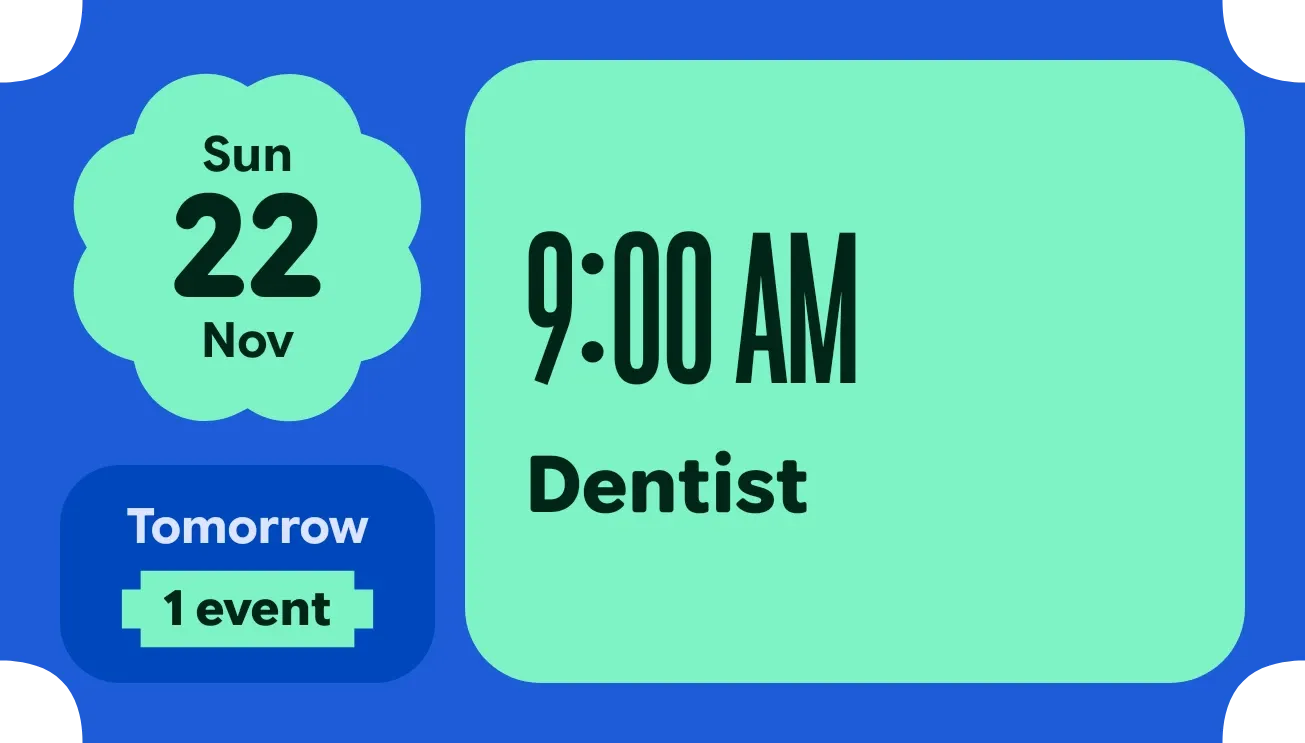
Morrowmint shows tomorrow's date and schedule on a cobalt blue background. A mint clover-shaped badge holds the day, date and month, with a Tomorrow label and an event count below it. The first event gets a large mint block with its start time in tall type and its title, and later events sit in smaller blue rows.
- Size
- 4x2 cells
- Kit
- Material Expressive
- Shows
- Calendar
- Look
- Bento, bold shapes and typographic
- Colours
- Mint and blue, dark background
- Looks like
- Pixel widgets
- Good for
- Planning tomorrow, evening planning and checking appointments
- Android
- 10 or newer
- Needs
- No additional permissions
- Price
- Free
Kiwi is in beta and is not on Google Play yet. Join to request an invitation.
- agenda
- bento
- big-numbers
- blue
- bold
- bright
- calendar
- clover
- condensed
- date-display
- day-of-week
- event-count
- material-expressive
- mint-green
- next-event
- notched-badge
- playful
- scalloped
- schedule
- tomorrow
- tomorrow-agenda
- typographic
What changes
- The date badge always shows tomorrow's weekday, day number and month, and moves on each day.
- With one event tomorrow, the first event fills the large block with its start time, title and location if it has one. The count reads 1 event.
- With two events, the first sits in a mint block and the second in a blue card below it with its time and title. The count reads 2 events.
- With three or more events, the first sits in a shorter mint block and the next two in slim rows. The count reads 3 events, or All followed by the number for four or more.
- An all-day event shows an All day label in place of a start time.
- With nothing tomorrow, the large block reads Clear day with Your schedule is open, and the count reads 0 events.
Data and settings
- Reads tomorrow's events from your calendar: start time, title, location and whether the event lasts all day.
- Nothing in it is set by the person using it. The date and events follow tomorrow automatically.
Set it up
- Open the widget in Kiwi, from its kit or from this page.
- Tap Use.
- Confirm your launcher's prompt to place it.
Good to know
- It needs access to your calendar. Without it, the widget shows Calendar off, a Locked label and a note to allow access.
- It only shows tomorrow, so today's events do not appear.
- On a day with many events, only the first three are listed. The rest are counted in the All label.
- Location appears only when tomorrow has a single event.
Widgets like Morrowmint
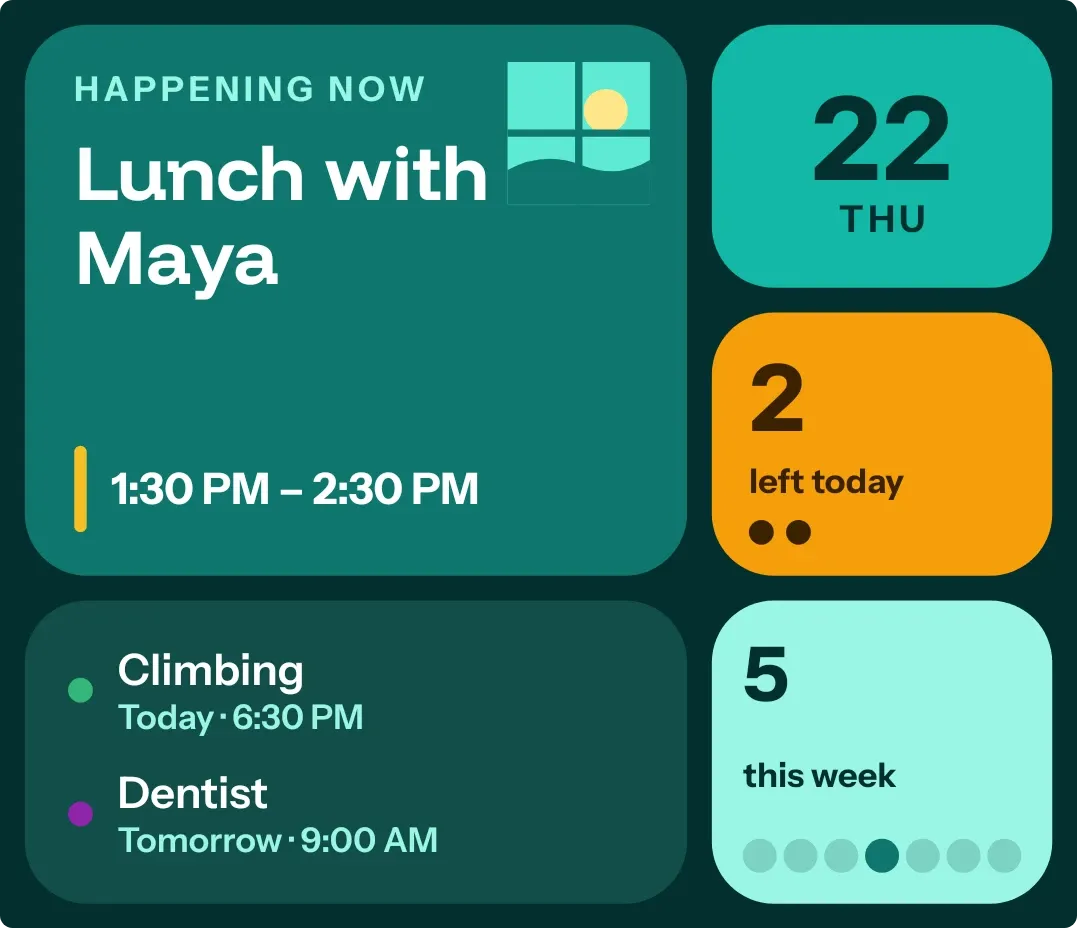 Window SeatBento
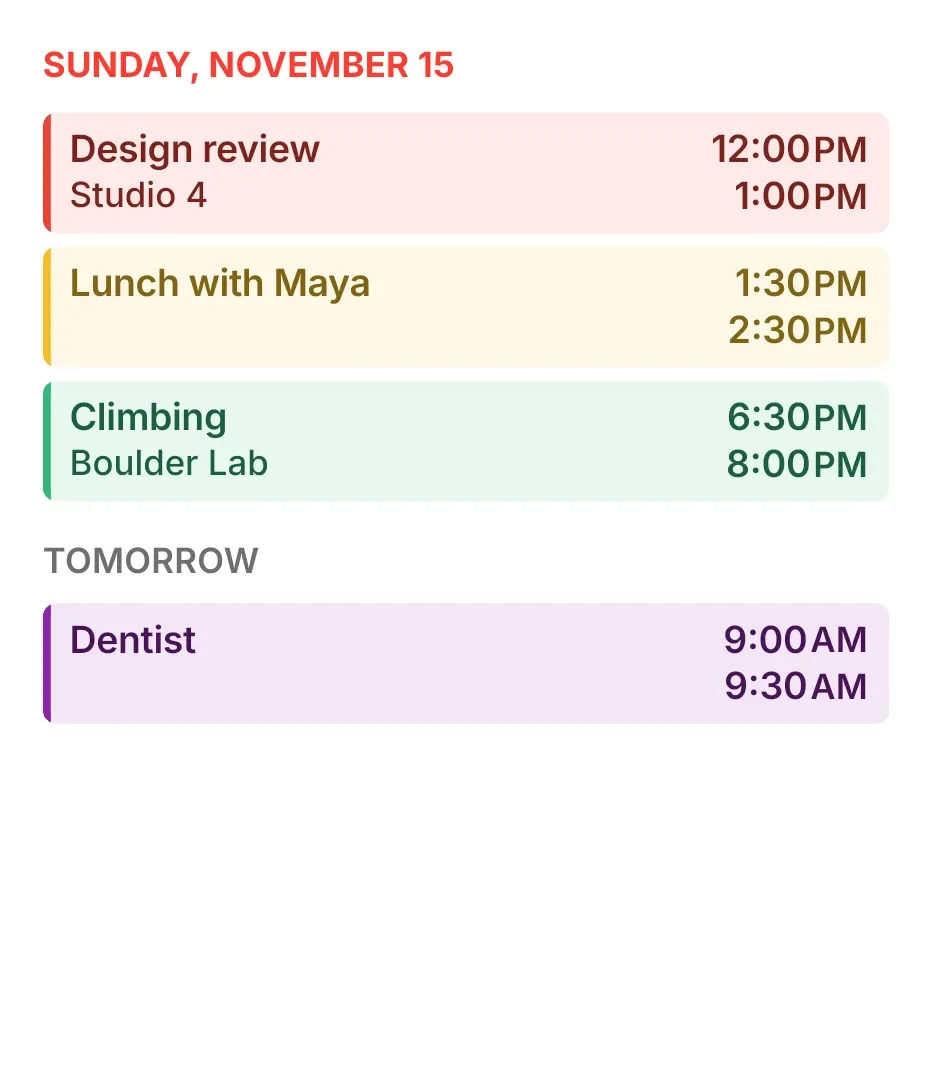 Tint AgendaiOS & macOS
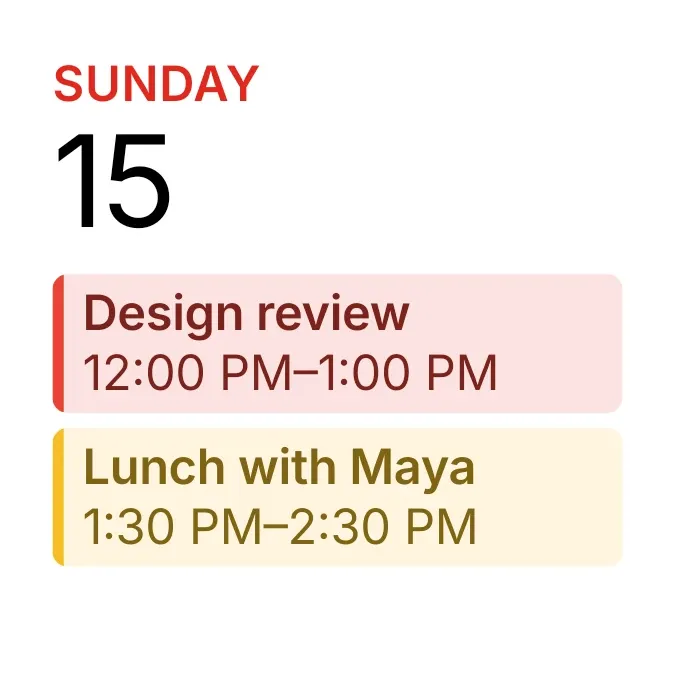 Tinted AgendaiOS & macOS
 Sherbet GridBento



