Sunset Overcast
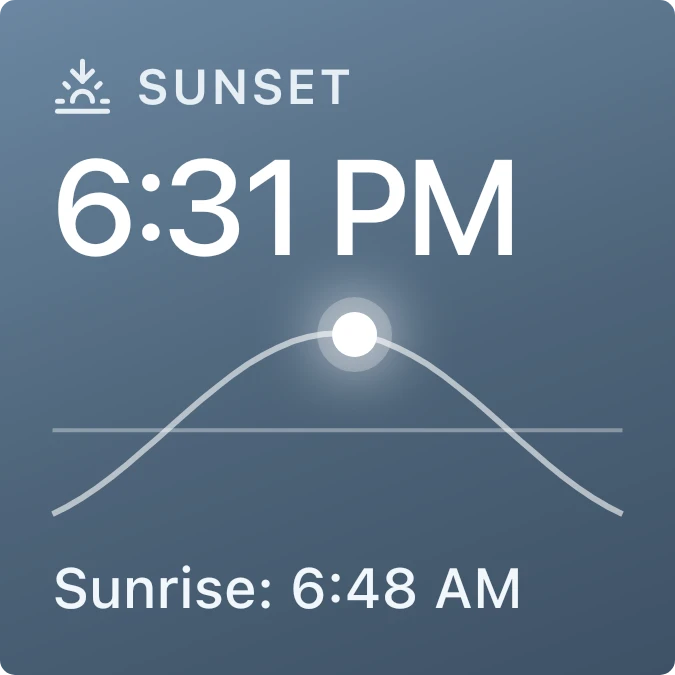
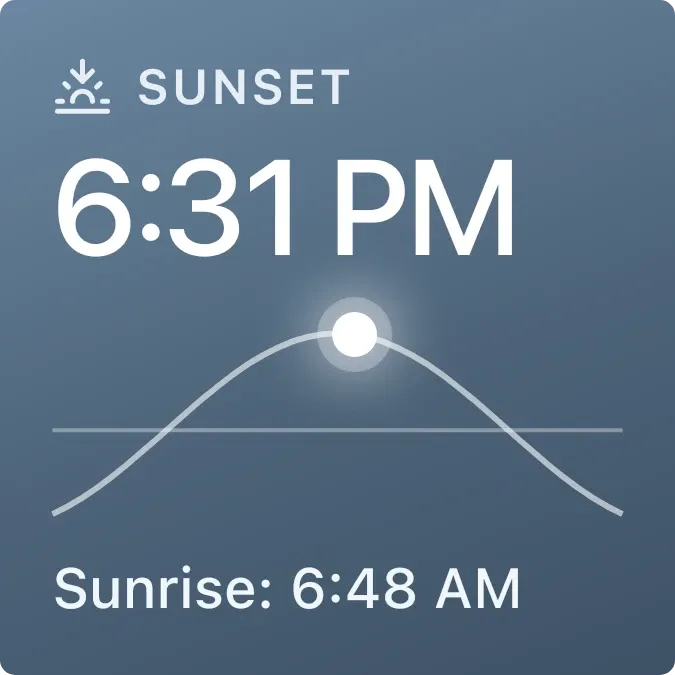
Shows today's sunset time in large white numbers on a blue-grey gradient, under a small sunset icon and the label Sunset. Below it, a thin arc crosses a horizontal horizon line, with a glowing white sun marking where the sun is in its path. The sunrise time sits along the bottom.
- Size
- 2x2 cells
- Kit
- iOS & macOS
- Shows
- Sky
- Look
- Gradient and minimal
- Colours
- Blue and grey, light background
- Looks like
- iPhone widgets
- Good for
- Photography
- Android
- 10 or newer
- Needs
- No additional permissions
- Price
- Free
Kiwi is in beta and is not on Google Play yet. Join to request an invitation.
- ios
- sun
- sunset
What changes
- The large time at the top is today's sunset, and the line at the bottom reads Sunrise followed by today's sunrise time.
- The glowing sun moves along the arc from left to right as the day goes on, rising on the left side and dropping on the right.
- When the sun is outside the daylight stretch, no sun marker is drawn on the arc.
- If no city is set, the time, arc and sunrise line are replaced by the message Set a city in Kiwi, with a note that sunset needs a weather city.
Data and settings
- Reads the sky data for your weather city: today's sunset time, sunrise time and how far through the day the sun is.
- City: the weather city it uses to work out the sun, which you set in Kiwi.
Set it up
- Open the widget in Kiwi, either from its kit or from this page.
- Tap Use.
- Confirm your launcher's prompt to place it on your home screen.
- If the widget shows Set a city in Kiwi, set a weather city in Kiwi so it can work out the sun.
Good to know
- It needs a weather city before it can show any times. Without one it only shows the Set a city in Kiwi message.
- The sun moves along the arc in small steps rather than smoothly, so its position is approximate.
- The times and sun position depend on the city you choose, not on where your phone is.
Widgets like Sunset Overcast
 Sundown PaneScenes
 Last LightScenes
 SandglowScenes



