Light Digital Clock
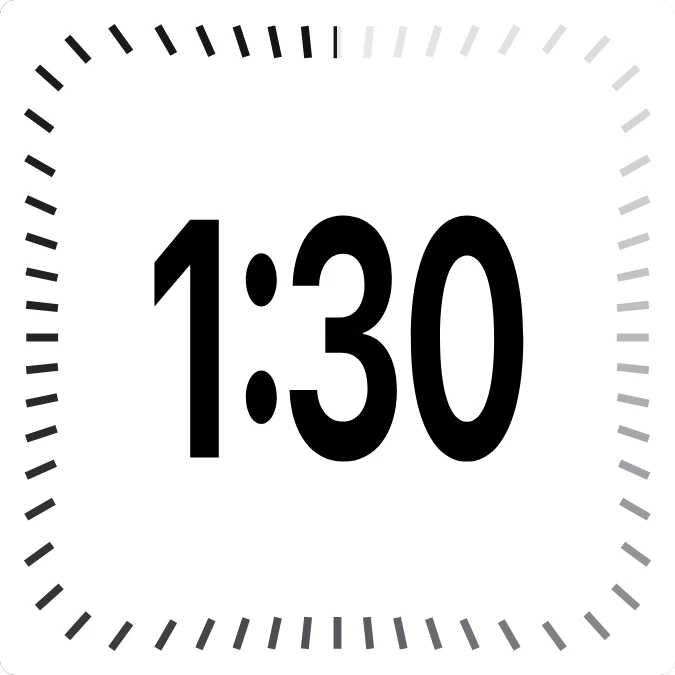
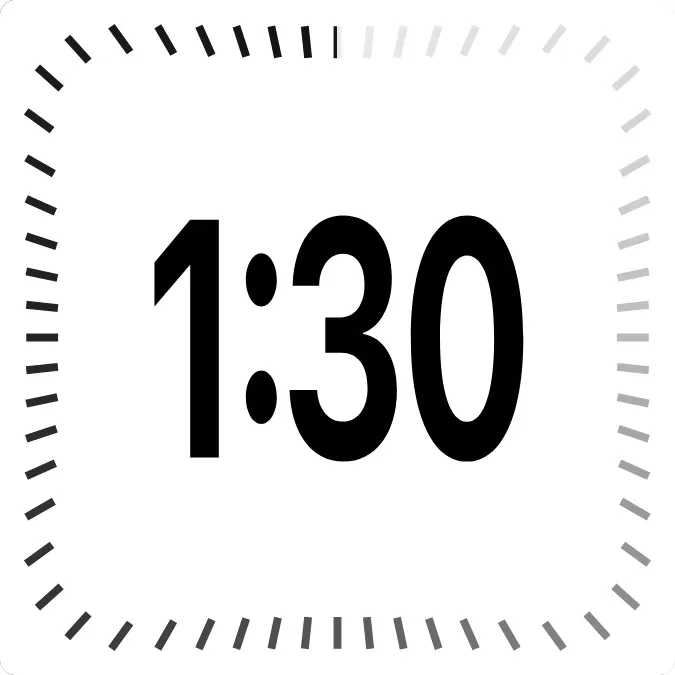
Light Digital Clock shows the current time in large black numerals on a plain white square. Sixty short ticks run around the edge in a rounded square. They shade from pale grey to near black, so the edge reads as a gradual sweep.
- Size
- 2x2 cells
- Kit
- iOS & macOS
- Shows
- Time and date
- Look
- Minimal, typographic and monochrome
- Colours
- White, light background
- Looks like
- iPhone widgets
- Good for
- Everyday
- Android
- 10 or newer
- Needs
- No additional permissions
- Price
- Free
Kiwi is in beta and is not on Google Play yet. Join to request an invitation.
- clock
- digital
- ios
What changes
- The time in the centre updates as the time changes, in a form such as 1:30.
- The shading on the ticks turns around the edge in step with the seconds, so the darkest ticks move continuously.
- Tapping the widget opens the clock.
Data and settings
- Reads the current time.
- Nothing to set.
Set it up
- Open the widget in Kiwi, from its kit or from this page.
- Tap Use.
- Confirm your launcher's prompt to place it on your home screen.
Widgets like Light Digital Clock
 LightwordInstruments



