Music Small
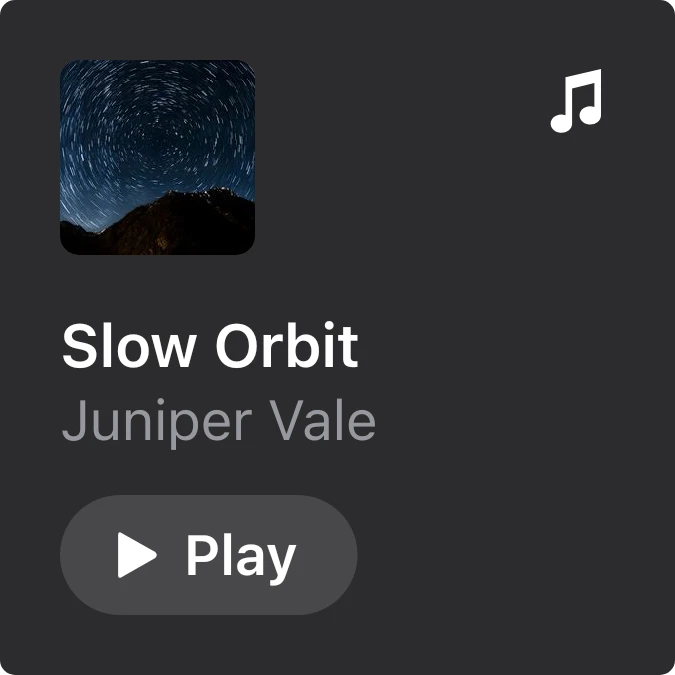
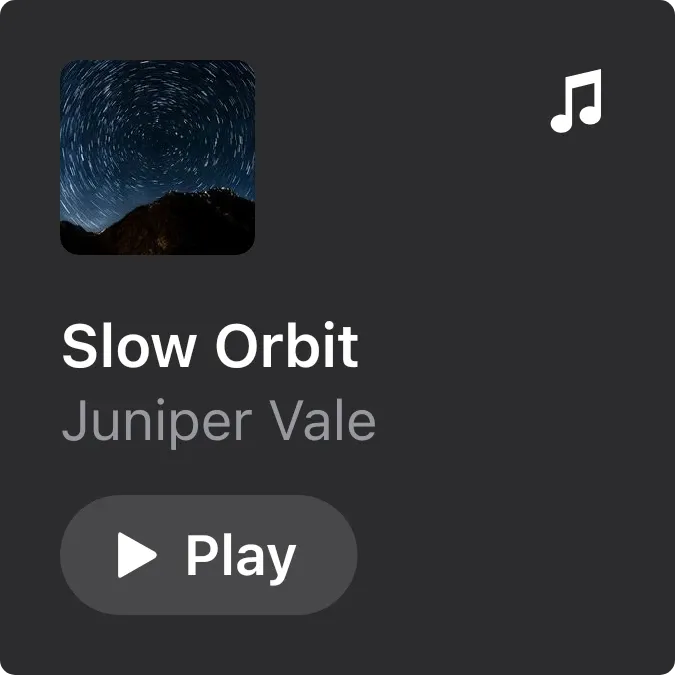
A small dark card that shows the album art of the current track in a rounded square at the top left, with a music note at the top right. Below it are the track title in white, the artist in grey, and a rounded Play or Pause button.
- Size
- 2x2 cells
- Kit
- iOS & macOS
- Shows
- Now playing
- Look
- Minimal and monochrome
- Colours
- Black and grey, dark background
- Looks like
- iPhone widgets
- Good for
- Commute
- Android
- 10 or newer
- Needs
- No additional permissions
- Price
- Free
Kiwi is in beta and is not on Google Play yet. Join to request an invitation.
- ios
- music
What changes
- While music is playing, it shows the track title and artist and a Pause button. Tapping the button pauses the track.
- When the music is paused, the button changes to Play. Tapping it resumes the track.
- If the track has no album art, the square shows a grey music note instead of a cover.
- When nothing is playing, it reads Nothing playing and Open a music app. Tapping the card or its Play button opens your music app.
- If music access is off, it reads Music access is off and Allow it in Kiwi, with an Allow button.
- Titles and artist names that are too long for the card are cut off with an ellipsis.
Data and settings
- Reads the title, artist and album art of the track that your music app is currently playing.
- Reads whether that track is playing or paused, so the button shows the right action.
- Has no options to set.
Set it up
- Open the widget in Kiwi, either from its kit or from this page.
- Tap Use.
- Confirm your launcher's prompt to place it on your home screen.
Good to know
- It only shows music that a music app is playing. With nothing playing, it shows a prompt to open one.
- It needs music access to be allowed. Until then it shows the Allow prompt instead of a track.
- Long track titles and artist names are shortened to fit on one line each.
Widgets like Music Small
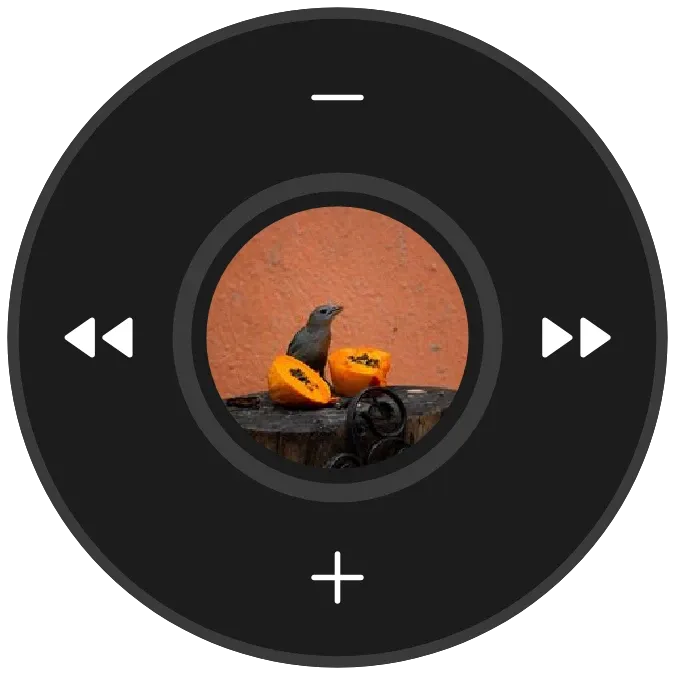 Ruby LoopNothing
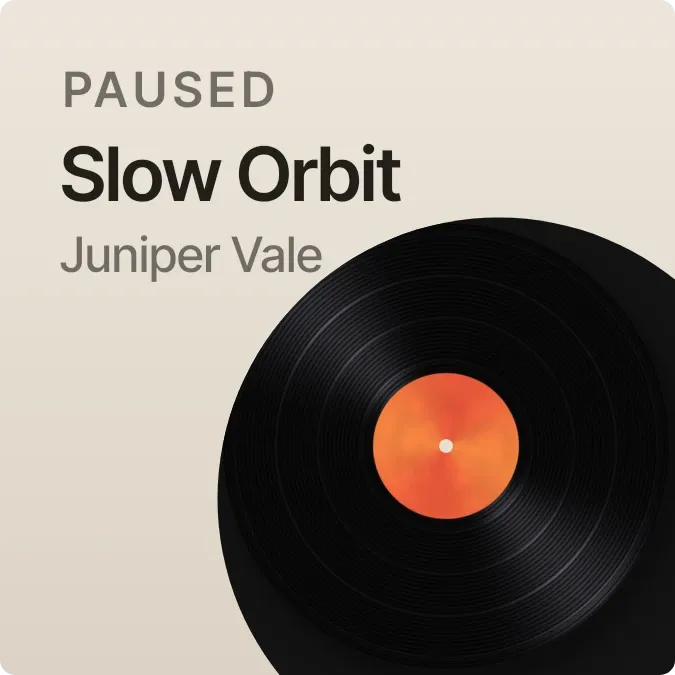 Ember GrooveInstruments
 Glint SpinInstruments
 DotwheelNothing



