Amber Chatter
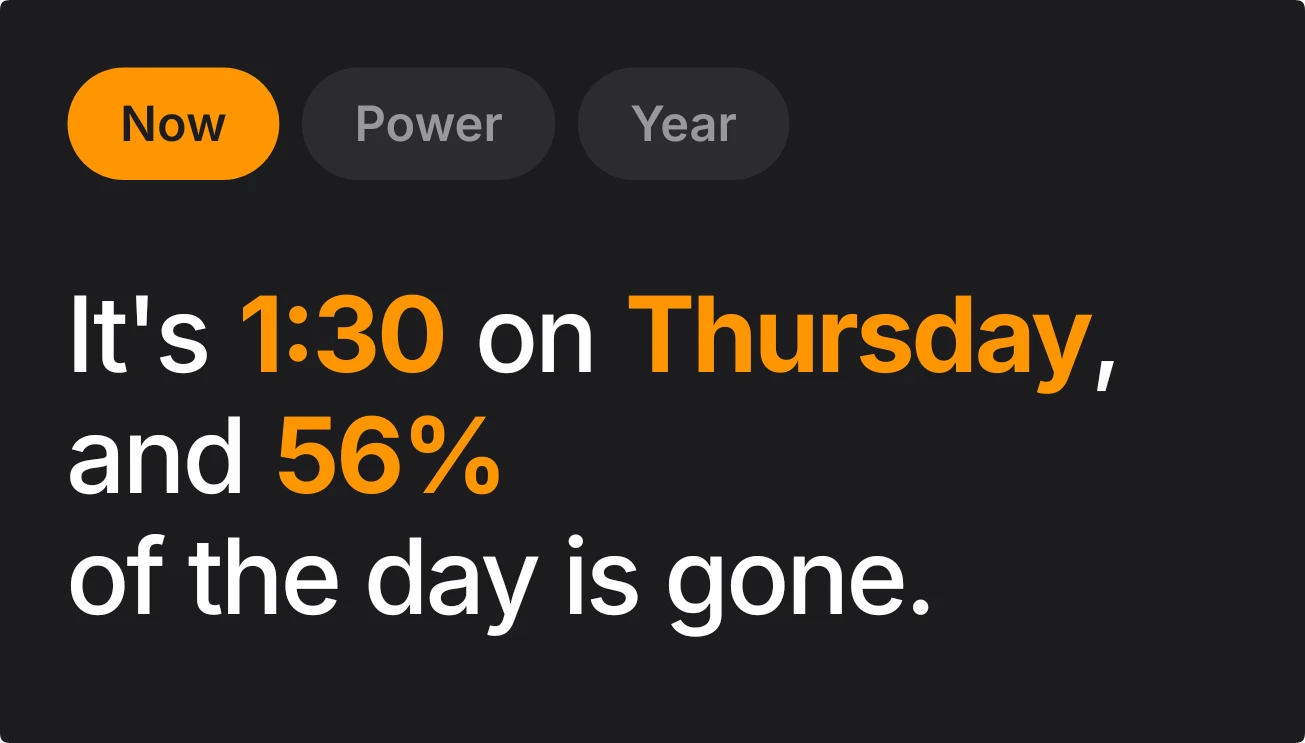
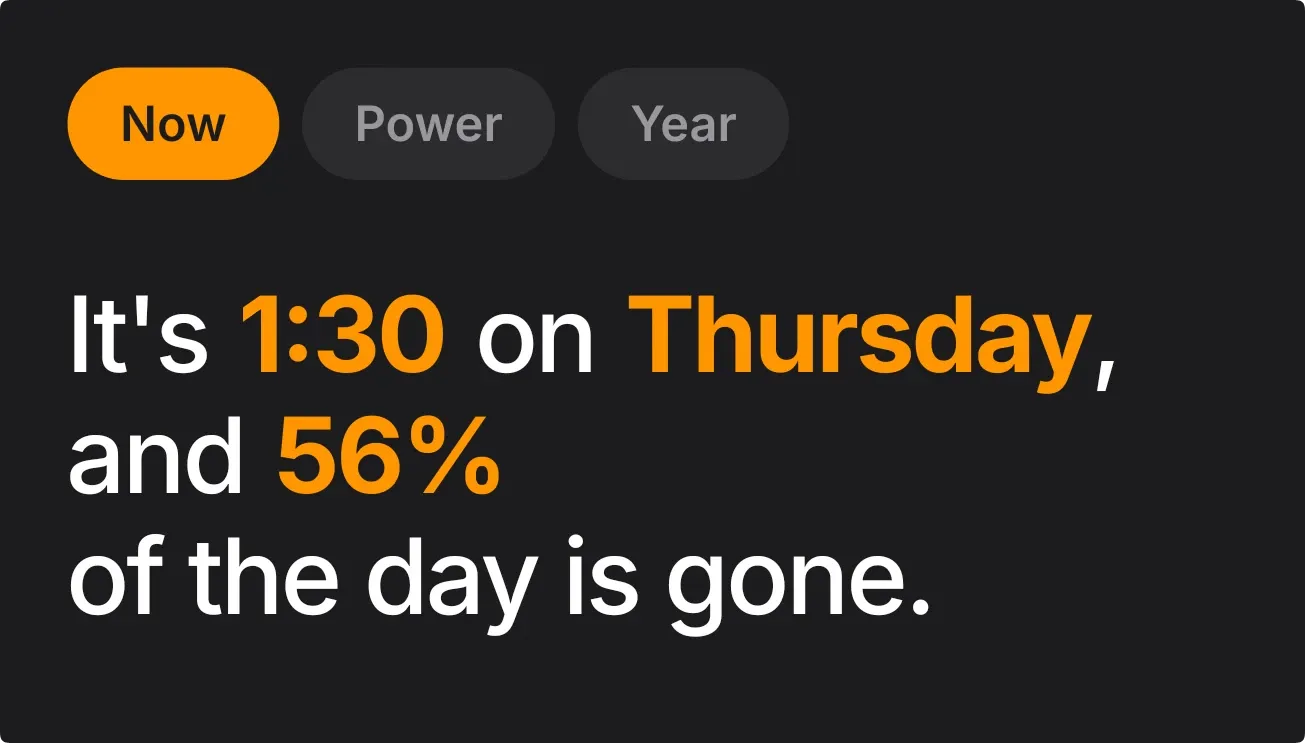
Amber Chatter is a dark rounded card with three pill tabs along the top: Now, Power and Year. Below them, one sentence in large white text with key figures picked out in amber reads like a friend talking. The Now tab gives the time, the weekday and how much of the day has gone.
- Size
- 4x2 cells
- Kit
- iOS & macOS
- Shows
- Battery, state, Time and date
- Look
- Typographic, minimal and bold shapes
- Colours
- Black, dark background
- Looks like
- iPhone widgets
- Good for
- Daily routines, productivity and morning check
- Android
- 10 or newer
- Needs
- No additional permissions
- Price
- Free
Kiwi is in beta and is not on Google Play yet. Join to request an invitation.
- amber
- big-words
- black
- bold
- clock
- conversational
- dark
- day-of-week
- day-of-year
- day-progress
- digital
- minimal
- minimal-typography
- orange
- percentage
- pills
- rounded
- sentence
- tabs
- text
- time
- time-of-day
- typography
- warm
- white
What changes
- The Now tab is the one showing at first. It reads, for example, "It's 8:00 on Saturday, and 33% of the day is gone."
- Tapping Now, Power or Year switches the sentence. The selected tab turns solid amber and the other two go dark grey.
- On Power while charging, it says your phone is at a given percentage and charging.
- On Power when the battery is low, it says the battery is down to that percentage and that it is time to plug in.
- On Power when not charging and not low, it says your phone is at a given percentage and running on battery.
- On Year, it gives the day number of the year, the total days in the year and how many days are still to go.
Data and settings
- Reads the current time, including how much of the day has passed, for the Now tab.
- Reads the current date for the weekday and the Year tab's day counts.
- Reads the battery level and whether the phone is charging or low for the Power tab.
- The three tabs are the only thing you can choose: Now, Power or Year.
Set it up
- Open the widget in Kiwi, from its kit or from this page.
- Tap Use.
- Confirm your launcher's prompt to place it on your home screen.
Good to know
- It shows one sentence at a time, so you need to tap a tab to see the time, battery or year.
- The Power tab only describes the battery as charging, low or running on battery, plus the percentage.
- The percentage of the day gone is rounded to a whole number.
Widgets like Amber Chatter
 Ember LadderNothing
 Lime QuartetWatch Face
 WeektraceNothing
 DayturnOne UI



