Ember Ladder
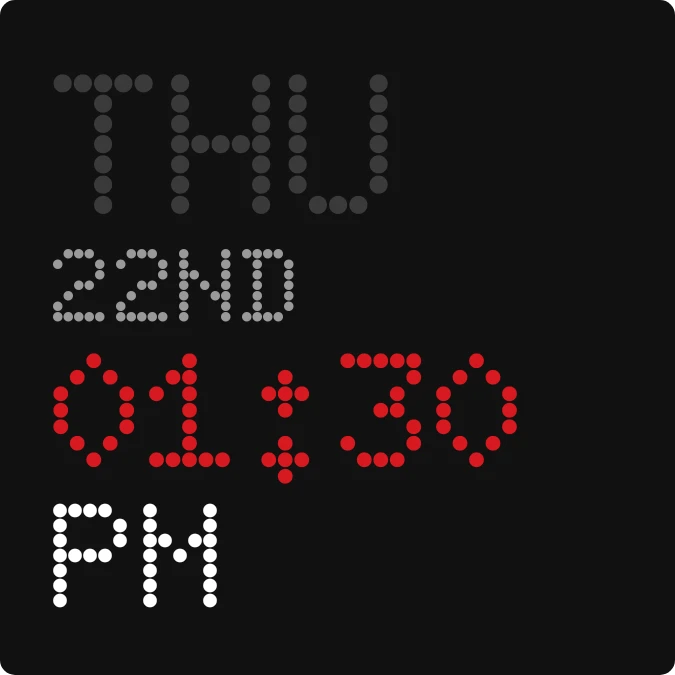
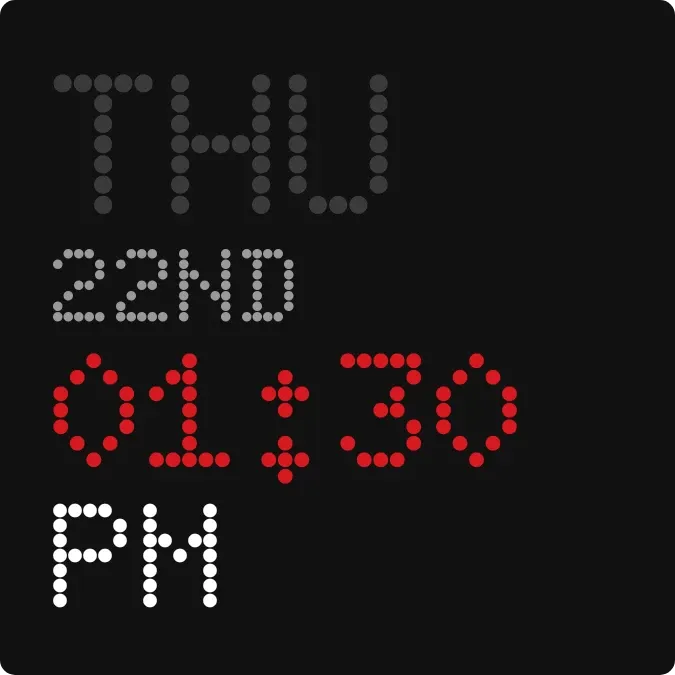
Ember Ladder stacks the weekday, the date and the time in a dot-matrix typeface on a black rounded square. The weekday is in dark grey, the date as an ordinal such as 22ND in lighter grey, and the hours and minutes in red. AM or PM sits in white beneath.
- Size
- 2x2 cells
- Kit
- Nothing
- Shows
- Time and date
- Look
- Dot matrix, typographic and retro
- Colours
- Black, dark background
- Looks like
- Nothing widgets
- Good for
- Bedside, desk and everyday time check
- Android
- 10 or newer
- Needs
- No additional permissions
- Price
- Free
Kiwi is in beta and is not on Google Play yet. Join to request an invitation.
- big-numbers
- black
- dark
- date
- day-of-week
- digital-clock
- dot-matrix
- dot-matrix-clock
- dots
- grey
- led
- minimal
- red
- red-dot-clock
- time
- typographic
- white
What changes
- The weekday shows as a three-letter abbreviation, such as THU, and changes when the day changes.
- The date shows as an ordinal number, such as 22ND, and changes at the start of a new day.
- The hours and minutes show in red with a two-digit hour, such as 01:30, and change as the time passes.
- With a 12-hour clock, AM or PM shows in white under the time.
- With a 24-hour clock, a dim grey HRS replaces AM or PM.
- Tapping the widget opens the clock.
Data and settings
- Reads the current time and date from the device.
- Follows the device's 12-hour or 24-hour clock setting.
- It has no options to set.
Set it up
- Open Ember Ladder in Kiwi, from its kit or from this page.
- Tap Use.
- Confirm your launcher's prompt to place it on your home screen.
Good to know
- It shows the time as hours and minutes only, with no seconds.
- The weekday and date are always in capital letters, in English abbreviations such as THU and 22ND.
Widgets like Ember Ladder
 Pip CircuitWatch Face
 Ember AbacusInstruments



