Dash Ten
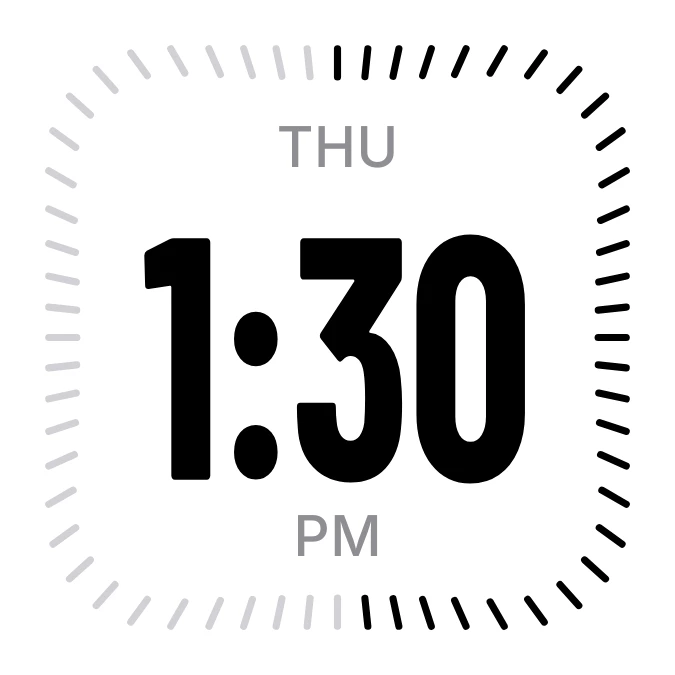
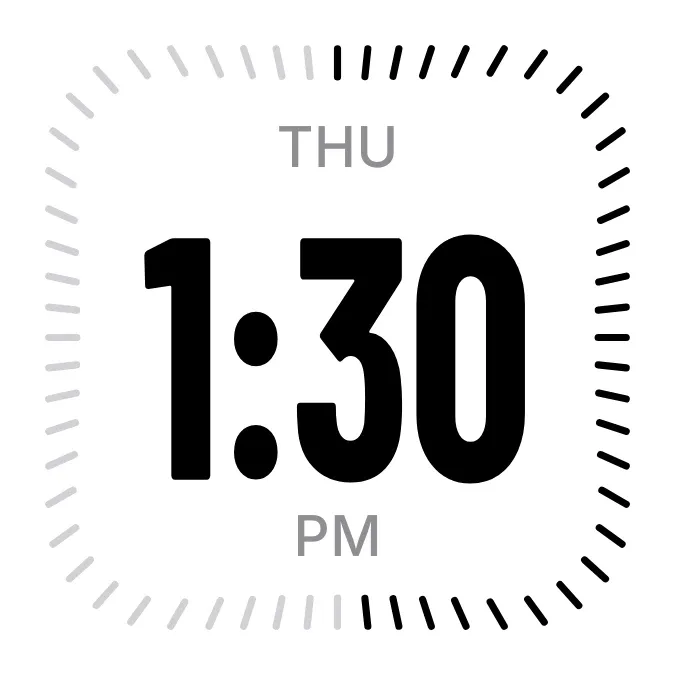
Dash Ten shows the current time in large, heavy black digits on a white rounded square. The weekday sits in small grey capitals above the time, and a ring of 60 short dashes runs around the edge. The dashes turn from light grey to black as the minutes of the hour pass.
- Size
- 2x2 cells
- Kit
- iOS & macOS
- Shows
- Time and date
- Look
- Minimal, typographic and bold shapes
- Colours
- White and black, light background
- Looks like
- iPhone widgets
- Good for
- Everyday, work and study
- Android
- 10 or newer
- Needs
- No additional permissions
- Price
- Free
Kiwi is in beta and is not on Google Play yet. Join to request an invitation.
- big-numbers
- black-and-white
- bold
- clean
- clean-digital-clock
- clock
- condensed
- dial
- digital-clock
- grey
- macos
- minimal
- minute
- minute-ticks
- monochrome
- night
- progress
- round
- time
- time-of-day
- typographic
- white
What changes
- The time updates with the clock. Hours from 10 onward use slightly smaller, narrower digits so the longer time fits.
- The dashes start the hour all grey. Each minute that passes turns one more dash black, clockwise from the top.
- When the minute count returns to zero, every dash goes back to grey and the ring starts again.
- In 12-hour format, AM or PM appears in small grey capitals below the time.
- In 24-hour format, the date appears in that spot instead, as day and short month, such as 11 Nov.
- The weekday above the time changes when the day changes.
Data and settings
- Reads the current time, including whether it is in 12-hour or 24-hour format.
- Reads the current date for the weekday and, in 24-hour format, the day and month.
Set it up
- Open the widget in Kiwi, from its kit or from this page.
- Tap Use.
- Confirm your launcher's prompt to place it on your home screen.
Good to know
- The ring counts minutes only. It does not show seconds, and it does not show the hour.
Widgets like Dash Ten
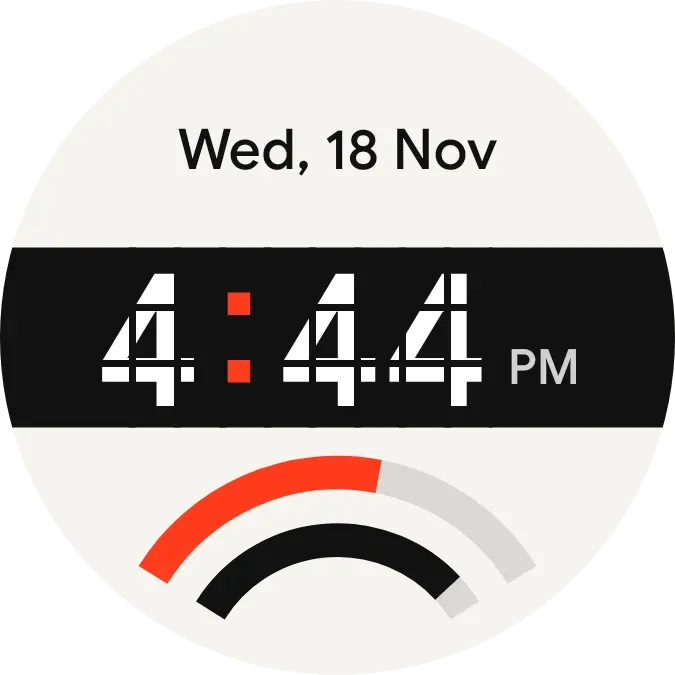 Stencil TempoWatch Face
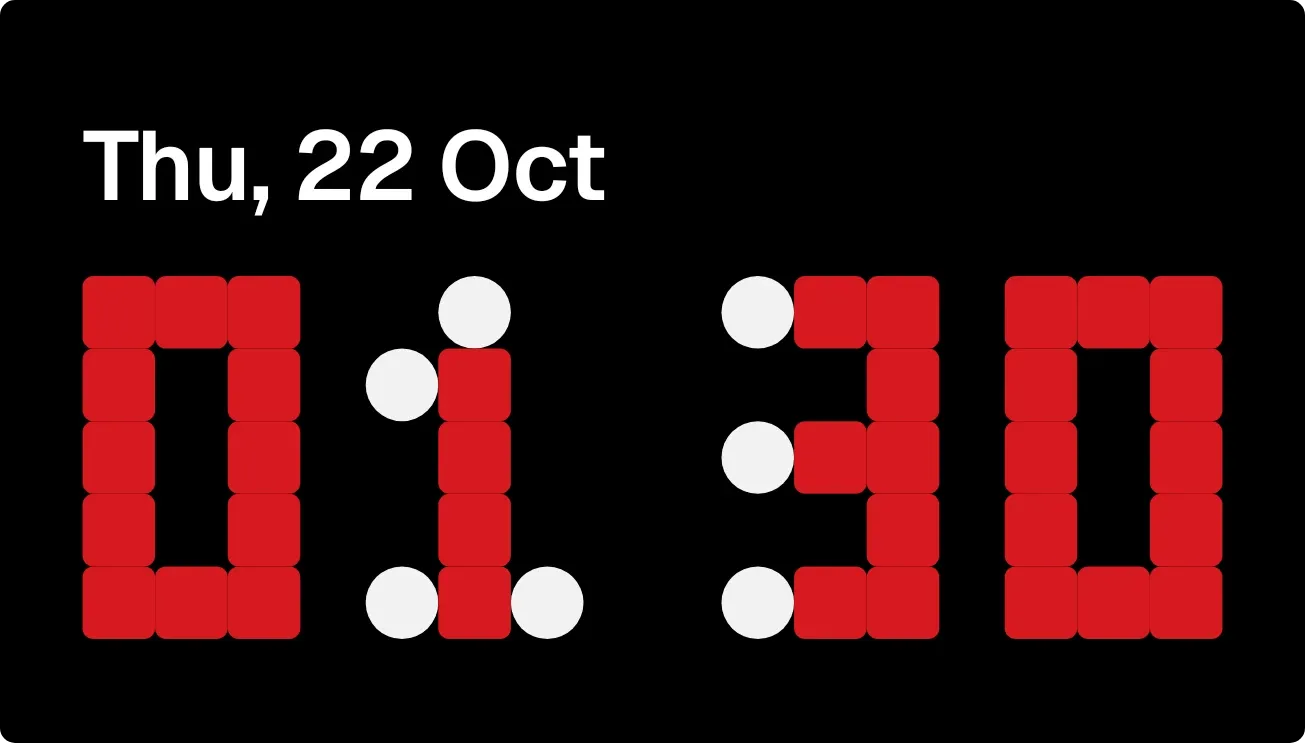 Loose EndsNothing
 RimrunnerWatch Face
 NightspokeWatch Face



