Sunrise Night
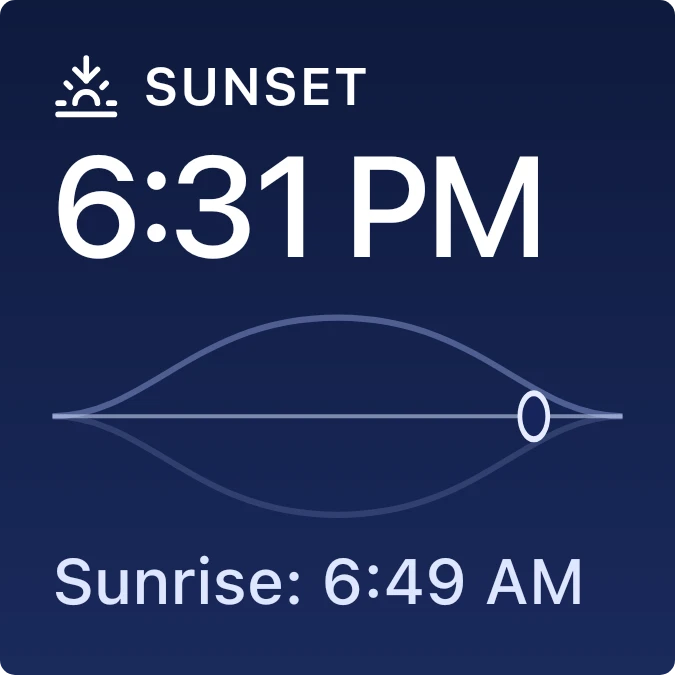
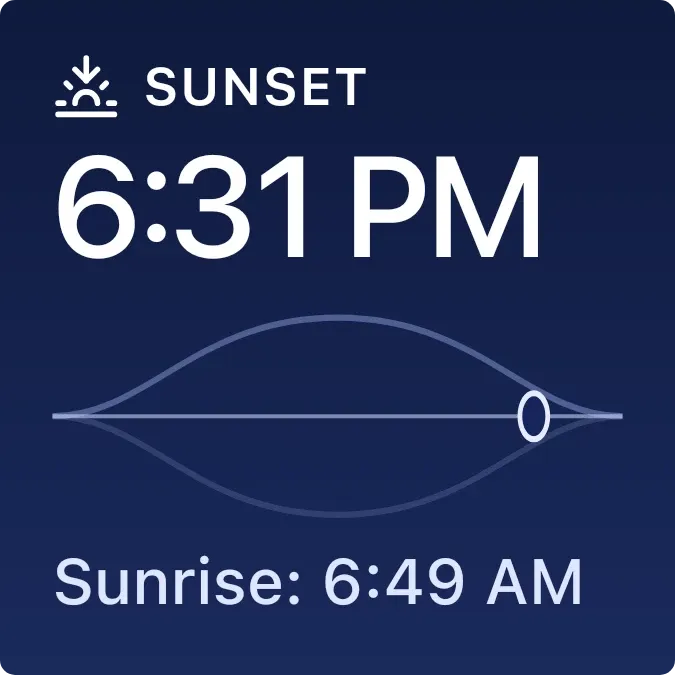
Sunrise Night shows the next sun event for your city on a midnight blue gradient. A small icon and label sit above a large time, and a second line below gives the other event. Between them, a thin arc crosses a horizontal line, with an oval marker near the right end.
- Size
- 2x2 cells
- Kit
- iOS & macOS
- Shows
- Sky
- Look
- Gradient and minimal
- Colours
- Blue and black, dark background
- Looks like
- iPhone widgets
- Good for
- Morning routine
- Android
- 10 or newer
- Needs
- No additional permissions
- Price
- Free
Kiwi is in beta and is not on Google Play yet. Join to request an invitation.
- ios
- sun
- sunrise
What changes
- When sunrise is the next event, it shows a sunrise icon, the label Sunrise and the sunrise time in large type. The line below reads Sunset followed by the sunset time.
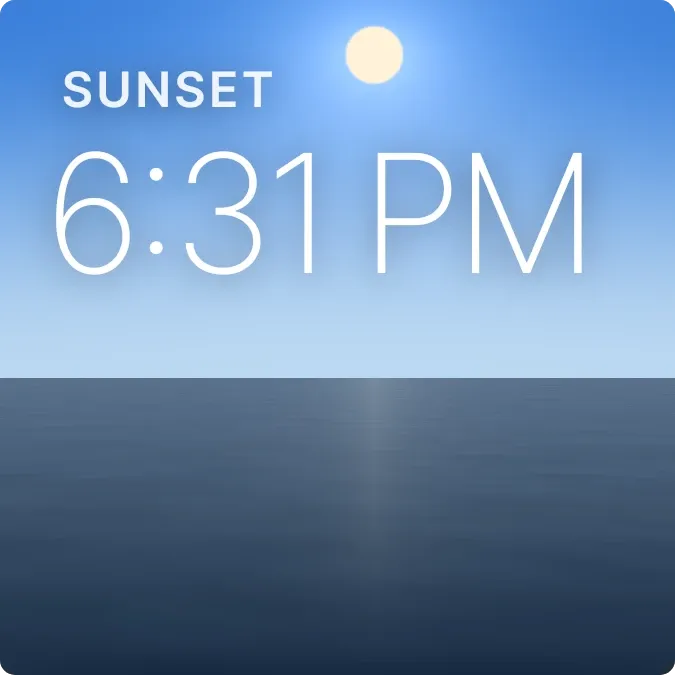
- When sunset is the next event, it shows a sunset icon, the label Sunset and the sunset time in large type. The line below reads Sunrise followed by tomorrow's sunrise time.
- If it can't work out the sun's times, the times and arc are replaced by the message Set a city in Kiwi, with the note Needed to find the sun.
Data and settings
- Reads: sunrise and sunset times for your city, taken from the sky.
- City: set in Kiwi. The widget needs it to find the sun.
Set it up
- Open the widget in Kiwi, from its kit or from this page.
- Tap Use.
- Confirm your launcher's prompt to place it.
- Set a city when the widget asks for one, so it can show the sun's times.
Good to know
- Without a city, it shows only the Set a city in Kiwi message and no times.
- It shows one event in large type and the other in the line below, so you see only the next sunrise and sunset.
Widgets like Sunrise Night
 Sundown PaneScenes
 Sky SeamPlayful
 Last LightScenes



