Hourly Weather Night
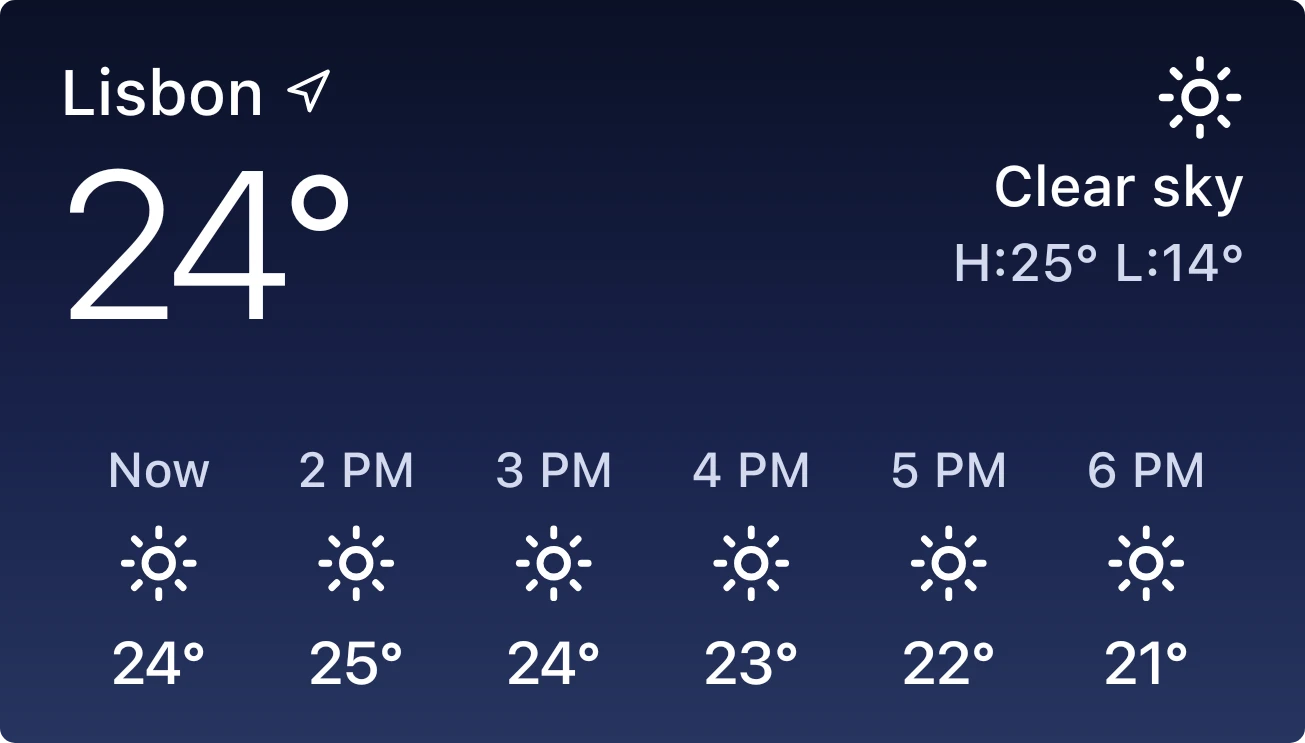
Hourly Weather Night shows the current weather on a dark blue gradient card that fades from navy at the top to a lighter slate blue at the bottom. The top shows the city name with a location arrow and a large temperature, with a weather icon, the condition and the day's high and low on the right. A row of six columns below lists Now and the next hours, each with an icon and a temperature.
- Size
- 4x2 cells
- Kit
- iOS & macOS
- Shows
- Weather
- Look
- Gradient and minimal
- Colours
- Blue and black, dark background
- Looks like
- iPhone widgets
- Good for
- Commute and planning
- Android
- 10 or newer
- Needs
- No additional permissions
- Price
- Free
Kiwi is in beta and is not on Google Play yet. Join to request an invitation.
- hourly
- ios
- night
- weather
What changes
- The large temperature, condition, weather icon and the day's high and low update to match the current weather for the chosen city.
- The hourly row shows six columns: the current hour and the next hours, each with a time, a weather icon and a temperature.
- Each icon changes with the weather and with whether that hour is in daytime or at night.
- A long city name is cut off with an ellipsis so it stays on one line.
- When no weather is available, the card shows a single centred message in place of the temperatures and the hourly row.
Data and settings
- Reads weather data, the city name, current temperature, condition, daily high and low, and an hourly forecast.
- The city is set in Kiwi, and the widget shows the weather for that city.
Set it up
- Open the widget in Kiwi, either from its kit or from this page.
- Tap Use.
- Confirm your launcher's prompt to place it on your home screen.
- Set a city in Kiwi, since the widget shows weather only for a city you have chosen.
Good to know
- It needs an internet connection to get current weather and the hourly forecast.
- It shows weather only once a city has been set; until then it shows a message asking for one.
- The hourly row covers six columns, so it shows only the next few hours and not the whole day.
- Temperatures are shown as numbers with a degree sign and no unit letter.



