Hilltop Heat
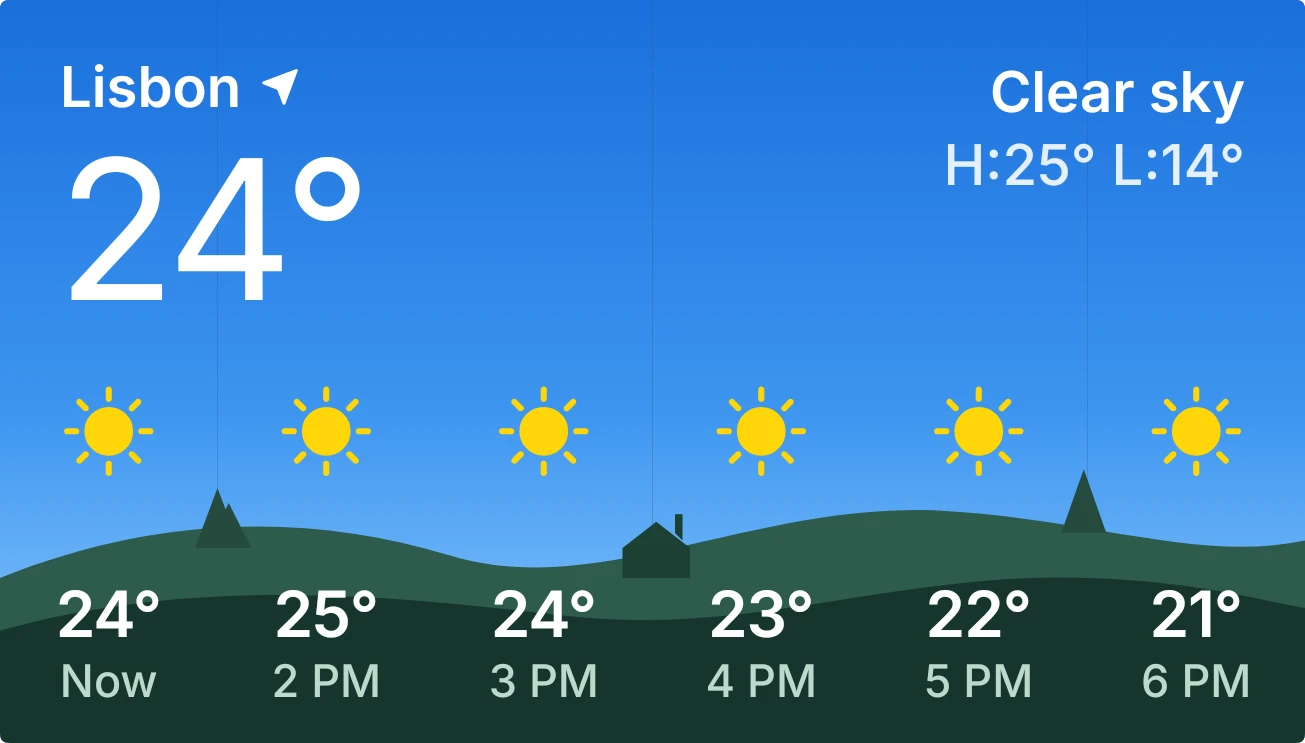
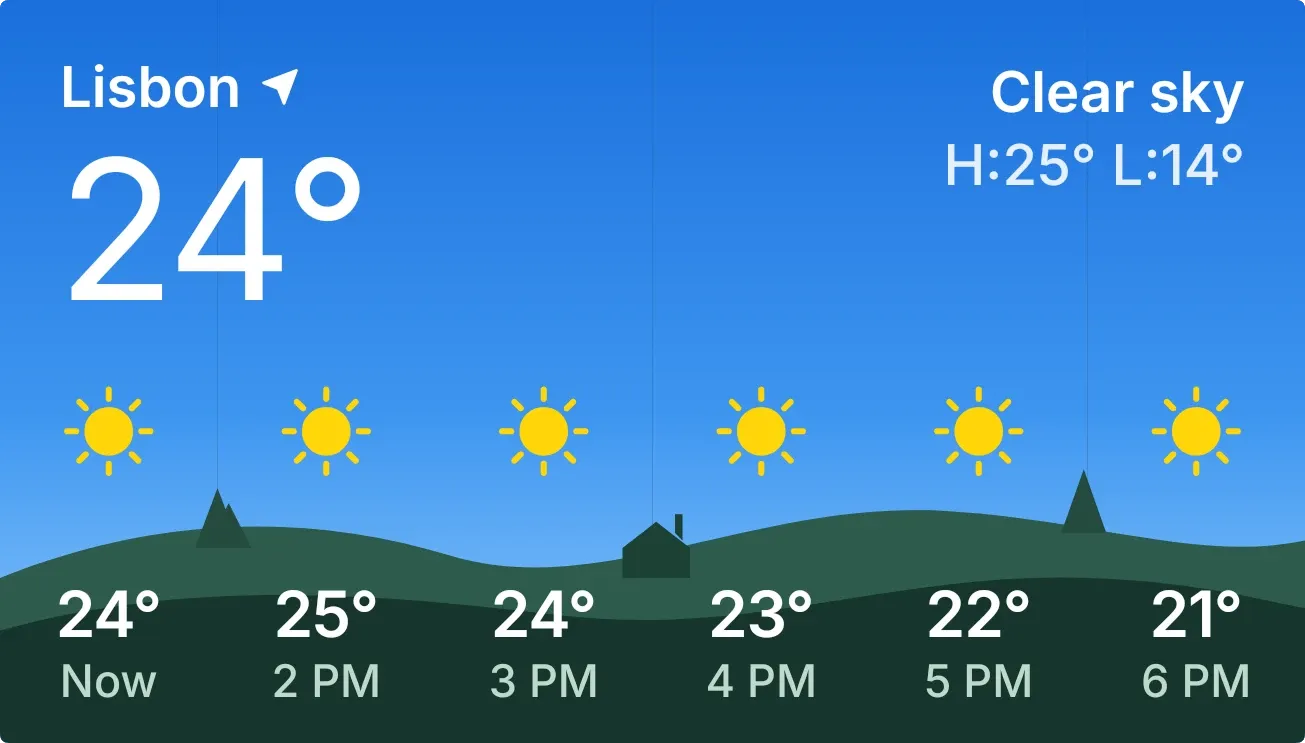
Hilltop Heat shows flat green hills with two small trees and a tiny house under a sky. The city name, the current temperature in large type, the condition and the day's high and low sit at the top. Six hourly columns run across the hills, each with a weather icon, a temperature and a time.
- Size
- 4x2 cells
- Kit
- iOS & macOS
- Shows
- Weather
- Look
- Gradient, nature and minimal
- Colours
- Blue and teal, dark background
- Looks like
- iPhone widgets
- Good for
- Morning check, commute and travel
- Android
- 10 or newer
- Needs
- No additional permissions
- Price
- Free
Kiwi is in beta and is not on Google Play yet. Join to request an invitation.
- big-numbers
- blue
- calm
- clear-sky
- clouds
- countryside
- cozy
- cute-weather-widget
- daylight
- flat
- forecast
- green
- hills
- hourly
- landscape
- minimal
- nature
- sky
- temperature
- temperature-widget
- trees
- weather
- weather-landscape
- weather-now
What changes
- Each of the six hourly columns has its own sky: bright blue for a clear day, grey-blue for cloud or fog, dark slate for rain, snow or thunder, and deep navy at night.
- The icon above the hills follows each hour's weather, such as sun, moon, partly cloudy, fog, rain, snow, thunderstorm, hail or wind.
- Small stars appear in night columns, except when that hour has rain, snow or thunder.
- The small window in the house lights up yellow when it is night and goes dark in daytime.
- Tapping the widget refreshes the weather.
- When no city is set, the widget shows a dark starry sky with the text No city set and a prompt to set a city in Kiwi.
Data and settings
- Reads the weather for your city: its name, the current temperature, the condition, and today's high and low.
- Reads the hourly forecast for the next six hours: the time, temperature and icon for each.
- The city is the one thing you set.
Set it up
- Open Hilltop Heat in Kiwi, either from its kit or from this page.
- Tap Use.
- Set a city, since the widget has no weather to show until one is chosen.
- Confirm your launcher's prompt to place the widget on your home screen.
Good to know
- It needs an internet connection to get weather, so the temperatures and icons can be out of date when you are offline.
- Until a city is set, it shows only the No city set message and no weather.
- The hourly row covers the next six hours only, not a full day or a multi-day forecast.
Widgets like Hilltop Heat
 Sundown PaneScenes
 SunbreakScenes
 SandglowScenes



