Numbered Dark Clock
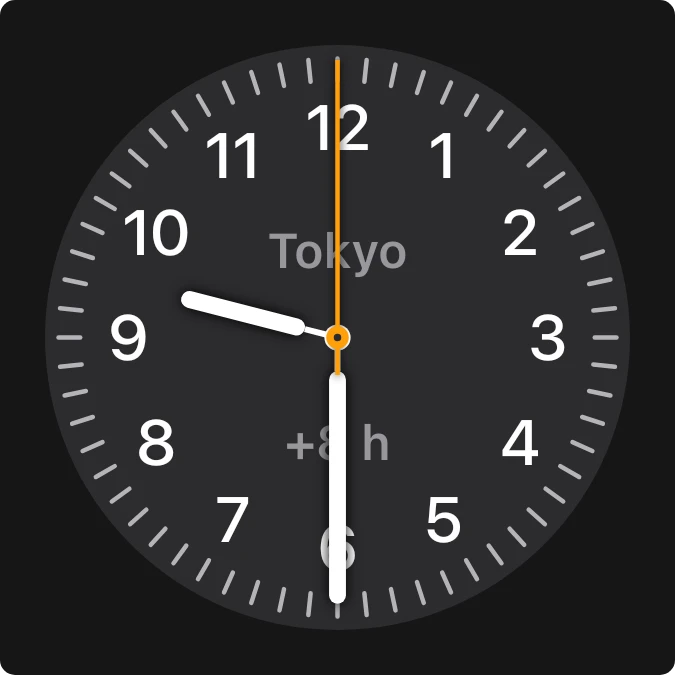
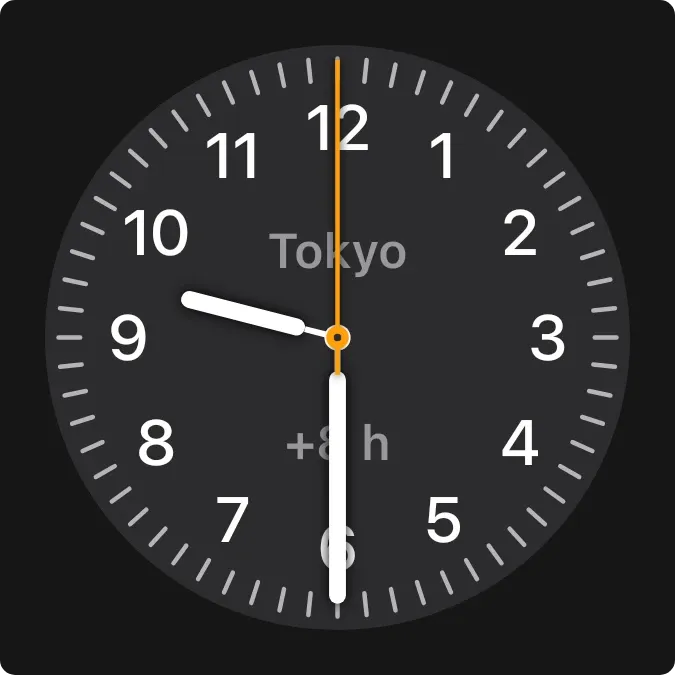
Numbered Dark Clock is an analog clock face for a city you choose. It has a dark grey dial with all twelve numbers, sixty tick marks, white hour and minute hands and a thin orange second hand. The city name sits above the centre and its time offset below.
- Size
- 2x2 cells
- Kit
- iOS & macOS
- Shows
- clocks
- Look
- Minimal and monochrome
- Colours
- Black and grey, dark background
- Looks like
- iPhone widgets
- Good for
- Everyday, travel and remote work
- Android
- 10 or newer
- Needs
- No additional permissions
- Price
- Free
Kiwi is in beta and is not on Google Play yet. Join to request an invitation.
- clock
- ios
- world
What changes
- The hour, minute and second hands move to show the time for the chosen city.
- The city name appears above the centre of the dial and the offset for that city appears below it.
- If more than one clock is saved, only the first one is shown.
- When no city is chosen, the label reads Pick a city, the offset is hidden and the hands still move.
- Tapping the face opens the clock. Tapping the city name lets you change the city.
Data and settings
- Reads your saved clocks and shows the first one: its city name and its offset.
- The city is the one thing you set. Change it by tapping the city name on the face.
Set it up
- Open the widget in Kiwi, either from its kit or from this page.
- Tap Use.
- Confirm your launcher's prompt to place it on your home screen.
- If the face reads Pick a city, tap that label and choose the city you want to see.
Good to know
- It shows one city at a time, the first in your saved clocks.
- Until a city is chosen, the face shows Pick a city in place of a name and has no offset.
- Very long city names are cut short with an ellipsis so they fit on the face.



