Clover Cue
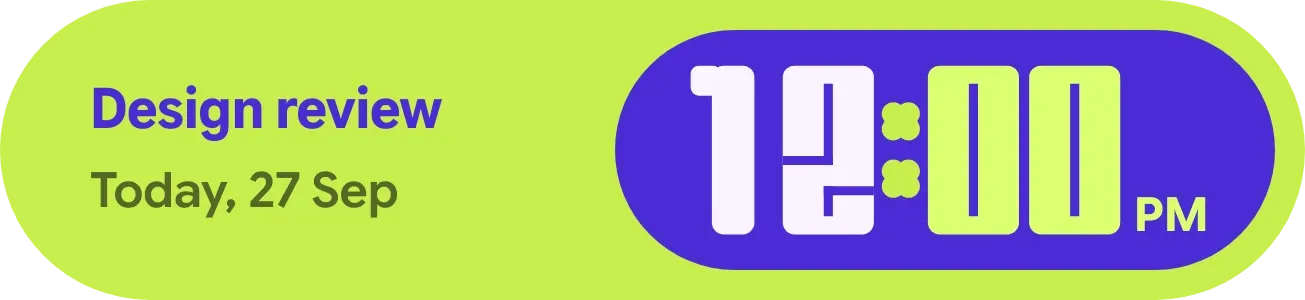
Clover Cue shows your next calendar event in a lime capsule. The event's name and its day and date sit on the left. The start time sits on the right in a purple inset, in chunky digits with two clover-shaped dots as the colon and AM or PM beside it.
- Size
- 4x1 cells
- Kit
- Material Expressive
- Shows
- Calendar
- Look
- Bold shapes, typographic and colourful
- Colours
- Lime and blue, light background
- Looks like
- Pixel widgets
- Good for
- Work, meetings and appointments
- Android
- 10 or newer
- Needs
- No additional permissions
- Price
- Pro
Kiwi is in beta and is not on Google Play yet. Join to request an invitation.
- agenda
- big-numbers
- bold
- bright
- calendar
- clover
- colourful
- cut-out
- date
- digits
- event
- lime
- material-expressive
- next-event
- pill
- playful
- purple
- rounded
- schedule
- time
- typographic
- upcoming-event
- white
What changes
- It shows the name of your next event, up to two lines, with a line under it giving the day and date, such as Today, 27 Sep.
- The start time appears in large digits, with AM or PM after it. The first two digits are white and the minutes are lime.
- When the next event is an all-day event, the digits are replaced by the words All day.
- As your schedule moves on, it switches to the event that comes next.
- With no upcoming events, it shows No upcoming events, with Add an event and Tap to open calendar on the left.
- Without calendar access, it shows No access, with Calendar is off and Allow it in Kiwi on the left.
Data and settings
- Reads your calendar for the next event's name, date and start time.
- Nothing to set. It follows your calendar.
Set it up
- Open Clover Cue in Kiwi, either from its kit or from this page.
- Tap Use.
- Confirm your launcher's prompt to place it on your home screen.
Good to know
- It needs access to your calendar to show events. Without it, the widget shows No access.
- It shows one event at a time, the next one, not a list of the day.
- Long event names are cut off after two lines, and a long date line is shortened.
- All-day events show the words All day instead of a clock time.
Widgets like Clover Cue
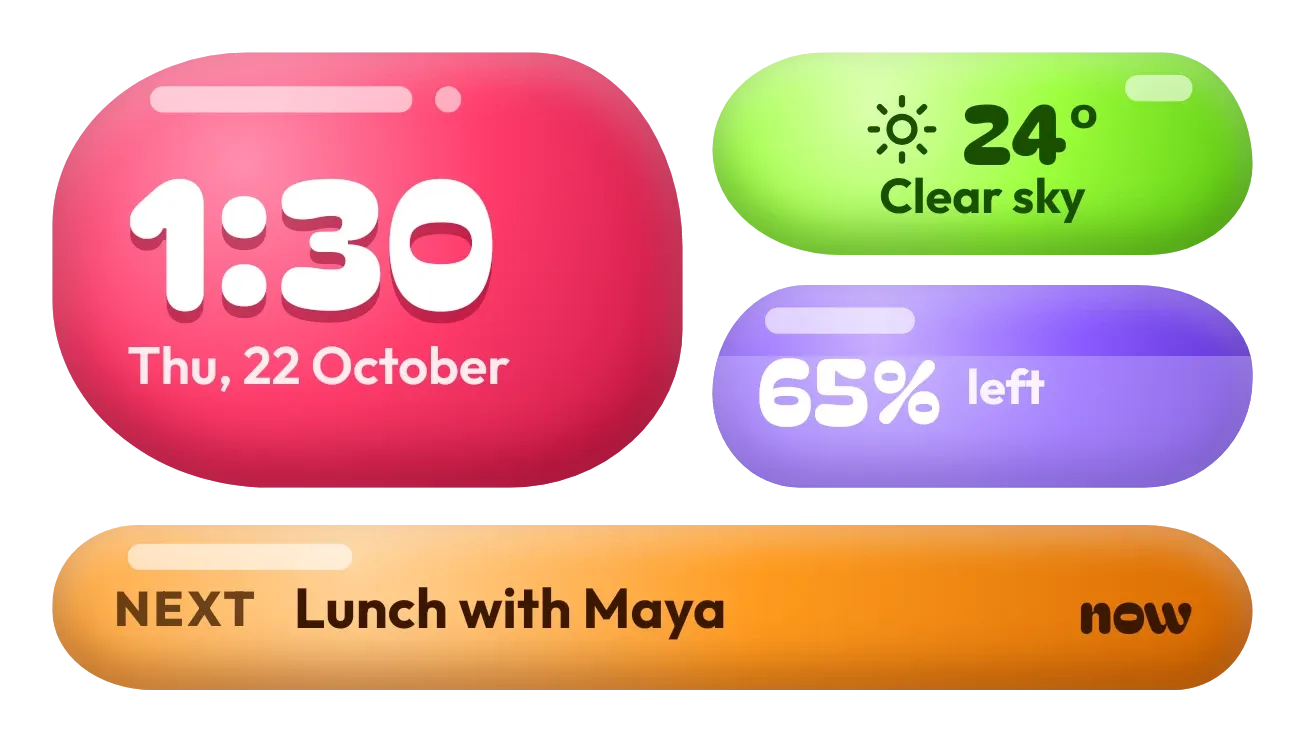 Jelly GlanceGlass
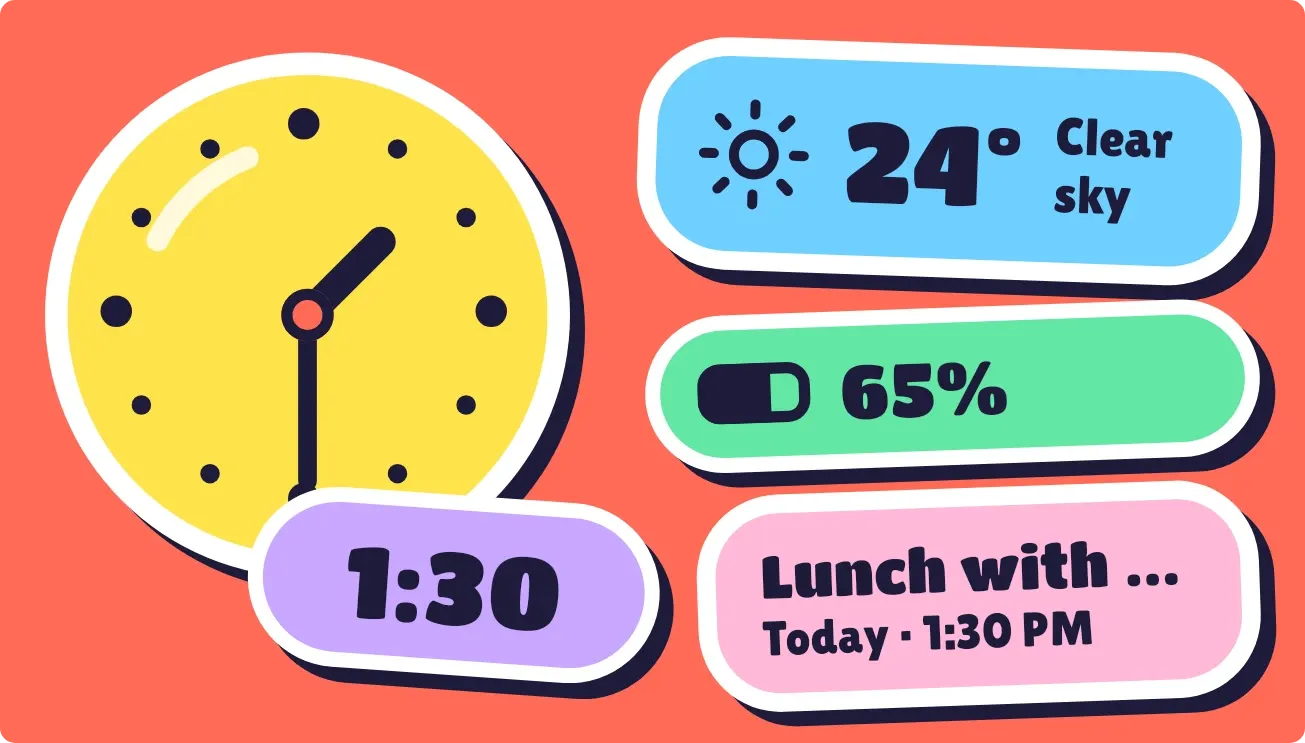 Peel PopPlayful
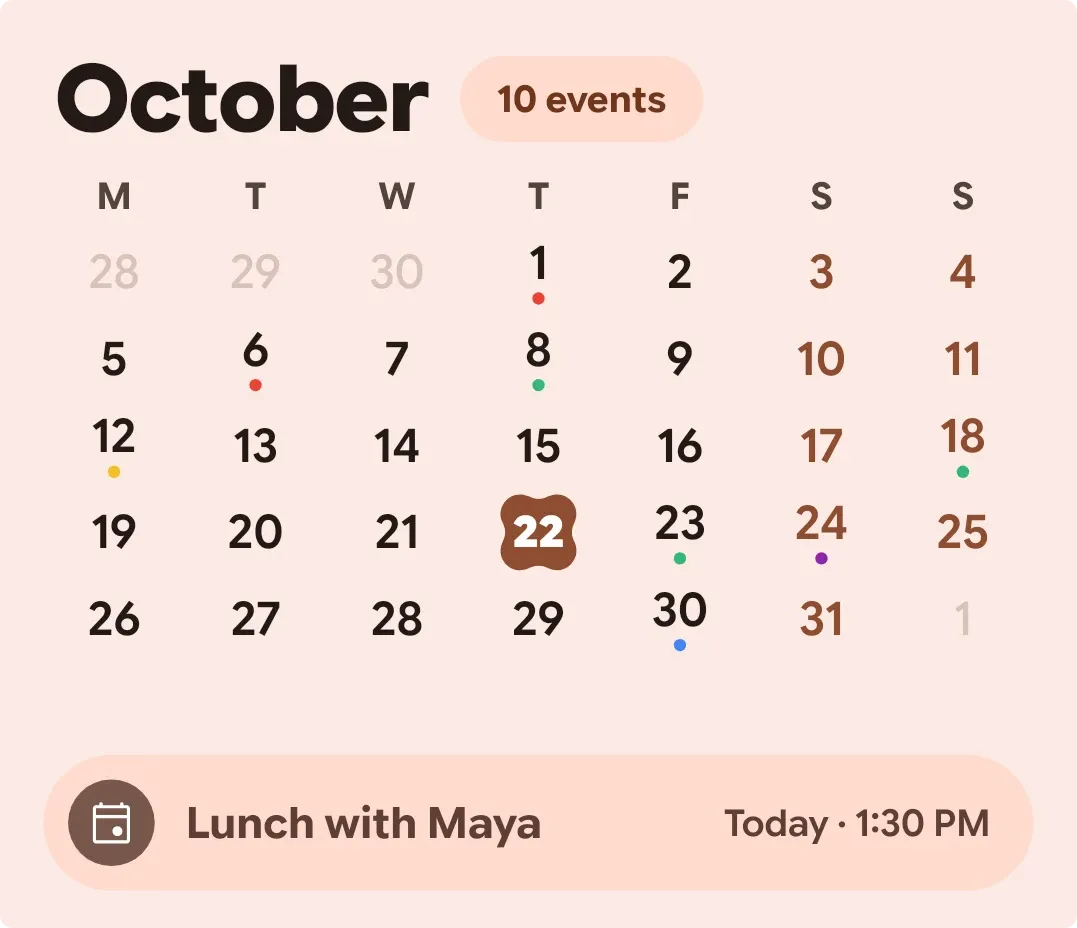 BloomgridMaterial You



