Up Next Card
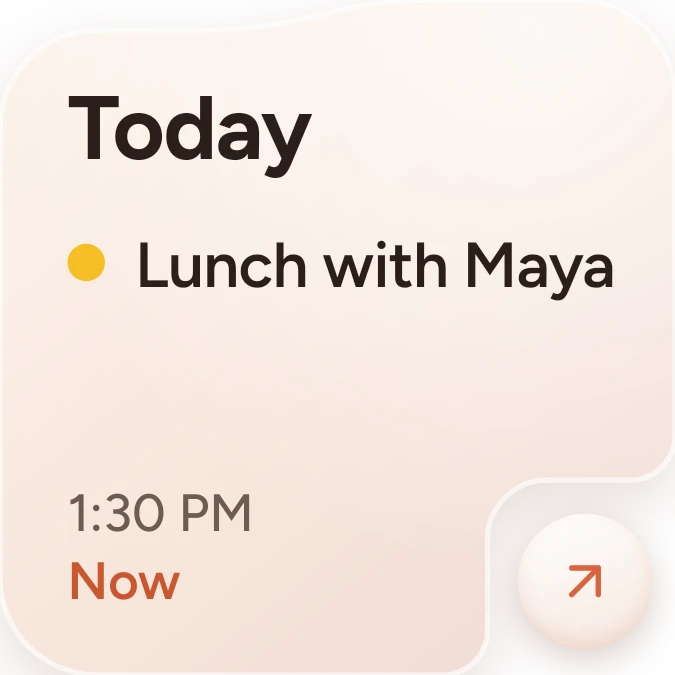
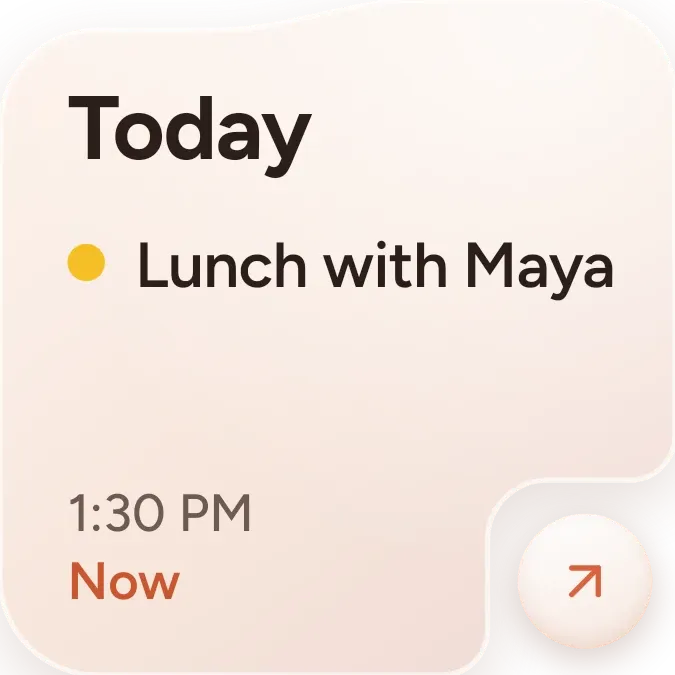
Up Next Card shows your next calendar event on a soft peach card with a rounded cut-out in the lower right corner. A large day label such as Today sits at the top, followed by a dot in the event's colour and its title. The start time and the time left until it begins are at the bottom left, and a round knob with an arrow sits in the corner.
- Size
- 2x2 cells
- Kit
- One UI
- Shows
- Calendar
- Look
- Pastel and minimal
- Colours
- Cream and orange, light background
- Looks like
- Samsung widgets
- Good for
- Work and meetings
- Android
- 10 or newer
- Needs
- No additional permissions
- Price
- Free
Kiwi is in beta and is not on Google Play yet. Join to request an invitation.
- calendar
- next-event
- peach
- samsung
What changes
- It shows one event at a time: the next one on your calendar, with a day label, a dot in the event's colour, the title, the start time and a countdown such as in 25 m.
- Titles that are too long are cut off after two lines.
- When the event is under way, the countdown line reads Now in place of the time left.
- For an all-day event, the time line reads All day and the countdown is left out.
- Tapping the knob opens that event. Tapping elsewhere on the widget opens your calendar.
- When nothing is coming up this week, it shows All clear with the line Nothing on your calendar this week, and the knob shows a calendar icon.
Data and settings
- Reads your calendar for the next event: its title, colour, day, start time, whether it lasts all day, and how long until it starts.
- There is nothing to set.
Set it up
- Open Up Next Card in Kiwi, either from its kit or from this page.
- Tap Use.
- Confirm your launcher's prompt to place it on your home screen.
Good to know
- It can only show events once calendar access is allowed. Until then it shows Calendar with the line Allow calendar access in Kiwi.
- It shows only the next event, not a list of the day's events.
- It looks for events within the current week, so an event further away leaves it showing All clear.
- The event, its colour and its times come from your calendar, so changes there appear on the widget.
Widgets like Up Next Card
 Calendar Up NextiOS & macOS
 Tinted AgendaiOS & macOS
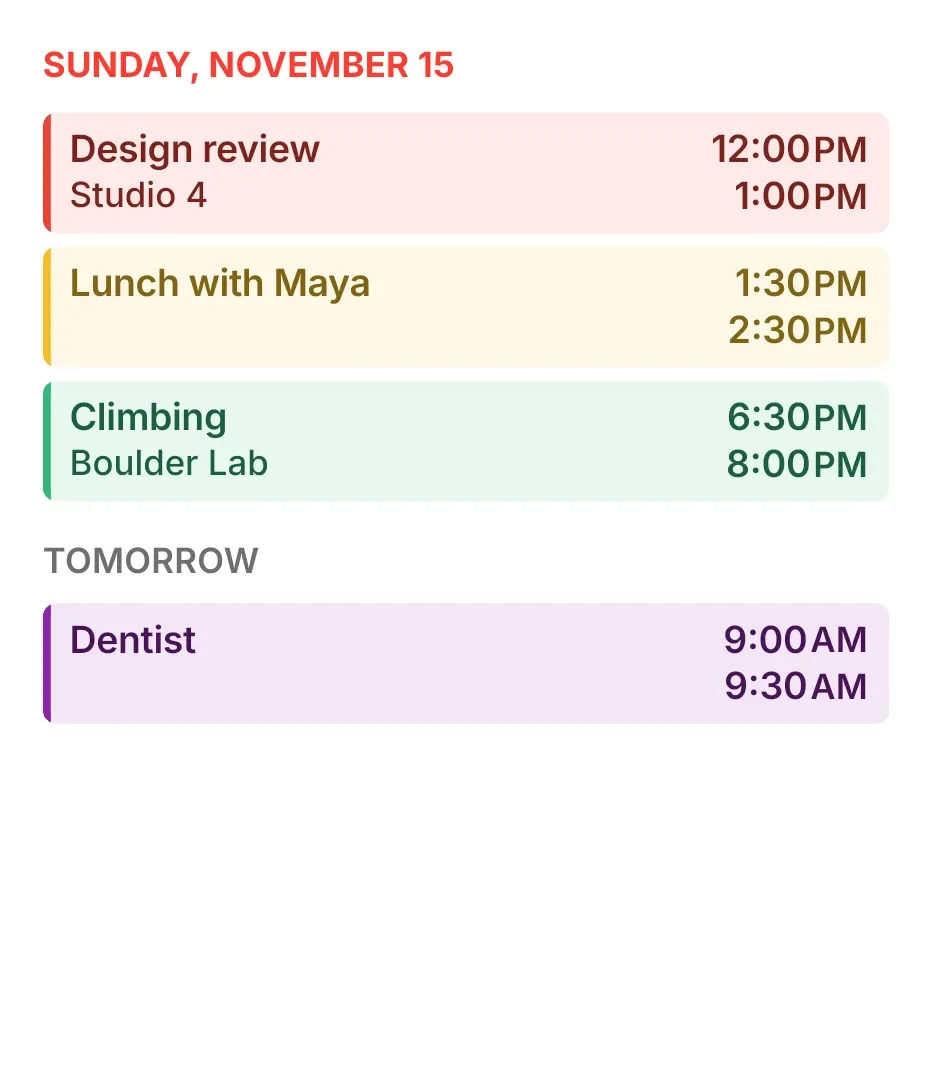 Tint AgendaiOS & macOS
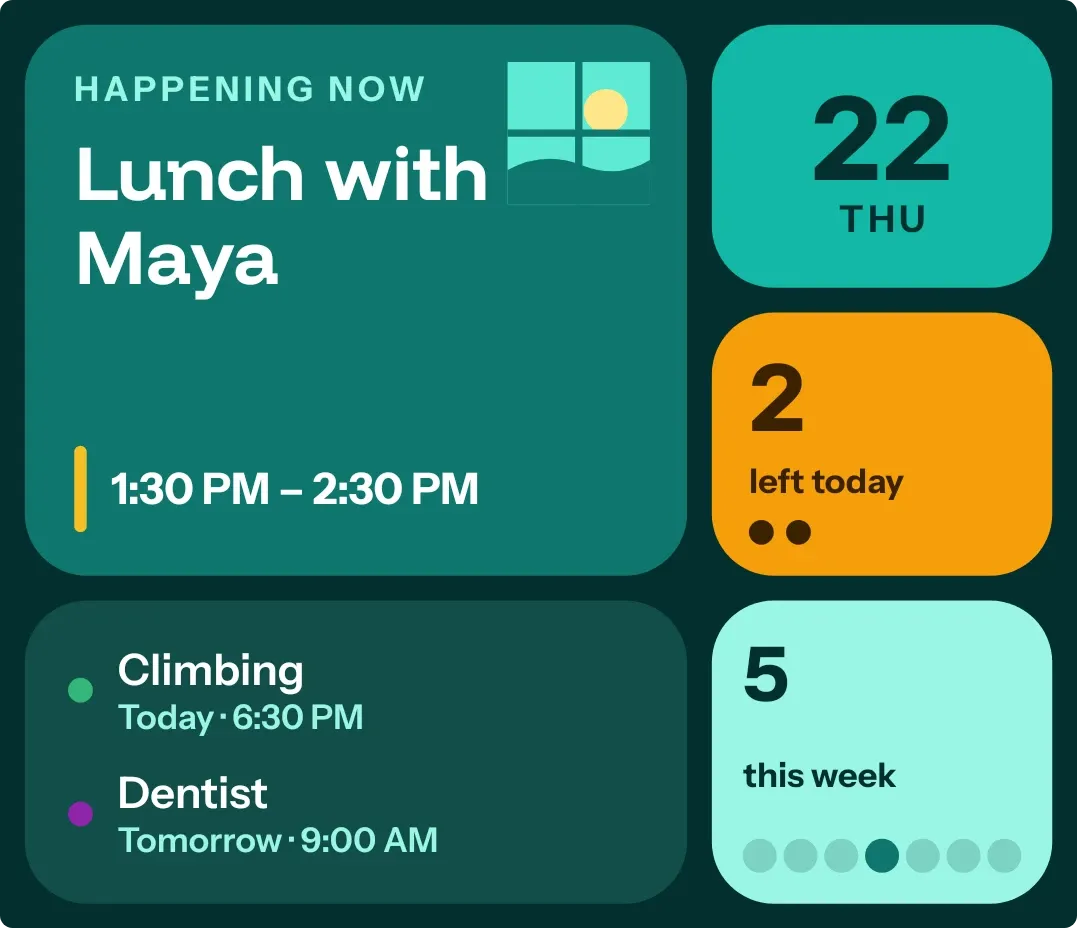 Window SeatBento