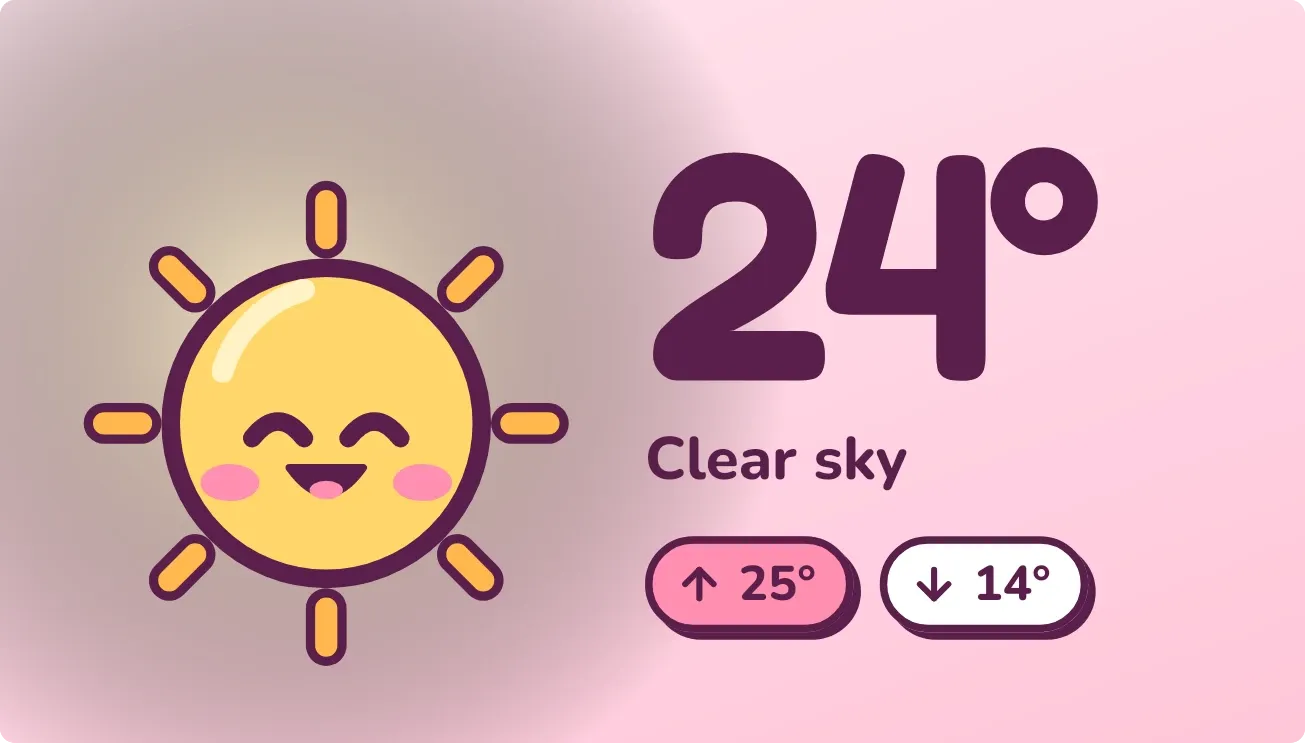
Blush Noon
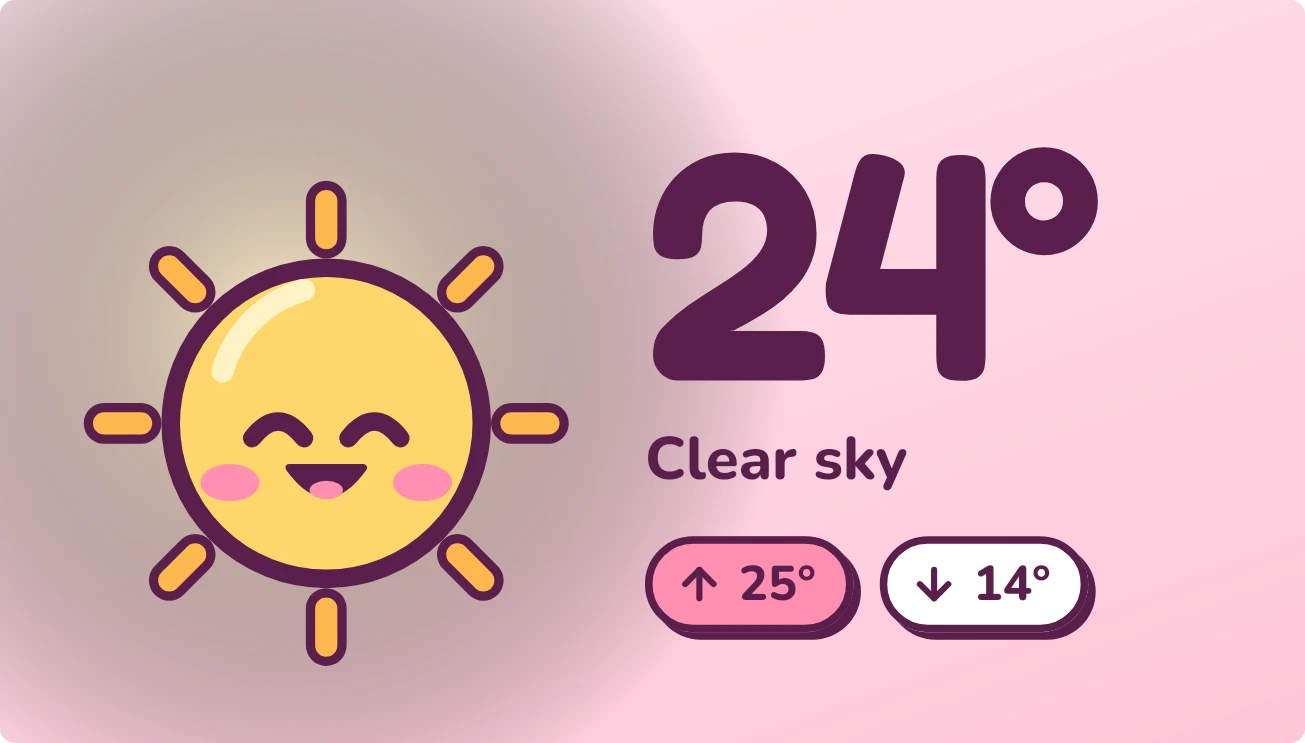
Blush Noon shows the current temperature in large rounded numbers beside a small cartoon sky character with rosy cheeks. Under the number are the condition in words and two pill-shaped tags, a pink one for today's high and a white one for the low. The background is a soft gradient that follows the weather.
- Size
- 4x2 cells
- Kit
- Playful
- Shows
- Weather
- Look
- Kawaii, cartoon and pastel
- Colours
- Pink and orange, light background
- Good for
- Sunny day, summer and morning check
- Android
- 10 or newer
- Needs
- No additional permissions
- Price
- Free
Kiwi is in beta and is not on Google Play yet. Join to request an invitation.
- big-numbers
- bold
- bright
- cartoon
- cheerful
- clear-sky
- colourful
- cute
- daylight
- forecast
- high-low
- kawaii
- mascot
- pastel
- pink
- playful
- purple
- rounded
- sun
- sunny
- temperature
- warm
- weather
- weather-now
- yellow
What changes
- The character changes with the weather: a sun, a sun behind a cloud, a plain cloud, a rain cloud with drops, a storm cloud with a lightning bolt, a snow cloud, or a fog cloud with mist bands.
- The face follows the mood of the sky. Sun and partly cloudy skies give a smile with closed eyes, rain and storms a squeezed-eye wavy mouth, and snow wide eyes with a small round mouth.
- The background colour changes with the sky: warm pink for sun, pink to lavender for partly cloudy, mint for cloud and fog, lavender for rain and storms, and pale blue for snow.
- After dark the background turns purple with a few sparkles, and a clear sky shows as a moon. The face looks sleepy, with small Z marks near the top corner.
- Tapping the widget refreshes the weather.
- If no city is set, the widget shows a cloud with a question mark, the words Where are we, and a prompt to pick a city in Kiwi. Tapping it opens Kiwi.
Data and settings
- Reads the weather for your city: the current temperature, the condition in words, today's high and low, and whether it is day or night.
- The city is the one thing you set. Pick it in Kiwi when the widget asks.
Set it up
- Open Blush Noon in Kiwi, either from its kit or from this page.
- Tap Use.
- Confirm your launcher's prompt to place the widget on your home screen.
- If the widget shows Where are we, pick a city in Kiwi so it can show the weather.
Good to know
- It needs an internet connection to get the weather, including when you tap to refresh.
- It shows no weather until a city is set. Until then it shows the Where are we message.
- The temperature, condition, high and low describe one city at a time.
Widgets like Blush Noon
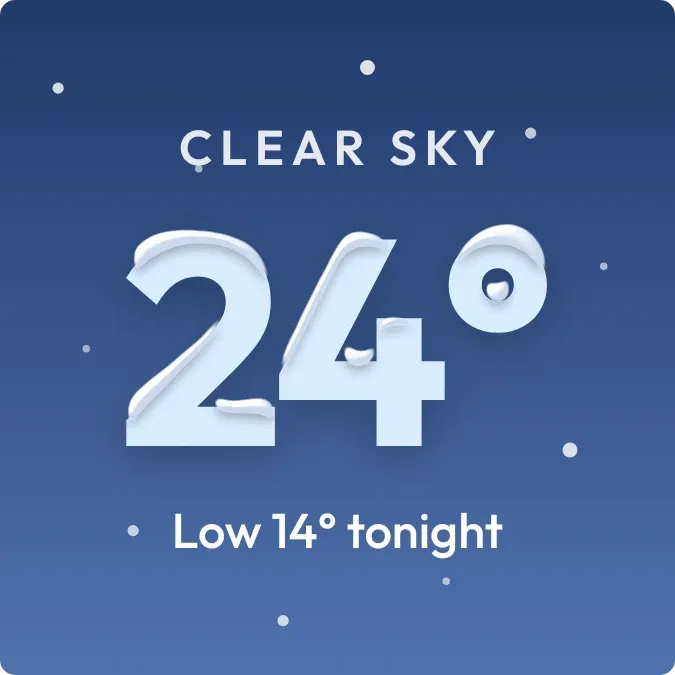 Powder CrownScenes
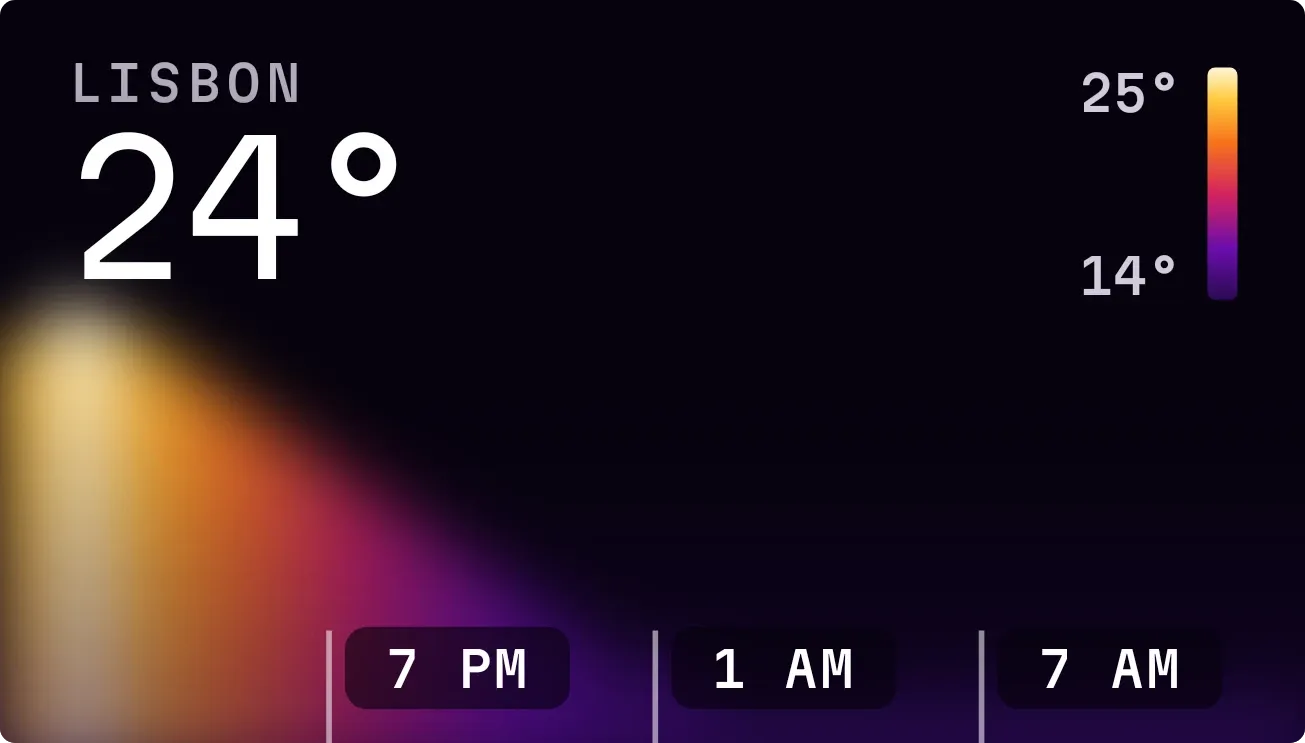 Hot SpotInstruments