Lamplit Blur
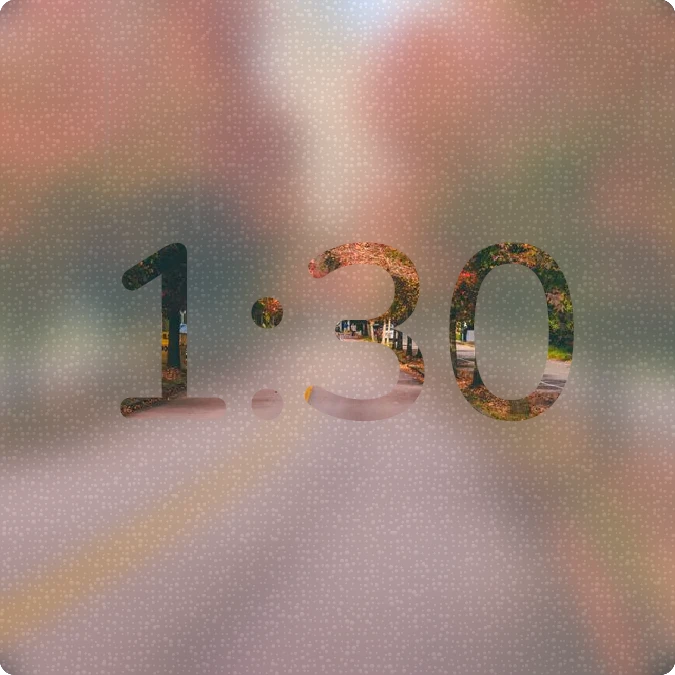
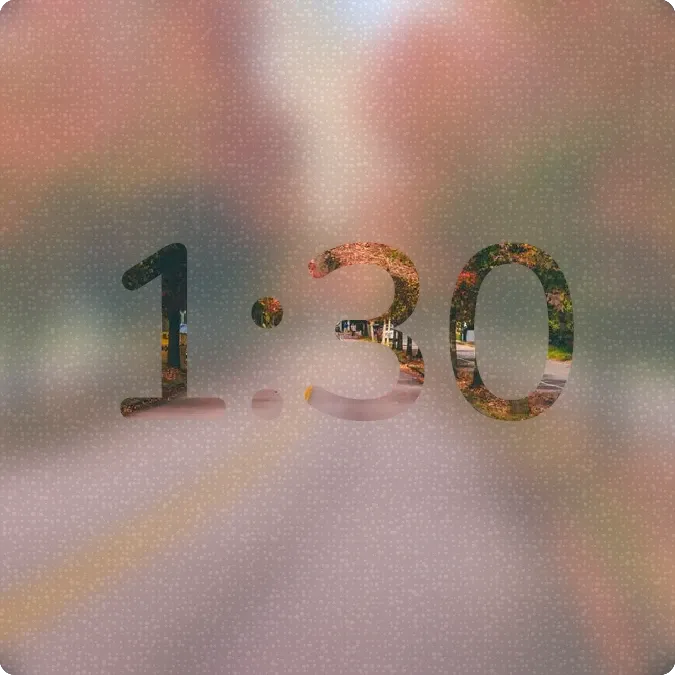
Lamplit Blur shows the current time in big rounded digits on a frosted, grainy pane. A blurred dusk city photo fills the numerals and the background, with a blue sky at the top and warm bokeh lights glowing through the digits. The corners are rounded.
- Size
- 2x2 cells
- Kit
- Scenes
- Shows
- Sky, Time and date, Weather
- Look
- Glass, photo and minimal
- Colours
- Grey and blue, dark background
- Good for
- Evening, commute and rainy day
- Android
- 10 or newer
- Needs
- No additional permissions
- Price
- Pro
Kiwi is in beta and is not on Google Play yet. Join to request an invitation.
- big-numbers
- blue
- blurred-photo
- bokeh
- city-lights
- clock
- digital-clock
- dreamy
- dusk
- glow
- gradient
- grey
- live
- moody
- night
- orange
- photo
- rounded
- time
- yellow
What changes
- The digits show the current time and change as the time changes.
- While the sun is up, the photo behind and inside the digits is one of four, chosen by the season and by which hemisphere you are in.
- When the sun is down, the widget switches to a single night photo.
- The amount of mist on the glass follows the humidity in the weather data.
- Tapping the widget opens the clock.
Data and settings
- Reads the time to draw the digits.
- Reads whether the sun is up and today's date to choose the photo.
- Reads the weather's humidity for the mist, and its latitude to tell the northern and southern hemispheres apart.
Set it up
- Open Lamplit Blur in Kiwi, either from its kit or from this page.
- Tap Use.
- Confirm your launcher's prompt to place the widget on your home screen.
Good to know
- The mist and the choice of seasonal photo rely on weather data, so they need an internet connection to stay current.
- The day and night photos switch with the sun, so the look changes at sunrise and sunset rather than at set clock times.
Widgets like Lamplit Blur
 Drip OrbitGlass
 HourlaceClear
 SheerfaceClear