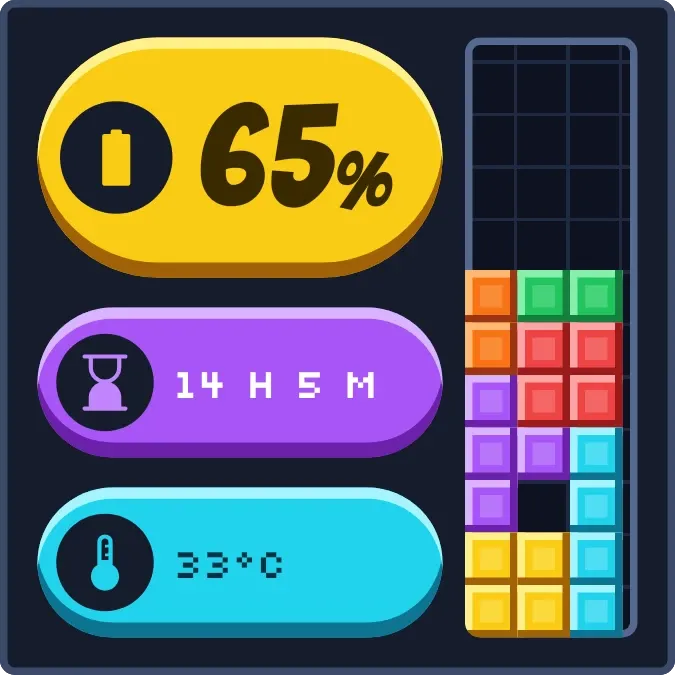
Stacked Charge
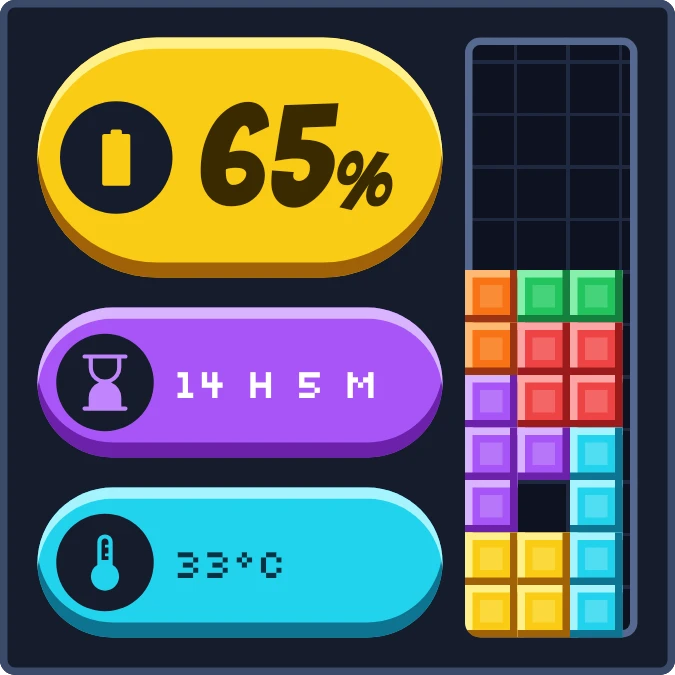
Stacked Charge shows your battery as a stack of colored blocks rising in a narrow grid well, in the style of a falling-block game. Beside it sit three chunky rounded pills for the charge percentage, the time left and the battery temperature, on a dark navy background with pixel-style text.
- Size
- 2x2 cells
- Kit
- Playful
- Shows
- Battery
- Look
- Pixel art, retro and bold shapes
- Colours
- Black, yellow and blue, dark background
- Good for
- Gaming, charging and night
- Android
- 10 or newer
- Needs
- No additional permissions
- Price
- Free
Kiwi is in beta and is not on Google Play yet. Join to request an invitation.
- at-a-glance
- battery
- battery-time-left
- big-numbers
- block-game
- bold
- chunky
- colourful
- cyan
- dark
- dark-background
- digital
- game
- pills
- pixel
- playful
- progress
- purple
- retro
- rounded
- stack
- stacked-blocks
- temperature
- tetris-style
- yellow
What changes
- The stack gains one row of blocks for every ten percent of charge, starting at 5 percent. At 50 percent it is five rows tall, and at 95 percent the well is full.
- The large pill shows the charge percentage. It is yellow with a battery icon normally, red with an alert icon when the battery is low, and green with a bolt while charging.
- When the battery is low, the bottom rows of the stack turn red instead of yellow and cyan.
- While charging, the purple pill shows a clock and the time until full. If no estimate is available, it shows the battery status, such as Full.
- While charging below 85 percent, an extra purple block piece sits at the top of the well.
- On battery, the purple pill shows an hourglass and the time left, such as 9 H 10 M. With no estimate it shows a power-off icon and the words No plug.
Data and settings
- Reads the battery charge level and whether the battery is low.
- Reads whether the phone is charging, plus the battery status.
- Reads the estimated time left on battery and the estimated time until full.
- Reads the battery temperature and shows it in degrees Celsius.
Set it up
- Open the widget in Kiwi, either from its kit or from this page.
- Tap Use.
- Confirm your launcher's prompt to place it on your home screen.
Good to know
- The stack moves in steps of ten percent, so the exact charge is only in the percentage on the large pill.
- Time left and time to full depend on the phone reporting an estimate. Without one, the pill shows No plug or the battery status.
- The temperature is always shown in degrees Celsius.
Widgets like Stacked Charge
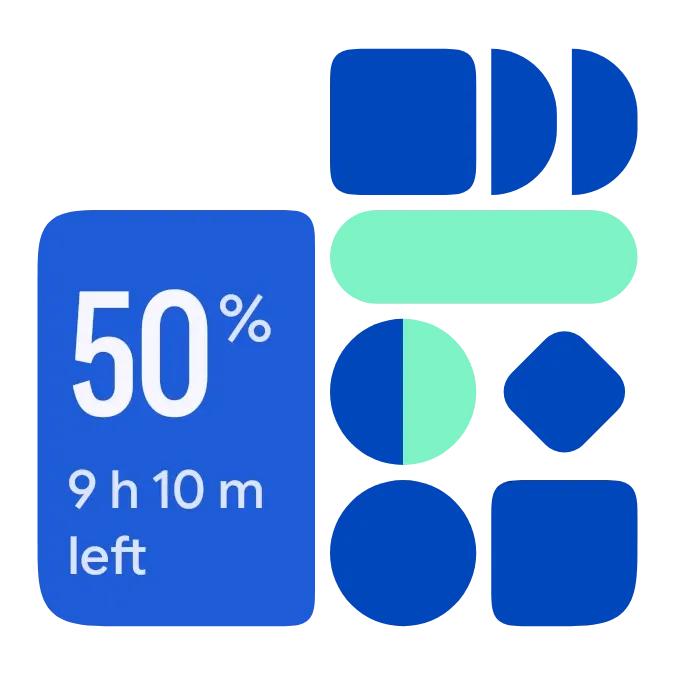 Shape ChargeMaterial Expressive
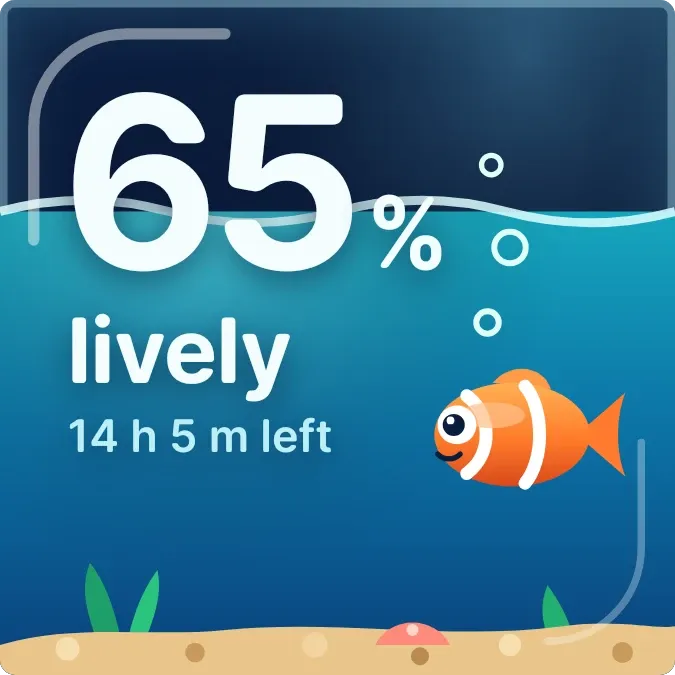 Nap TankGlass
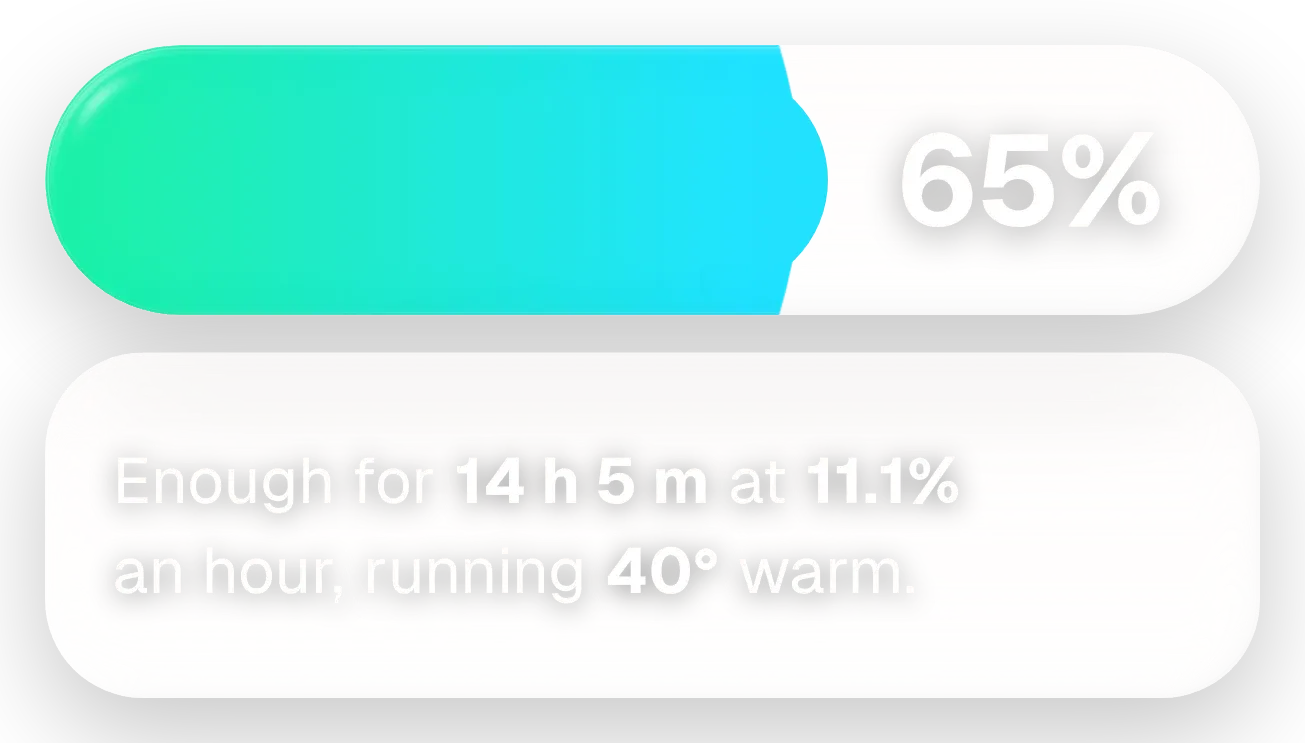 Fizz TubeGlass
 Tonic JarOne UI