Dotline Seek
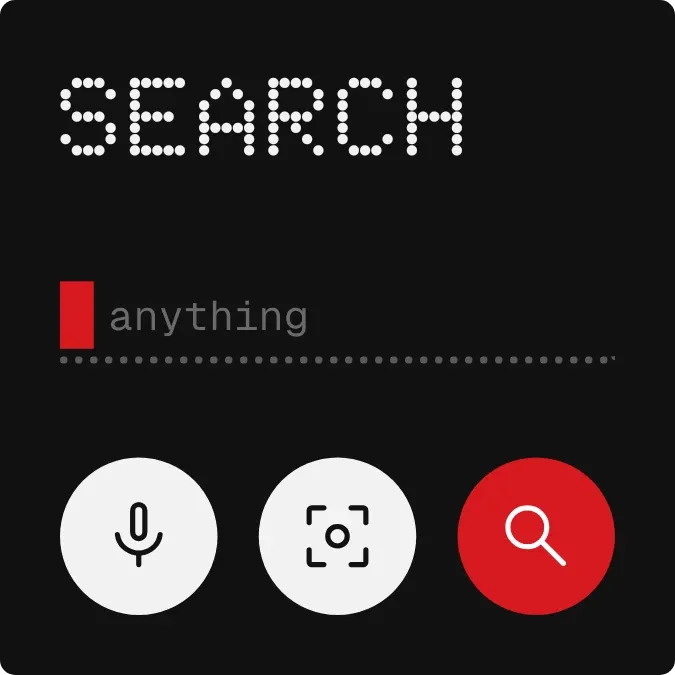
A black search panel with rounded corners. SEARCH is written across the top in dot-matrix capitals, above a dotted input line that has a red cursor block and the grey hint "anything". Along the bottom are three round buttons: a white mic, a white lens, and a red search button.
- Size
- 2x2 cells
- Kit
- Nothing
- Look
- Dot matrix, typographic and minimal
- Colours
- Black, dark background
- Looks like
- Nothing widgets
- Good for
- Quick lookup, voice search and visual search
- Android
- 10 or newer
- Needs
- No additional permissions
- Price
- Free
Kiwi is in beta and is not on Google Play yet. Join to request an invitation.
- big-letters
- black
- bold
- controls
- dark
- digital
- dot-matrix
- dots
- input
- lens
- microphone
- minimal
- minimal-typography
- monochrome
- monospace
- moody
- nothing
- pixel
- red
- search
- search-bar
- shortcuts
- tactile
- typography
- white
What changes
- Tapping the input line opens search.
- Tapping the red search button opens search.
- Tapping the mic button opens voice search.
- Tapping the lens button opens lens.
- The panel looks the same at all times. The cursor and the hint text stay as they are.
Set it up
- Open Dotline Seek in Kiwi, either from its kit or from this page.
- Tap Use.
- Confirm your launcher's prompt to place it on your home screen.
Widgets like Dotline Seek
 Pillow WellSoft UI



