Daybyte
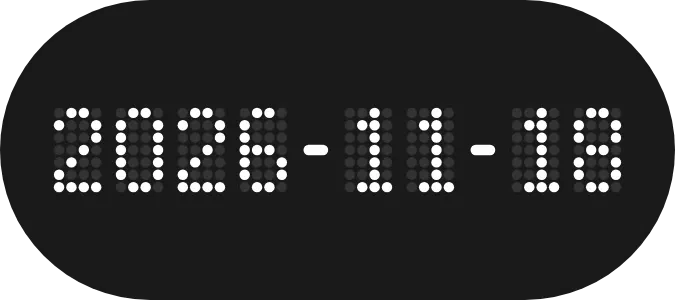
Daybyte shows today's date as year, month and day in the form 2026-11-18. The numbers are drawn in a grid of white dots, with the unlit dots left as a faint dark grey, and two solid white hyphens separate the three parts. It sits on a charcoal pill shape.
- Size
- 2x1 cells
- Kit
- Nothing
- Look
- Dot matrix, minimal and monochrome
- Colours
- Black and grey, dark background
- Looks like
- Nothing widgets
- Good for
- Daily date checks and daily planning
- Android
- 10 or newer
- Needs
- No additional permissions
- Price
- Free
Kiwi is in beta and is not on Google Play yet. Join to request an invitation.
- black
- calendar
- dark
- date
- date-display
- digital
- digits
- dot-matrix
- dots
- grey
- led
- minimal
- monochrome
- month
- nothing
- pill
- retro
- rounded
- typographic
- white
- year
What changes
- The digits change to the new year, month and day when the date rolls over at midnight.
- Each digit lights a different pattern of white dots on the same grid, so the unlit dots stay visible behind it.
- Tapping the widget opens your calendar.
Data and settings
- Reads the current date from your phone. It uses no other data and has nothing to set.
Set it up
- Open Daybyte in Kiwi, either from its kit or from this page.
- Tap Use.
- Confirm your launcher's prompt to place the widget on your home screen.



