Sipdome
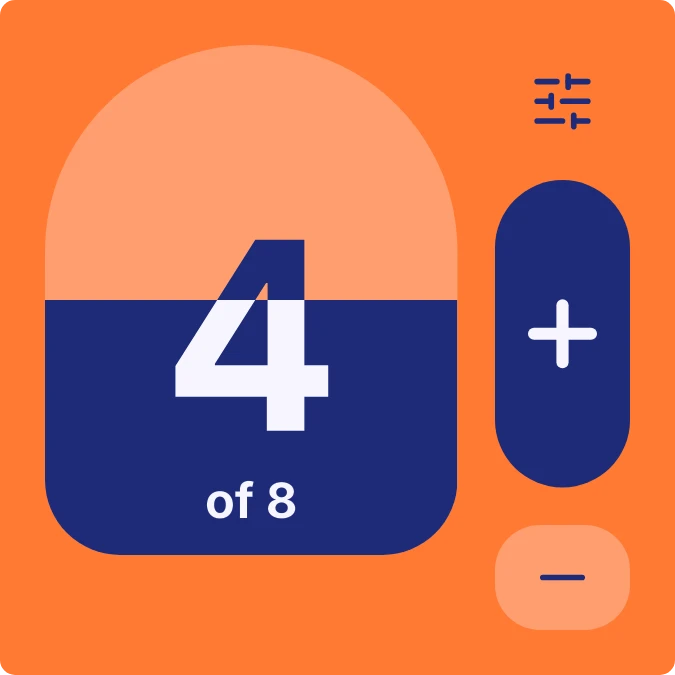
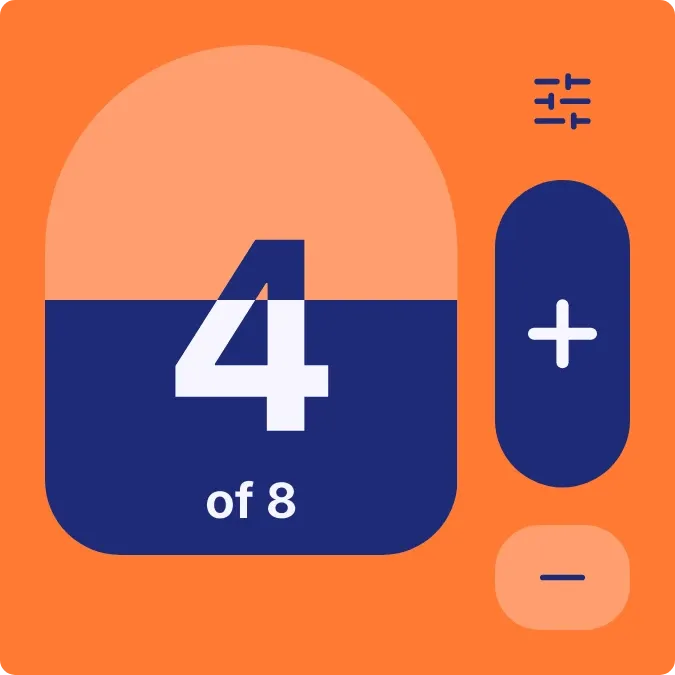
Sipdome tracks your daily water count on an orange tile. A peach dome fills with navy as you get closer to your goal, and the large count sits on the waterline with "of" and the goal beneath it. A plus button, a minus button and the habit's name sit alongside.
- Size
- 2x2 cells
- Kit
- Material Expressive
- Shows
- Habits and goals
- Look
- Bold shapes, colourful and minimal
- Colours
- Orange and blue, light background
- Looks like
- Pixel widgets
- Good for
- Hydration, daily goal and health routine
- Android
- 10 or newer
- Needs
- No additional permissions
- Price
- Free
Kiwi is in beta and is not on Google Play yet. Join to request an invitation.
- at-a-glance
- big-numbers
- blue
- bold
- bright
- counter
- daily-water-goal
- drink-counter
- habit
- habit-tracker
- orange
- progress
- rounded
- tap-counter
- typographic
- water
- water-intake
- water-tracker
What changes
- Tapping the dome or the plus button adds one to today's water count, and the navy fill rises to match the share of your goal reached.
- Tapping the minus button takes one away, so you can undo a sip you logged by mistake.
- The big number is your current count, and the line under it reads "of" followed by your goal.
- While the goal isn't reached, a small sliders icon sits at the top right. Once it is reached, that icon changes to a check mark.
- Before a water goal is set, the tile shows "Daily water", "Fill up." and "Set a goal" instead of the dome. Tapping it lets you set the goal.
Data and settings
- Reads your water habit: its name, today's count and your goal.
- The daily goal is set by you. Tapping the sliders icon, or the tile before a goal exists, lets you edit the water habit.
Set it up
- Open the widget in Kiwi, either from its kit or from this page.
- Tap Use.
- Confirm your launcher's prompt to place it on your home screen.
- If the tile shows "Fill up.", tap it to set a daily water goal so the dome and count appear.
Good to know
- It tracks one habit, water, and shows nothing else.
- The dome and count only appear once a water goal has been set.
- Each tap on plus or minus changes the count by one.
Widgets like Sipdome
 ClearsipGlass
 Glug TallyGlass
 DosemeterTactile Hardware
 Kindle RowScenes



