Clearsip
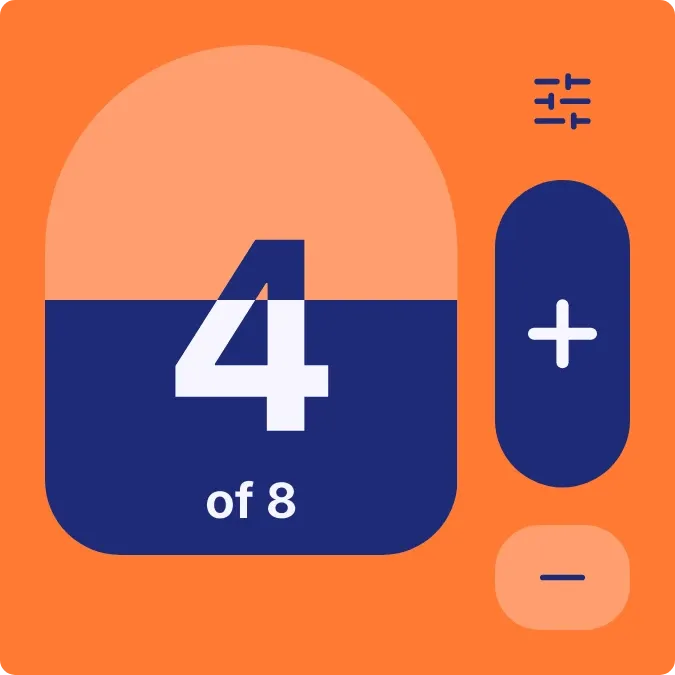
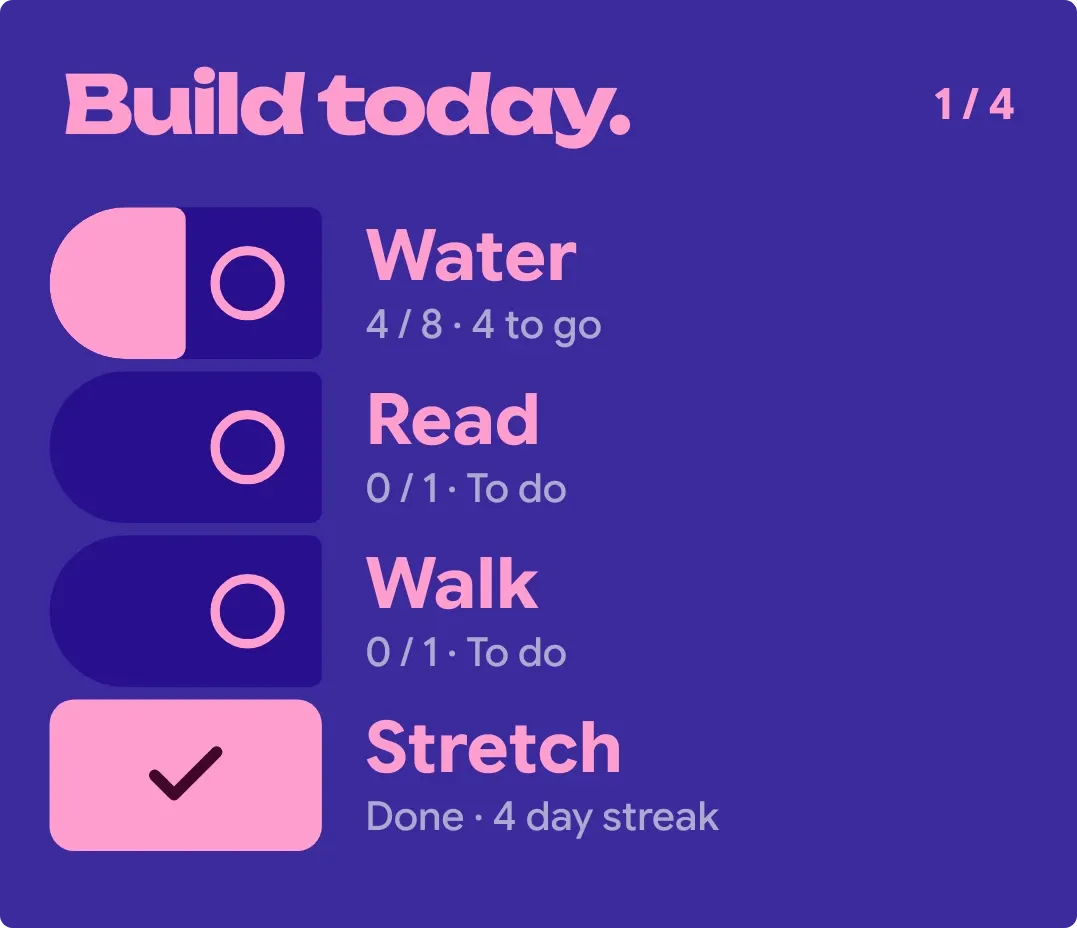
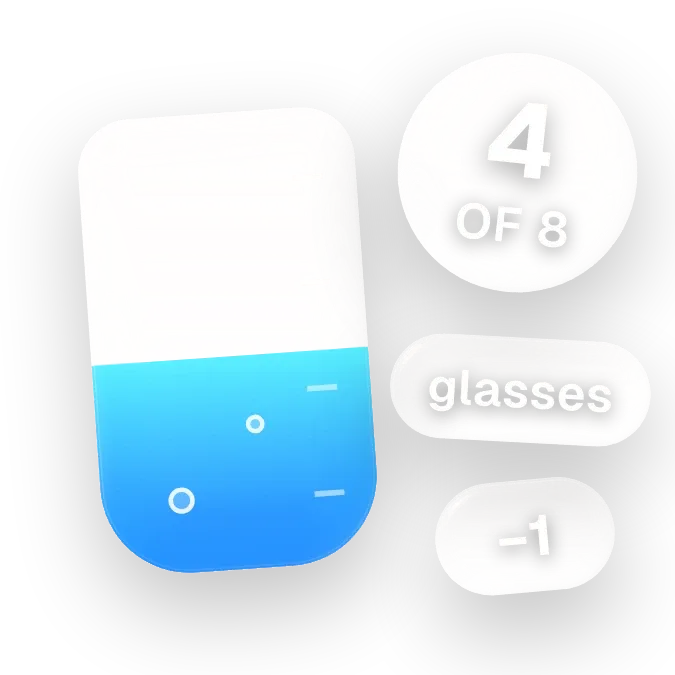
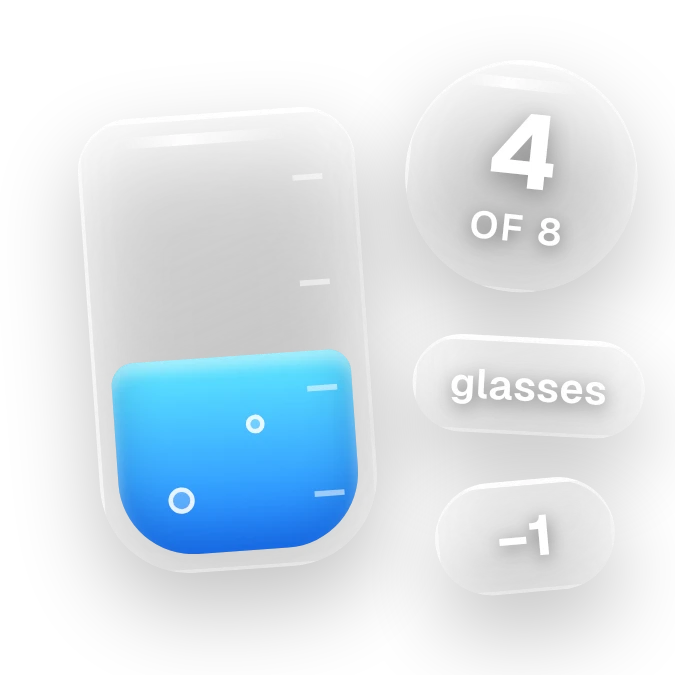
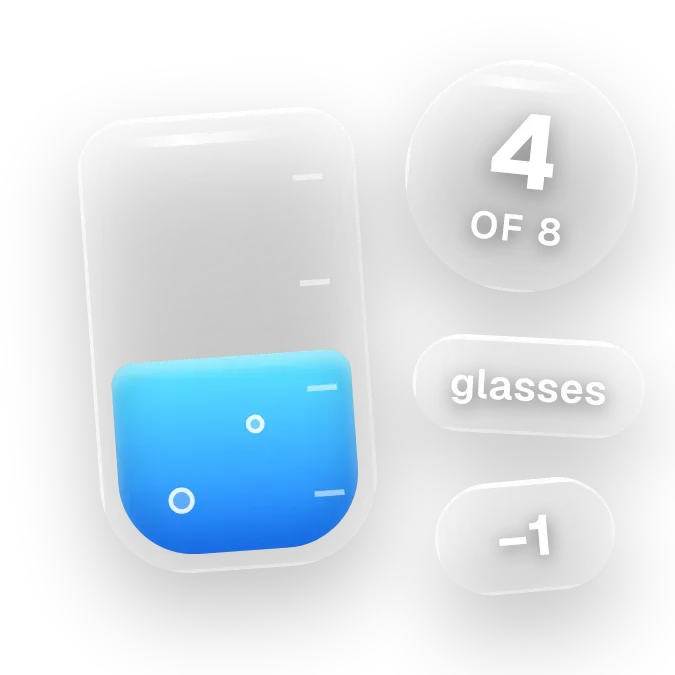
Clearsip shows a clear glass tumbler that fills with blue water as you log glasses toward your daily water goal. A floating glass bubble beside it shows the count, such as 5 of 8, with a small label and a −1 pill below it.
- Size
- 2x2 cells
- Kit
- Glass
- Shows
- Habits and goals
- Look
- Glass, 3D and gradient
- Colours
- Grey and blue
- Looks like
- iPhone widgets
- Good for
- Hydration, daily goal and health
- Android
- 10 or newer
- Needs
- No additional permissions
- Price
- Pro
Kiwi is in beta and is not on Google Play yet. Join to request an invitation.
- big-numbers
- blue
- bubbles
- counter
- cyan
- dreamy
- frosted-glass
- glass
- glow
- gradient
- habit
- habit-tracker
- liquid-glass
- minimal
- pill
- progress
- rounded
- tally-counter
- tap-counter
- transparent
- undo
- water
- water-intake
- water-tracker
- white
What changes
- Tapping the tumbler or the count bubble adds one to your water count, and the blue water rises to match your progress toward the goal.
- Small bubbles appear in the water as you pass 25, 50 and 75 percent of the goal.
- Tapping the −1 pill takes one off the count. The pill only appears once the count is above zero.
- At zero the label reads tap to sip and the tumbler is empty. After that it shows the unit, such as glasses, or today if no unit is set.
- When the goal is reached the label changes to done with a check mark, and two small white sparkles appear.
- Until a water habit is set up, the tumbler is empty and the bubble shows a plus with WATER. The label reads set your goal.
Data and settings
- Reads your water habit: the count so far today, the daily goal and the unit.
- The daily goal and unit come from your water habit. Tapping the empty widget opens the habit so you can set the goal.
Set it up
- Open the widget in Kiwi, from its kit or from this page.
- Tap Use.
- Confirm your launcher's prompt to place it.
- If the widget shows set your goal, tap it to set up your water habit and daily goal.
Good to know
- It only works with a water habit. Until one is set up, it shows the empty tumbler and a prompt to set your goal.
- The count only goes up or down one at a time, using the tumbler, the count bubble or the −1 pill.
- The −1 pill is hidden while the count is zero, so there is nothing to undo at that point.