Tidecount
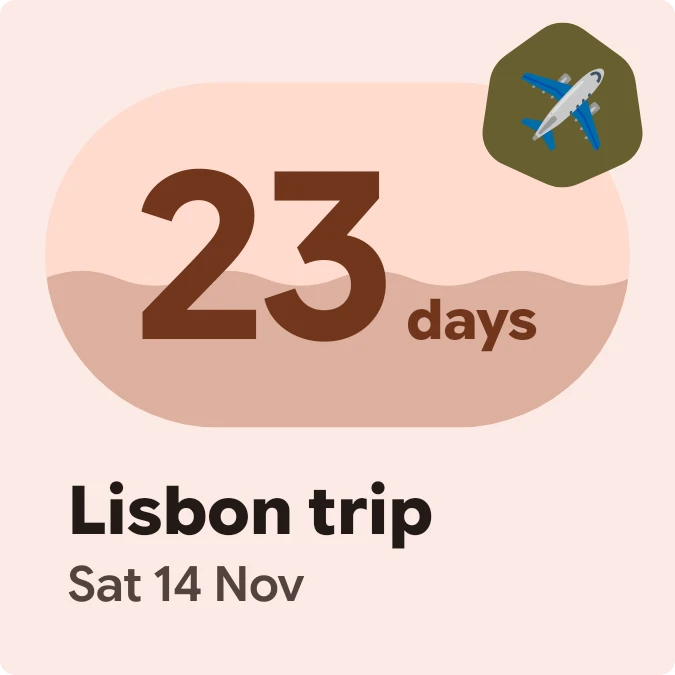
Tidecount shows the number of days left until a date you are counting down to. The number sits large inside a mint pill, and a slightly darker fill with a wavy top edge rises through the pill as the date gets closer. A round badge on the pill's corner carries an emoji, and the countdown's title and date sit underneath.
- Size
- 2x2 cells
- Kit
- Material You
- Shows
- Countdowns
- Look
- Bold shapes, soft UI and colourful
- Colours
- Mint and teal, light background
- Looks like
- Pixel widgets
- Good for
- Travel, vacation and holiday
- Android
- 10 or newer
- Needs
- No additional permissions
- Price
- Free
Kiwi is in beta and is not on Google Play yet. Join to request an invitation.
- airplane
- big-numbers
- bold
- calm
- countdown
- date
- days-to-go
- event
- flight
- green
- material-you
- minimal
- mint-green
- pill
- progress
- rounded
- tide
- travel
- trip-countdown
- wave
What changes
- While days remain, the pill shows the day count with the word days beside it. When exactly one day is left, the word changes to day.
- The fill inside the pill rises as the date approaches, so the pill is fuller the closer the date is.
- The corner badge shows the emoji set for the countdown. If the countdown has no emoji, it shows an hourglass instead.
- On the day itself, the pill turns solid and reads Today. The badge changes shape, the title stays, and the line below reads It's the day.
- With no countdown added, the pill shows a plus sign, with the text Add a countdown and Tap to add one below it.
- Counts of 1000 days or more are shown in a smaller size so the number still fits in the pill.
Data and settings
- Reads a countdown: its title, its date and its emoji.
- The title and date appear under the pill, for example Lisbon trip and Sat 14 Nov.
- The countdown's emoji is set per countdown and appears in the corner badge.
Set it up
- Open the widget in Kiwi, either from its kit or from this page.
- Tap Use.
- Confirm your launcher's prompt to place the widget on your home screen.
- If the widget shows Add a countdown, tap it and add a countdown with a name and a date.
Good to know
- It shows one countdown at a time, so you need a countdown added before it shows any days.
- Long titles and dates are cut off with an ellipsis rather than wrapping onto another line.
- The fill level shows how close the date is. It does not show an exact number beyond the day count.
Widgets like Tidecount
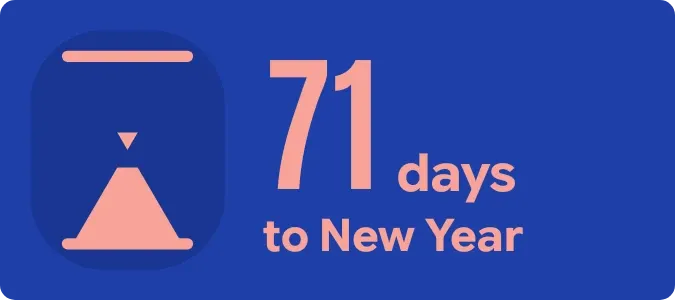 SandfallMaterial Expressive
 GapletMaterial Expressive
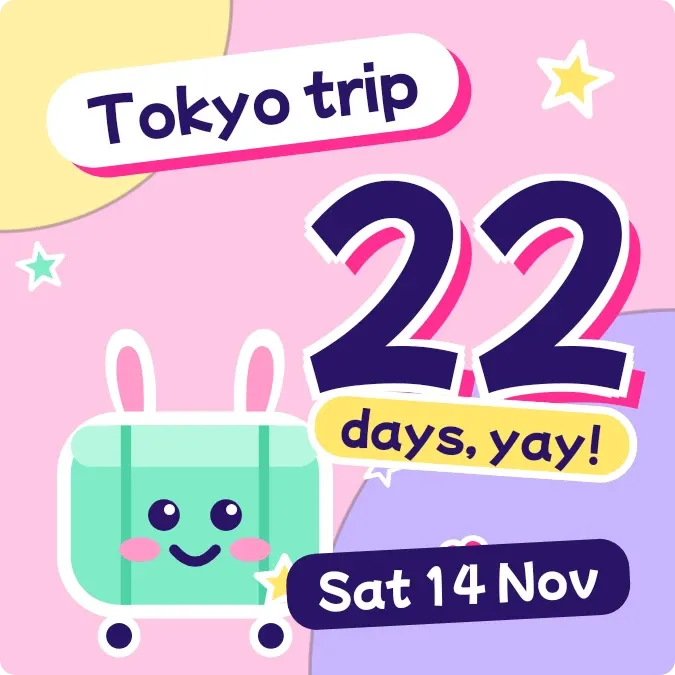 Wheelie CountPlayful
 Prism StubGlass