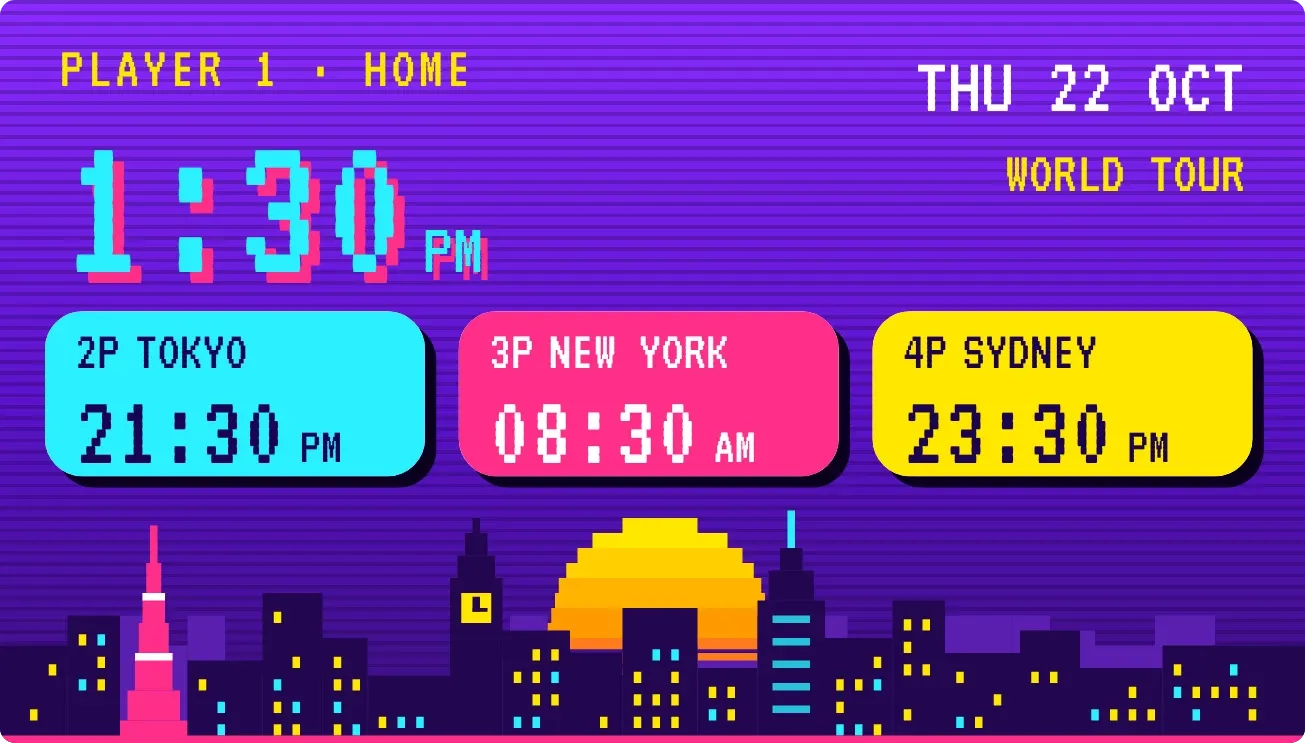
Player Select
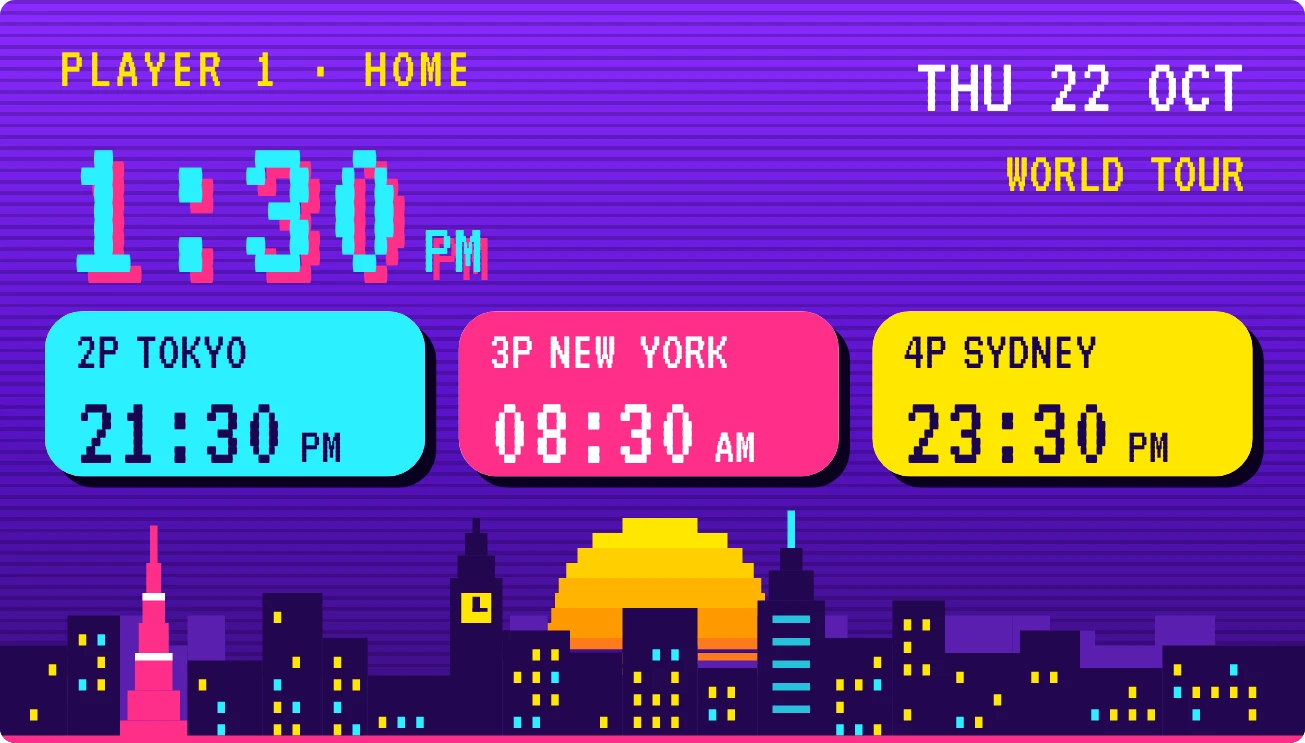
Player Select shows your local time in large cyan pixel digits with a pink shadow, labelled Player 1 Home, with the date and the words World Tour at the top right. Below it are up to three coloured buttons for other cities, numbered 2P to 4P. A pixel skyline fills the bottom edge, with a sun by day and a moon at night.
- Size
- 4x2 cells
- Kit
- Playful
- Shows
- clocks, Time and date
- Look
- Pixel art, retro and neon
- Colours
- Purple, dark background
- Good for
- Travel, long distance calls and remote work across time zones
- Android
- 10 or newer
- Needs
- No additional permissions
- Price
- Free
Kiwi is in beta and is not on Google Play yet. Join to request an invitation.
- arcade
- big-numbers
- bold
- city
- colourful
- cyan
- digital-clock
- dot-matrix
- moon
- neon
- night
- pink
- pixel
- playful
- purple
- retro
- skyline
- sun
- time-of-day
- world-clock
- yellow
What changes
- The large clock follows the current time. In 12-hour time AM or PM sits beside it; in 24-hour time that label is left out.
- Each city button shows the city name and its current time. The first is cyan, the second pink and the third yellow, labelled 2P, 3P and 4P.
- When a city's date differs from yours, its button adds a TMRW or YDAY tag next to the name.
- The skyline shows a setting sun during the day. At night the sun is replaced by a moon, with small stars in the sky.
- With no cities chosen, the buttons are replaced by one yellow PRESS START button with the hint PICK YOUR CITIES IN KIWI.
- With one or two cities chosen, only those buttons appear.
Data and settings
- Reads the device clock for the large time and for the date, shown as weekday, day and month.
- Reads your list of clocks, and uses the first three cities for the buttons in the order they are listed.
- Whether times show AM and PM depends on whether the device uses 12-hour or 24-hour time.
Set it up
- Open the widget in Kiwi, from its kit or from this page.
- Tap Use.
- Confirm your launcher's prompt to place it.
- Pick the cities you want on the three buttons in Kiwi. Until you do, the widget shows PRESS START.
Good to know
- Only the first three cities in your list appear on buttons. Any further cities are not shown.
- Long city names are cut off with an ellipsis to fit the button.
- The city buttons appear only once at least one city has been chosen.
- The sun and moon follow the time of day, so the skyline changes only when the day part changes.
Widgets like Player Select
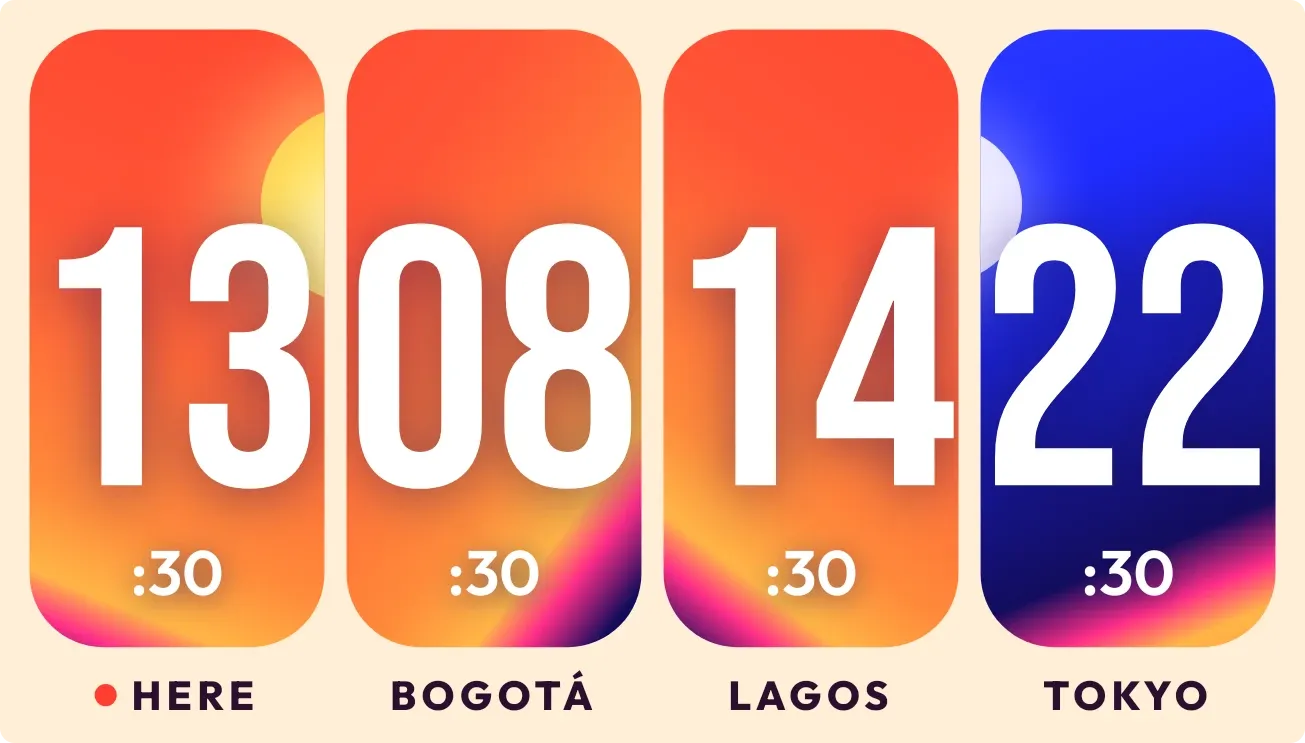 SunrelayBento
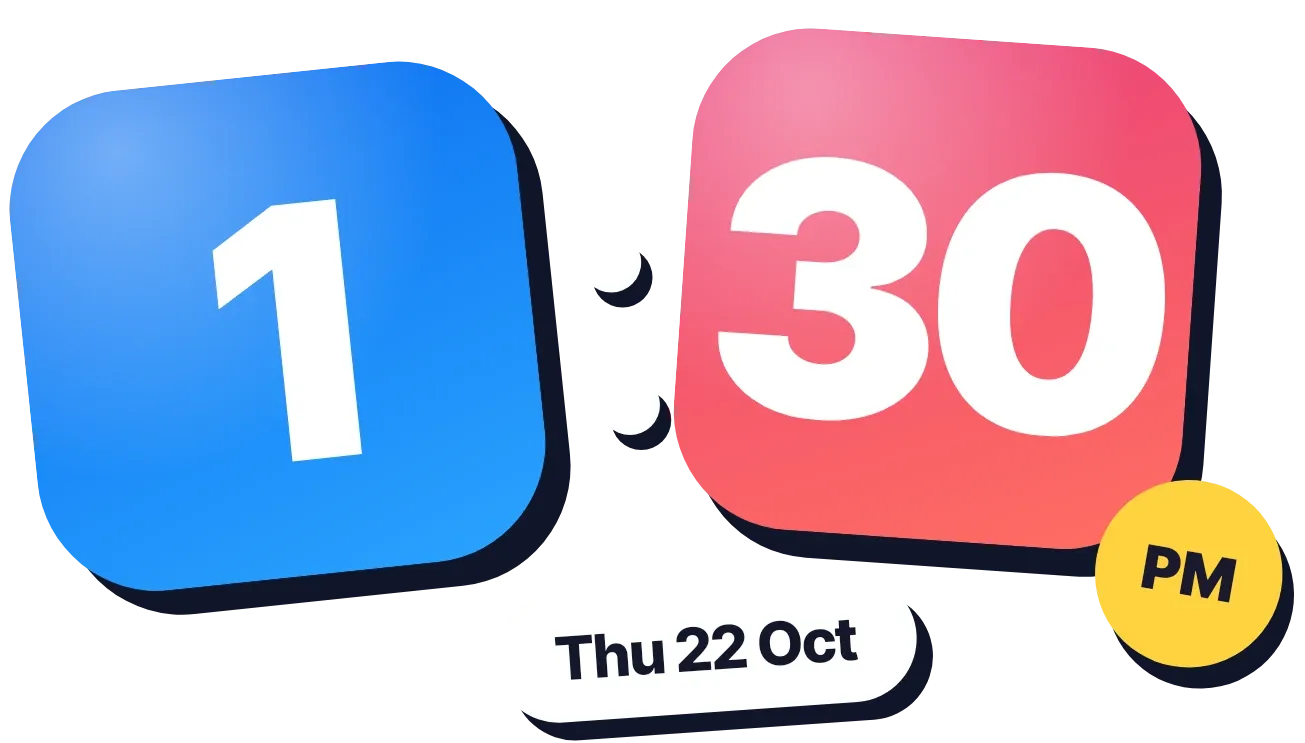 Sapphire JadeOne UI
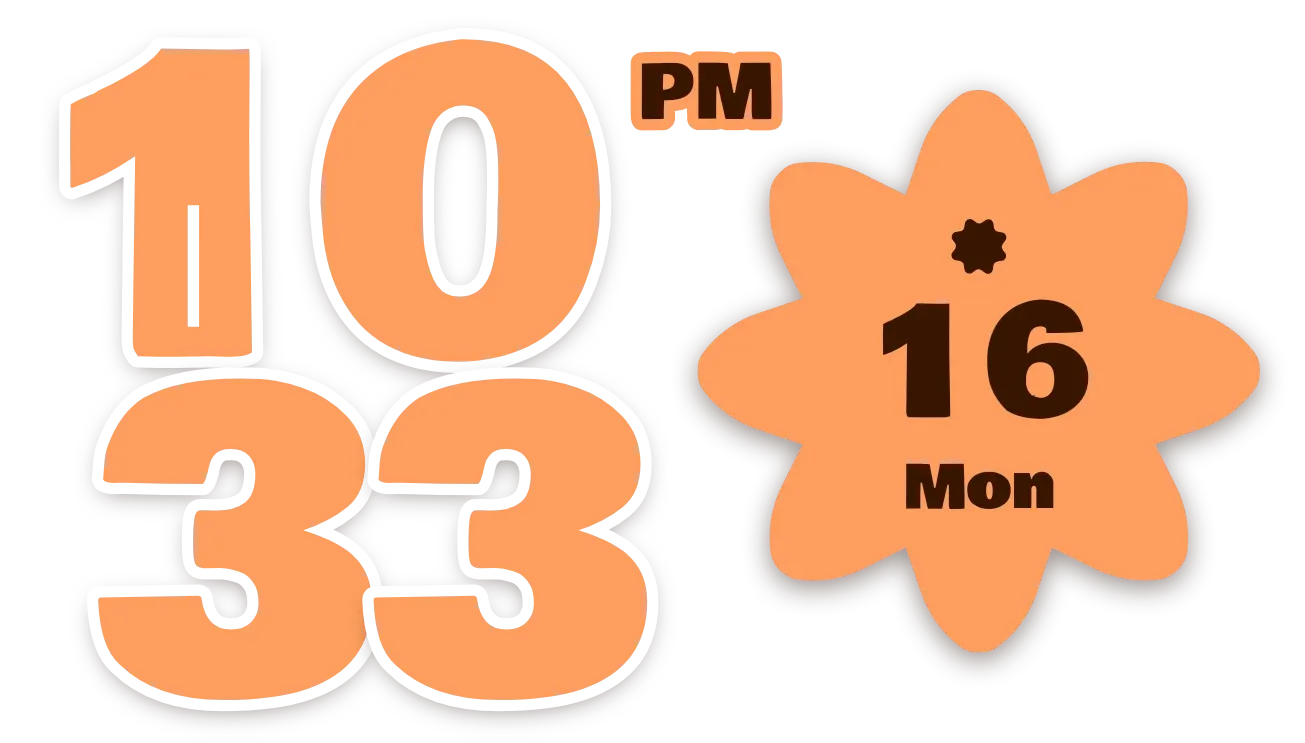 Apricot PunchMaterial Expressive
 Melon MeridianMaterial Expressive