Lime Watch
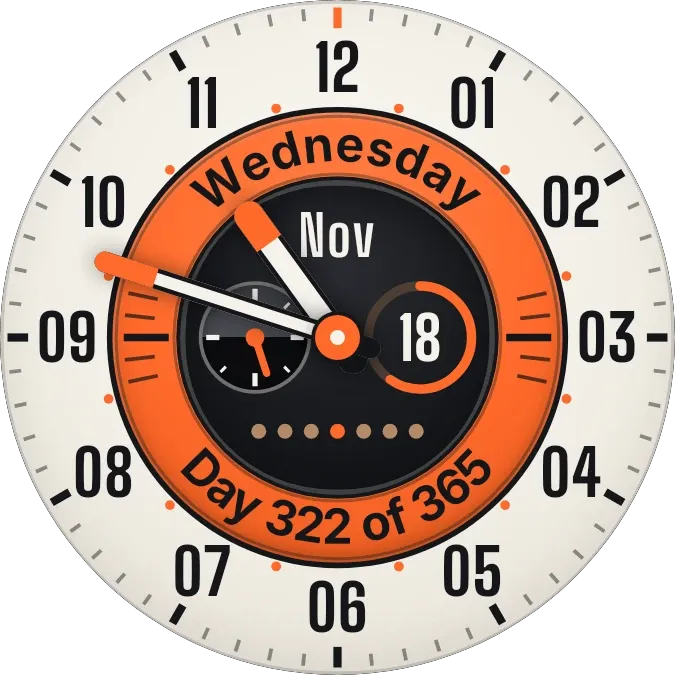
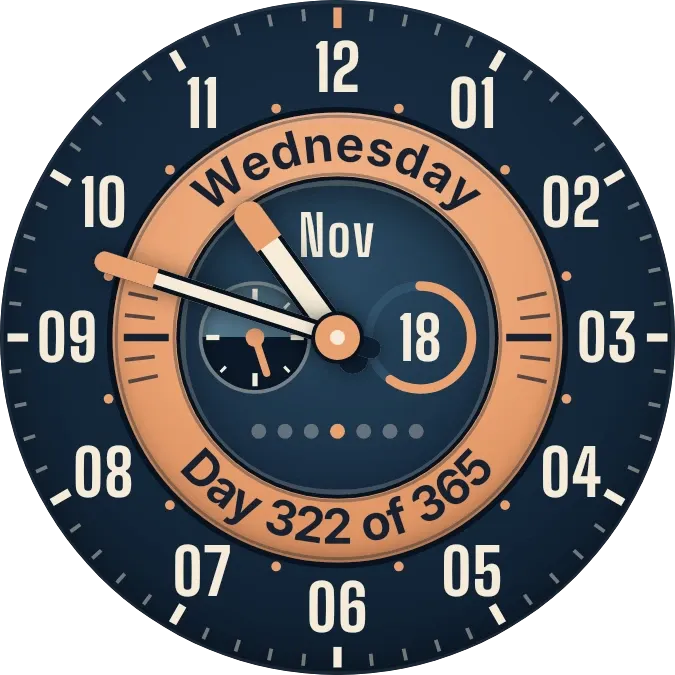
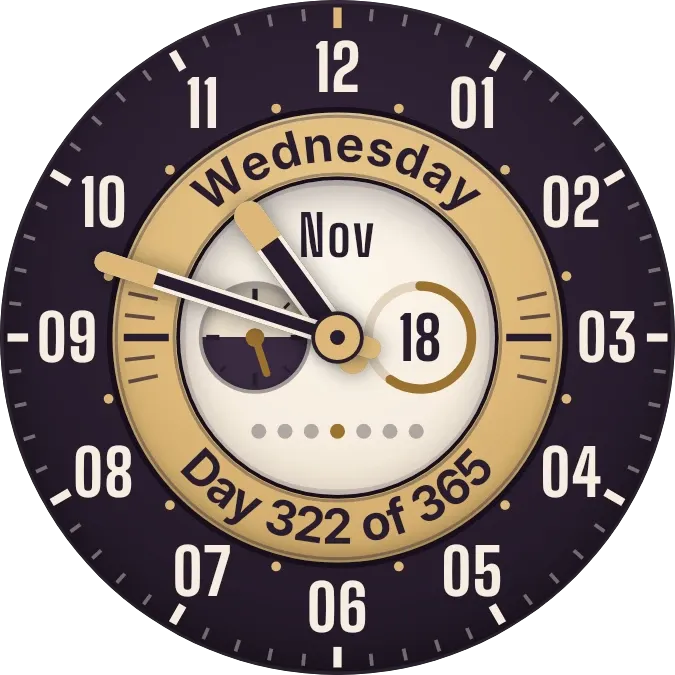
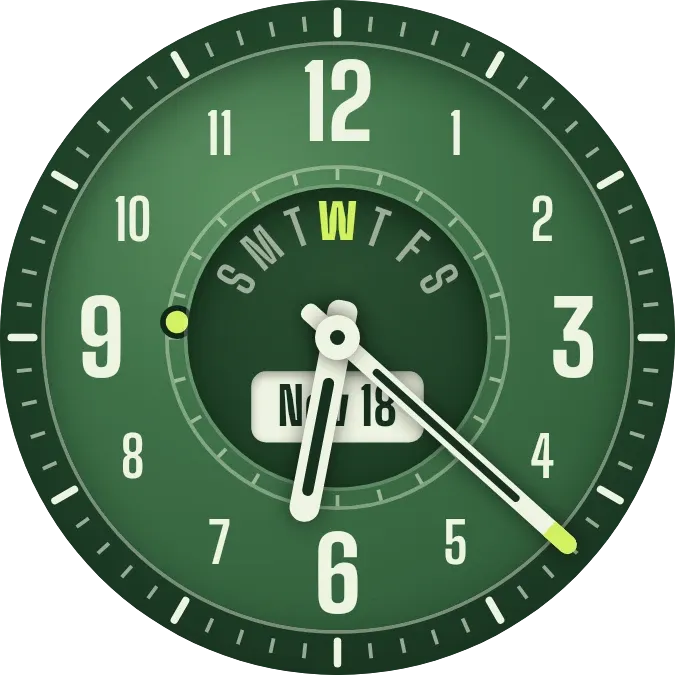
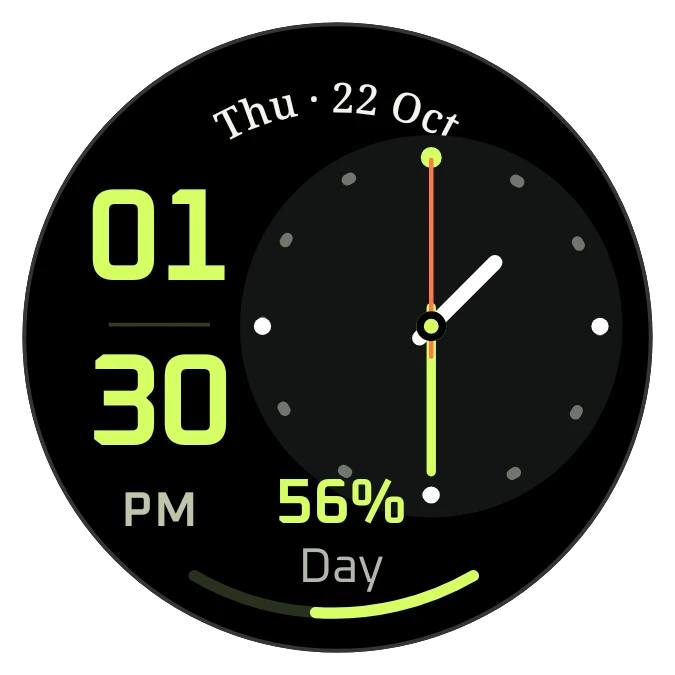
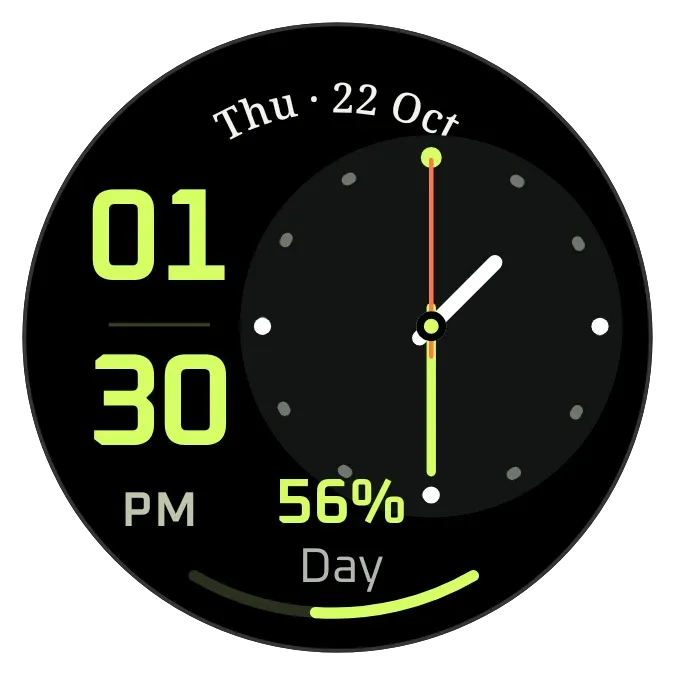
Lime Watch is a round black watch face. The hours and minutes are stacked in large lime digits on the left, beside an analog dial with hour, minute and second hands. The date follows the curve of the top edge, and a lime arc along the bottom shows how far through the day it is.
- Size
- 2x2 cells
- Kit
- Watch Face
- Shows
- Time and date
- Look
- Watch face, bold shapes and neon
- Colours
- Black, dark background
- Good for
- Workday, gym and daily routine
- Android
- 10 or newer
- Needs
- No additional permissions
- Price
- Free
Kiwi is in beta and is not on Google Play yet. Join to request an invitation.
- 2x2
- analog
- clock
- digital
- lime
- watch-face
What changes
- The analog hour, minute and second hands move with the current time, and the second hand is orange.
- The stacked digits show the hour above the minutes. With the phone on 12-hour time, AM or PM appears below them.
- With the phone on 24-hour time, the label under the digits reads 24H in place of AM or PM.
- The curved bezel text shows the weekday, day and month, such as Thu · 22 Oct.
- The percentage under the digits and the bottom arc show how much of the day has passed, with the label Day below.
- Tapping the widget opens the clock.
Data and settings
- Reads the current time from the phone.
- Reads the current date from the phone for the bezel text.
- Follows the phone's 12-hour or 24-hour time setting for the digits.
Set it up
- Open Lime Watch in Kiwi, from its kit or from this page.
- Tap Use.
- Confirm your launcher's prompt to place it on your home screen.
Good to know
- It reads only the phone's own time and date, so it shows no weather, events or other data.
- The day percentage and arc come from the time of day, so they are not a measure of anything else.