Lume Scout
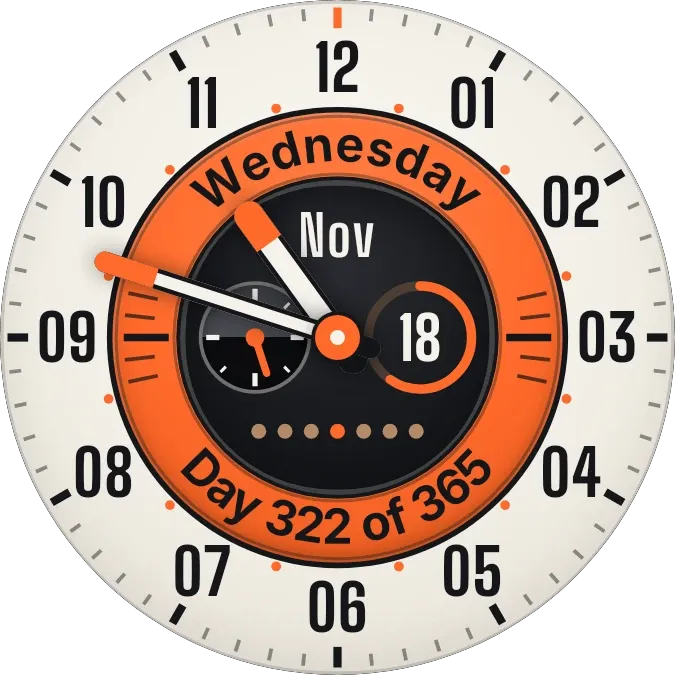
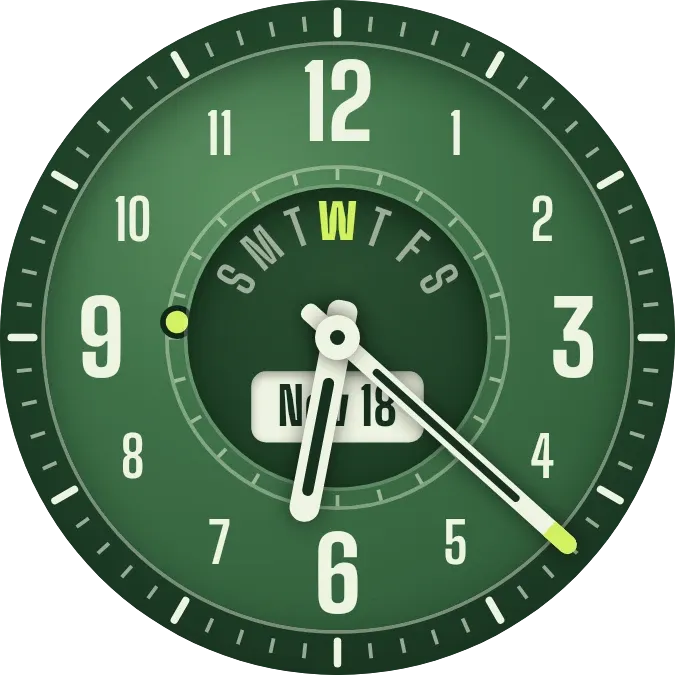
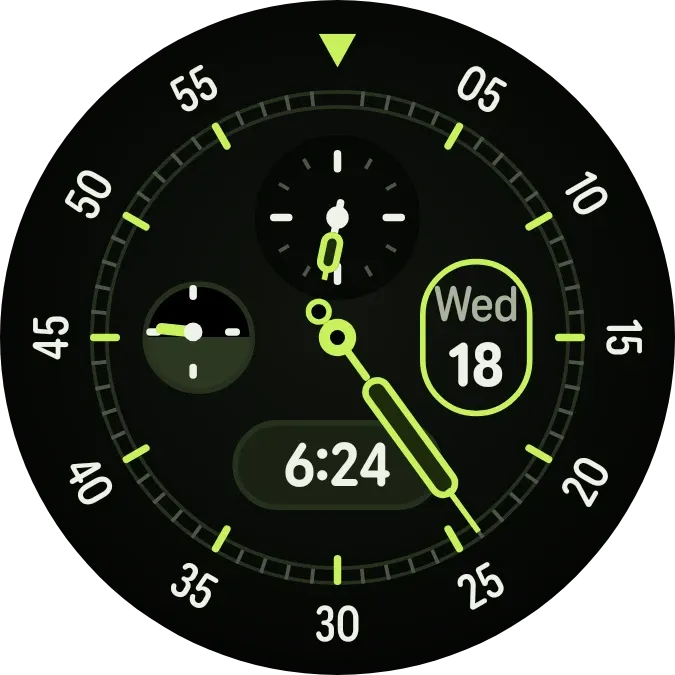
Lume Scout is a round black watch face with lime green hands and a minute scale numbered in fives around the edge. A small dial near the top shows the hour. A half-dark, half-light dial on the left tracks the time of day. A pill shows the digital time, and an outlined oval on the right shows the weekday and day number.
- Size
- 2x2 cells
- Kit
- Watch Face
- Shows
- state, Time and date
- Look
- Watch face, hardware and neon
- Colours
- Black, dark background
- Good for
- Daily routine, timekeeping and work
- Android
- 10 or newer
- Needs
- No additional permissions
- Price
- Pro
Kiwi is in beta and is not on Google Play yet. Join to request an invitation.
- analog-clock
- black
- clock-hands
- dark
- date
- date-display
- day-night
- day-of-week
- dial
- digital-clock
- green
- hardware
- lime
- needle
- neon
- numerals
- pill
- retro
- ring
- round
- subdials
- time
- watch-face
- white
What changes
- The long minute hand turns around the numbered scale as the minutes pass.
- The hand in the small top dial points to the current hour.
- The hand in the left dial makes one full turn over a day, moving across its dark and light halves.
- The pill shows the current time as digital text, for example 6:24.
- The oval shows the current weekday and day of the month, and changes when the date changes.
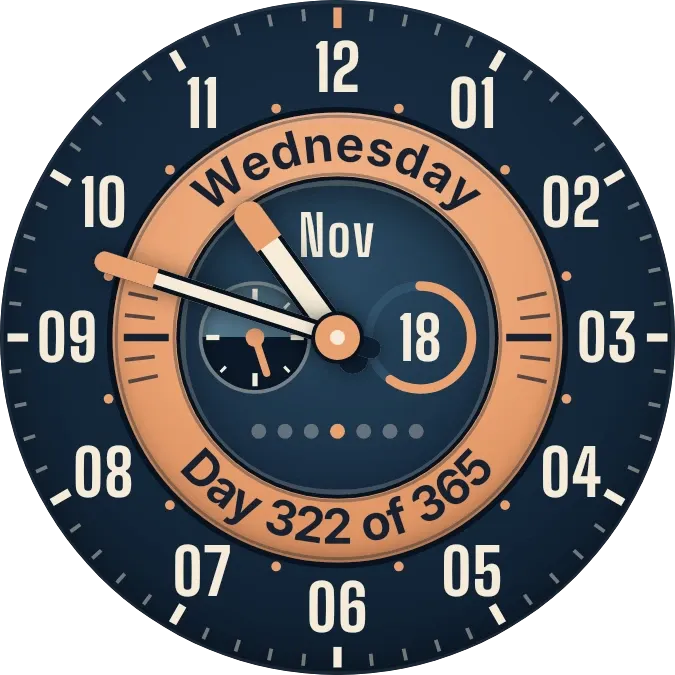
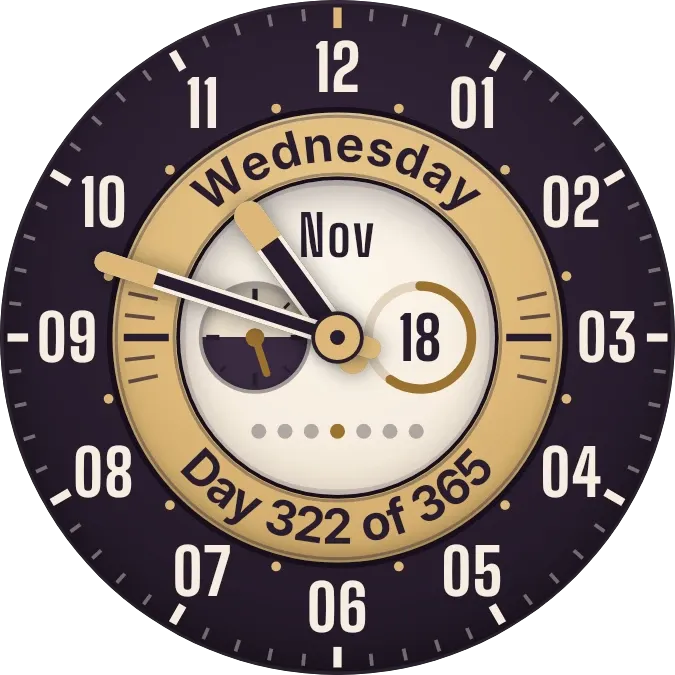
- Tapping the outer ring of numbers switches between the black face and a pale face with an orange accent.
Data and settings
- Reads the current time and date from your phone.
- Reads and remembers which face you last chose, black or pale.
- Tap the outer ring to switch the face. Tapping the dial opens the clock, and tapping the date opens the calendar.
Set it up
- Open the widget in Kiwi, either from its kit or from this page.
- Tap Use.
- Confirm your launcher's prompt to place it on your home screen.