Footburst
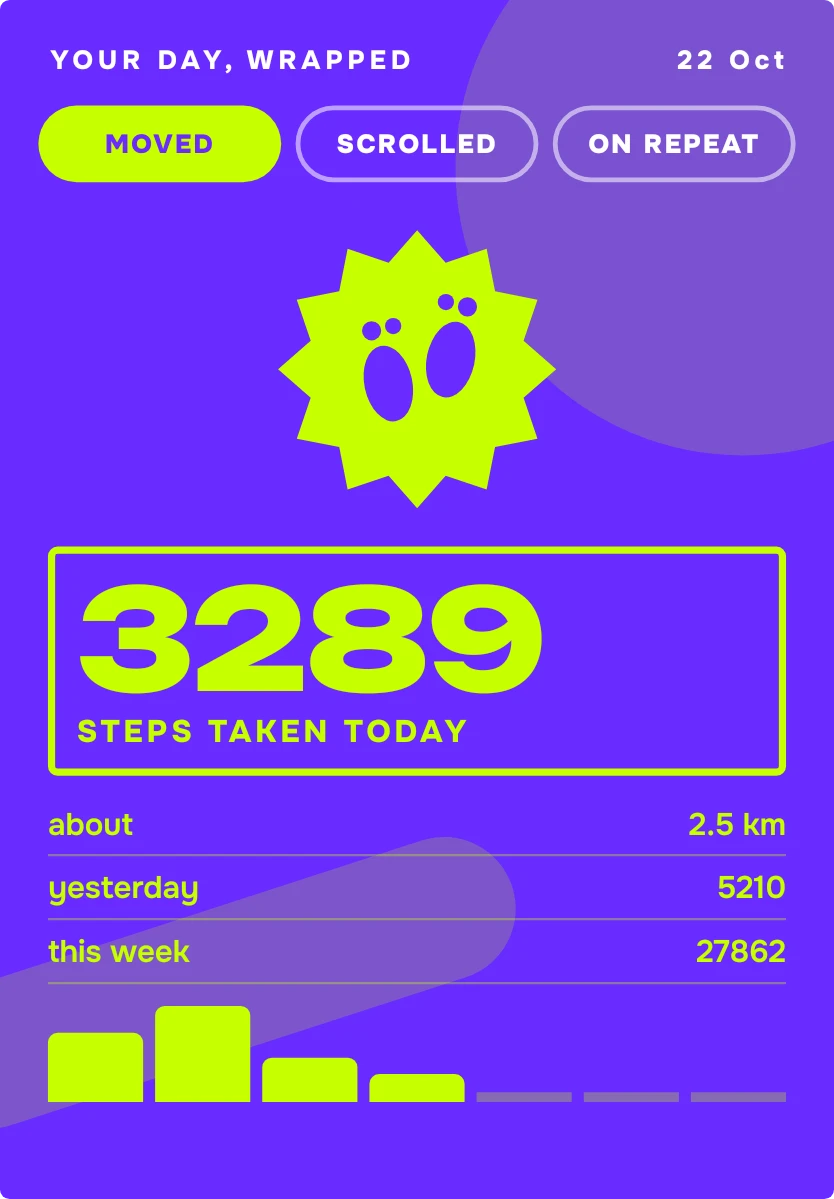
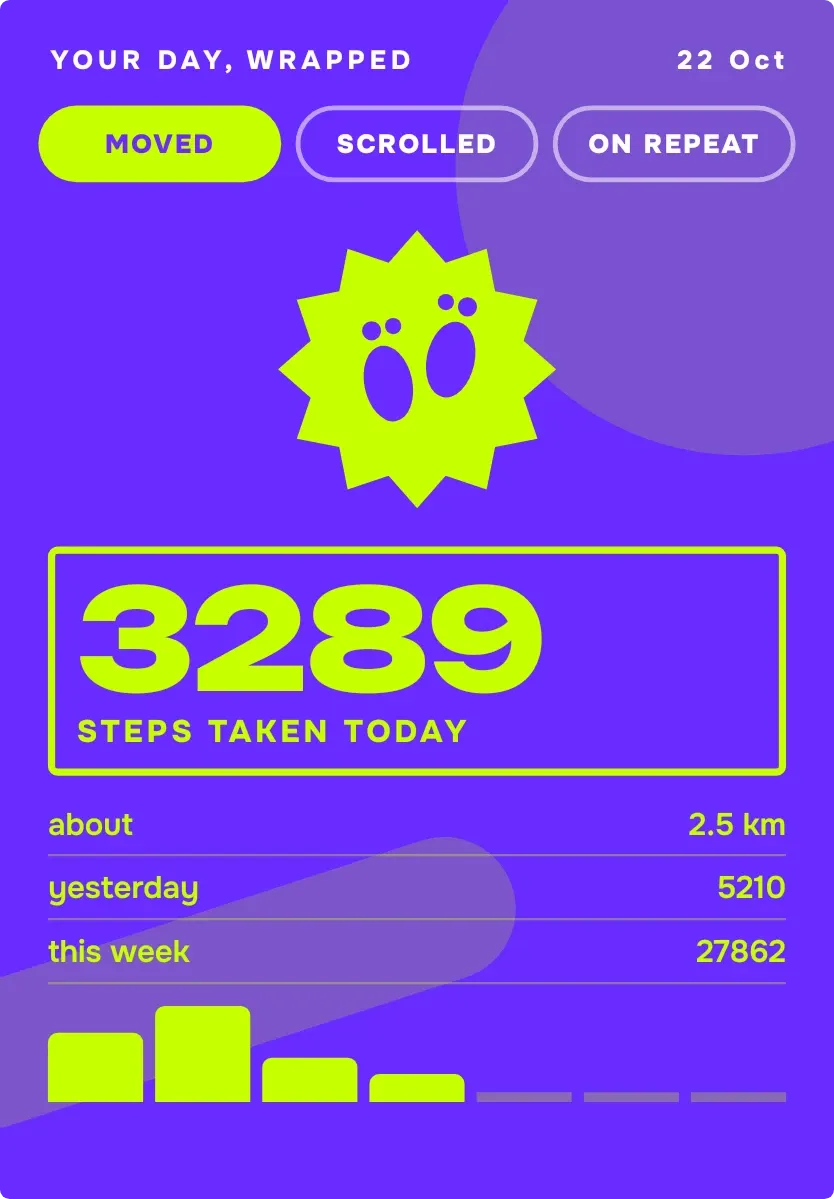
Footburst is a violet poster headed "Your day, wrapped" with the date at the top right. A lime starburst with footprints sits above today's step count in a very large number, with distance, yesterday, the week total and a bar chart below. Three tabs, Moved, Scrolled and On Repeat, switch it to screen time or music.
- Size
- 4x5 cells
- Kit
- Material Expressive
- Shows
- Now playing, Screen time, state, Steps
- Look
- Bold shapes, typographic and colourful
- Colours
- Purple and lime, dark background
- Looks like
- Pixel widgets
- Good for
- Walking, gym and daily recap
- Android
- 10 or newer
- Needs
- No additional permissions
- Price
- Free
Kiwi is in beta and is not on Google Play yet. Join to request an invitation.
- activity
- big-numbers
- bold
- bright
- chart
- cheerful
- colourful
- daily-summary
- distance
- emblem
- fitness
- footprints
- lime
- playful
- poster
- progress-bar
- purple
- stats
- step-counter
- step-tracker
- steps
- typographic
- weekly-steps
- wrapped
- yellow
What changes
- The Moved view shows today's steps, the distance in kilometres marked as about, yesterday's steps and this week's total, with a bar for each day of the week.
- Days that haven't happened yet appear in the bar chart as a thin flat line instead of a bar.
- Tapping a tab switches the view. Scrolled turns the poster dark green and pink with a phone icon, and On Repeat turns it blue and orange with a record.
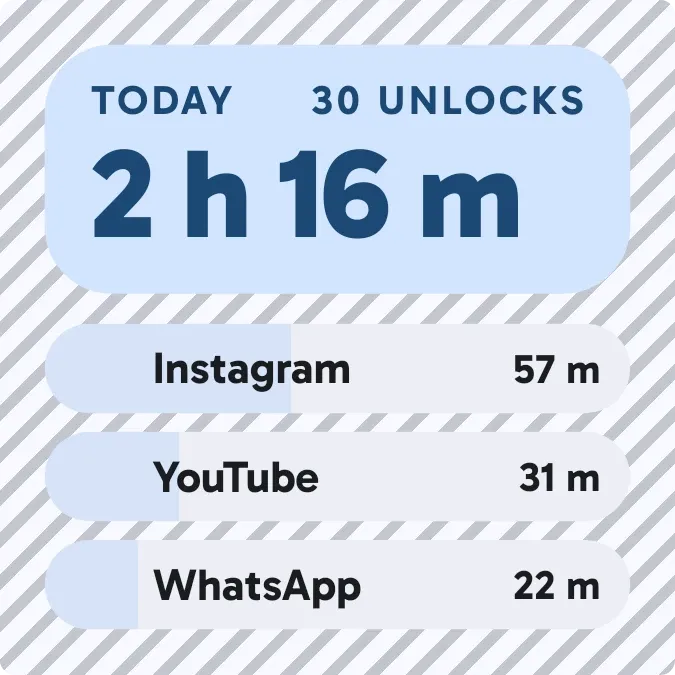
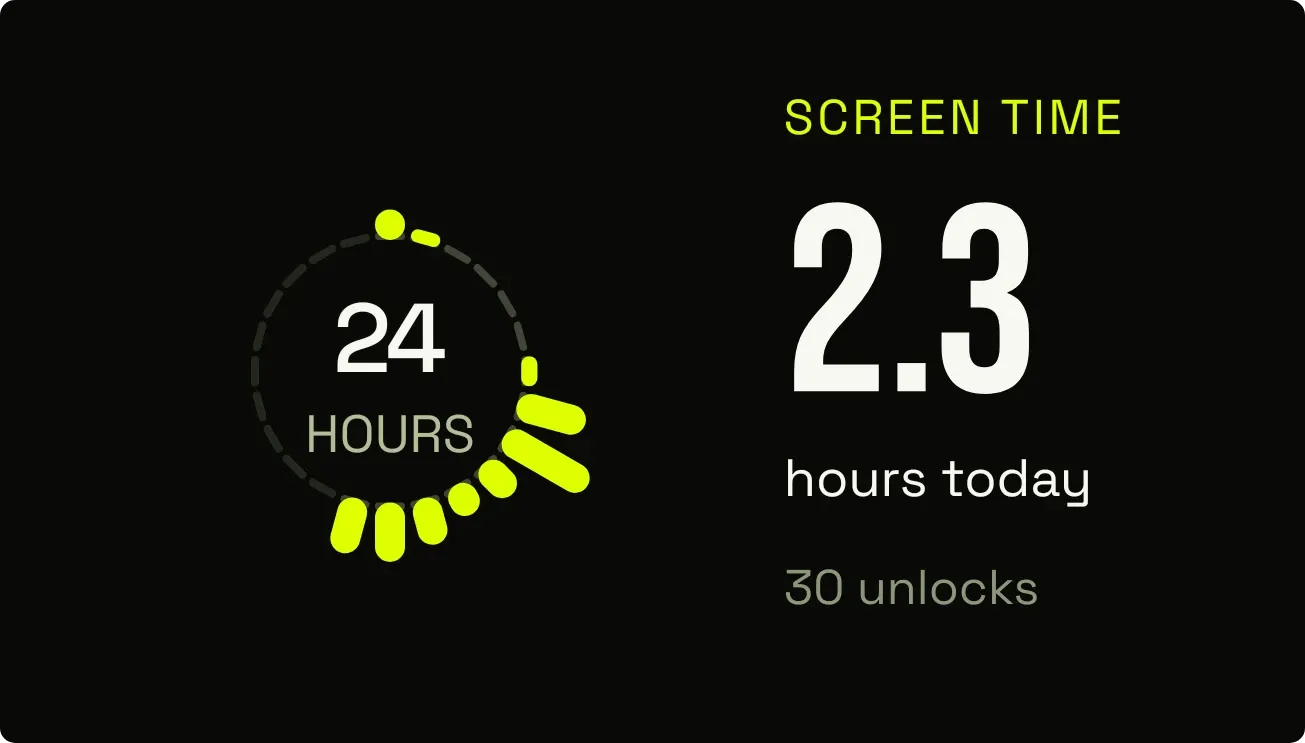
- The Scrolled view shows screen time today, the number of unlocks and the three most-used apps with the time spent in each.
- The On Repeat view shows the title, artist, app, and whether it is playing now or paused, with the position and length. With nothing playing it reads "Silence, for now".
- If step data isn't available it shows "Count your steps" and asks you to allow physical activity in Kiwi. Without screen access it shows "See your screen time" and asks you to allow usage access.
Data and settings
- Reads your step count for today, yesterday and each day of the week, and shows the distance in kilometres.
- Reads your screen time today, your unlock count and your most-used apps.
- Reads the media that is playing: title, artist, app, play or pause state and position.
- Shows today's date in the header as day and month.
- The three tabs set which view is showing: Moved, Scrolled or On Repeat.
Set it up
- Open Footburst in Kiwi, either from its kit or from this page.
- Tap Use.
- Confirm your launcher's prompt to place the widget on your home screen.
Good to know
- The Moved view needs step data, so until physical activity is allowed in Kiwi it shows only a prompt.
- The Scrolled view needs usage access to be allowed in Kiwi before it can show screen time, unlocks and apps.
- The distance is an estimate, as the widget labels it with the word about.
- The On Repeat view only shows details while a media app has something loaded, and otherwise shows the empty message.
- The Scrolled view lists only the top three apps by time.
Widgets like Footburst
 HatchmarkMaterial You
 Lime QuartetWatch Face
 Hour BloomInstruments



