Stitch Garden
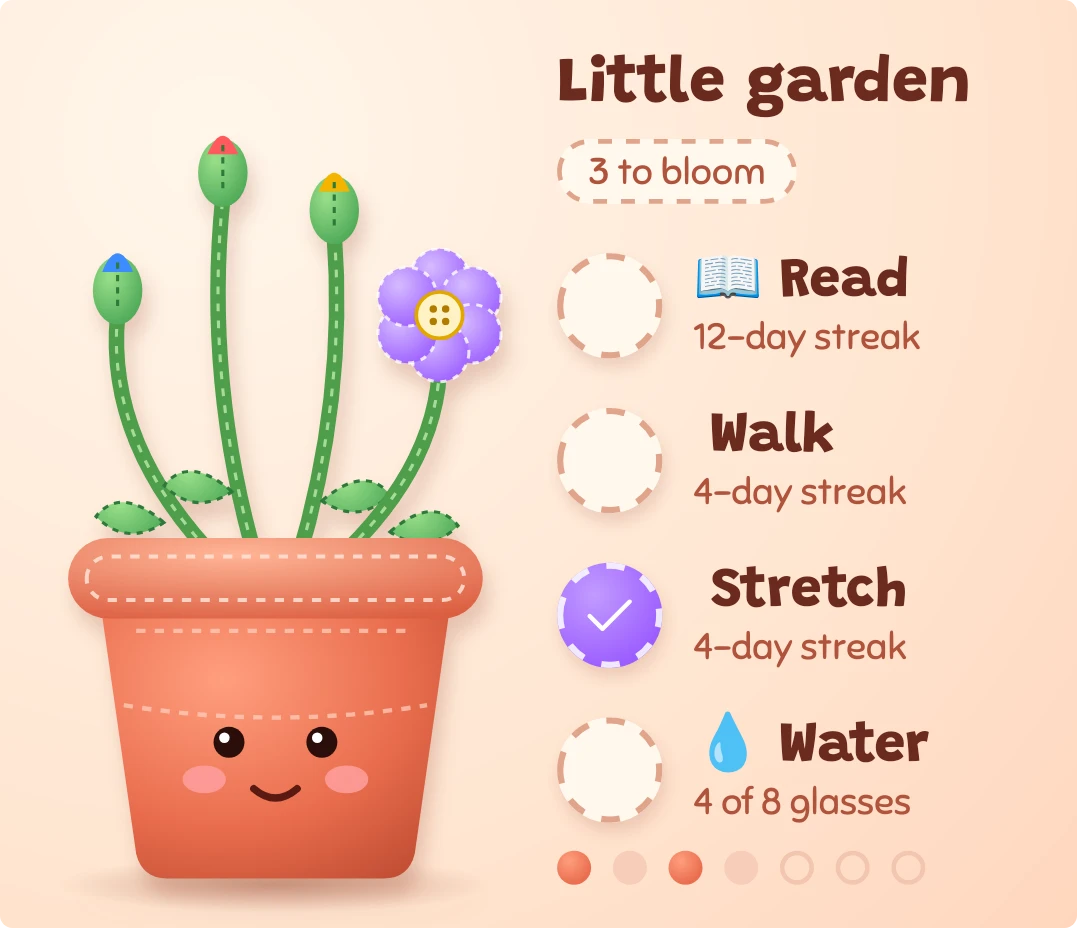
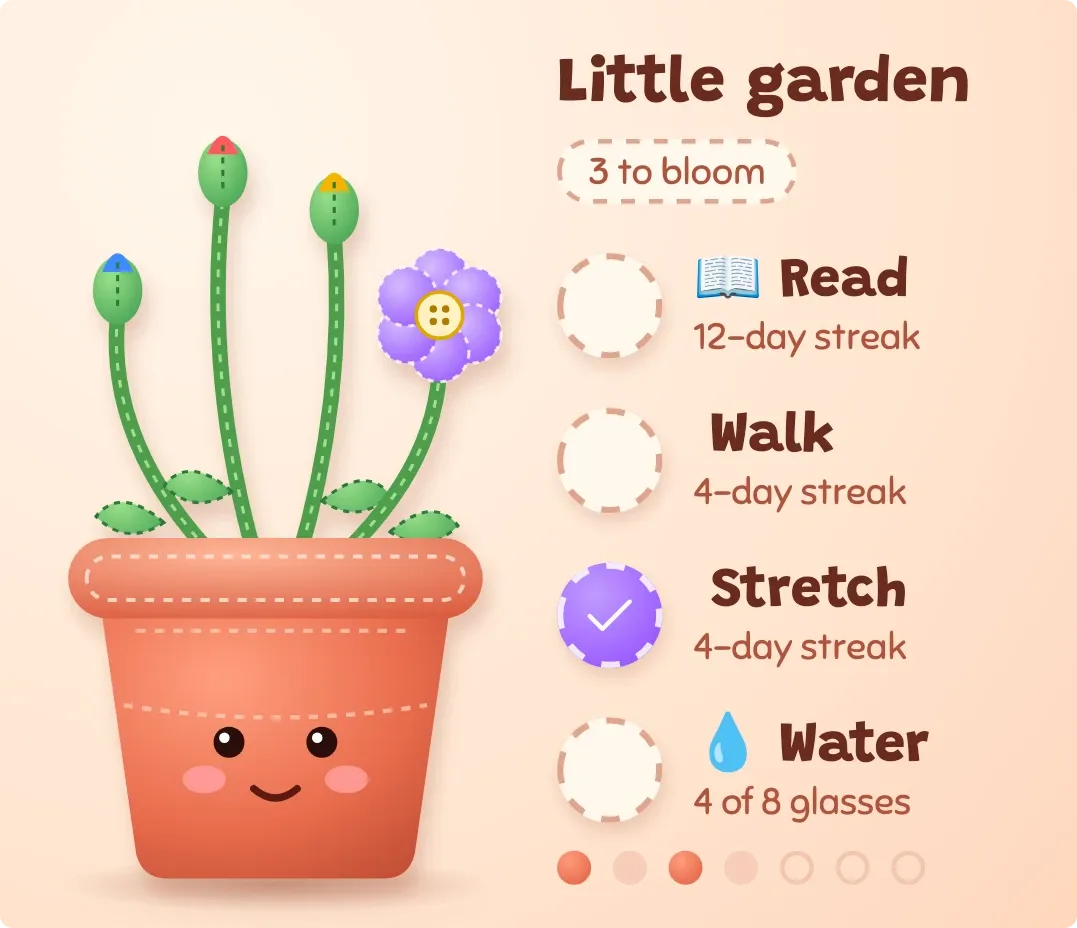
Stitch Garden shows up to four habits as felt flowers growing from a flowerpot with a stitched face. On the right, each habit has a round check button, its name and a streak or progress line, with a title and a count of blooms still to go above. A row of seven dots along the bottom marks the days of the week.
- Size
- 4x3 cells
- Kit
- Playful
- Shows
- Habits and goals
- Look
- Plush, cartoon and kawaii
- Colours
- Orange, light background
- Good for
- Daily routine, morning routine and self care
- Android
- 10 or newer
- Needs
- No additional permissions
- Price
- Free
Kiwi is in beta and is not on Google Play yet. Join to request an invitation.
- checklist
- cozy
- cream
- cute
- daily-habits
- felt
- flower
- flowerpot
- green
- habit
- habit-tracker
- habits
- kawaii
- mascot
- orange
- pastel
- pink
- plant
- playful
- plush
- progress
- purple
- smiley-face
- stitched
- tactile
What changes
- A habit that isn't done today shows as a closed green bud with a coloured tip. When it is done, the bud opens into a six-petal flower with a button centre, in a colour set by its place in the list.
- The button beside a finished habit fills with that flower's colour and shows a white check. An unfinished habit has an empty dashed circle.
- The chip under the title counts the habits still to bloom, such as 2 to bloom. When every habit is done it reads All in bloom.
- The pot's face changes with progress. With nothing done it has closed eyes and a flat mouth, with some done it has open eyes and a smile, and with all done it has a wide open smile and sparkles.
- A habit with a goal of one shows its streak, such as 12-day streak, or Tap when done if it has no streak. Tapping its row toggles it done or not done.
- A habit with a larger goal shows progress such as 5 of 8 glasses, and tapping its row adds progress. With no habits, the widget shows Plant a habit and a prompt to tap and add your first one.
Data and settings
- Reads your habits: each one's name, emoji, goal, unit, today's progress and streak.
- Reads which days of the current week you completed your habits, shown as the row of dots.
- The habits you add and their goals decide what grows in the pot. The first four appear.
Set it up
- Open Stitch Garden in Kiwi, either from its kit or from this page.
- Tap Use.
- Confirm your launcher's prompt to place it on your home screen.
- If the garden shows Plant a habit, tap it and add your first habit.
Good to know
- Only the first four habits are shown, so any further habits don't get a flower or a row.
- It needs at least one habit to grow anything. With none, it shows only the Plant a habit prompt.
- Flowers show today's progress. A bloom closes again if the habit is no longer done for the day.
- A habit's flower colour depends on its position in the list, not on the habit itself.
Widgets like Stitch Garden
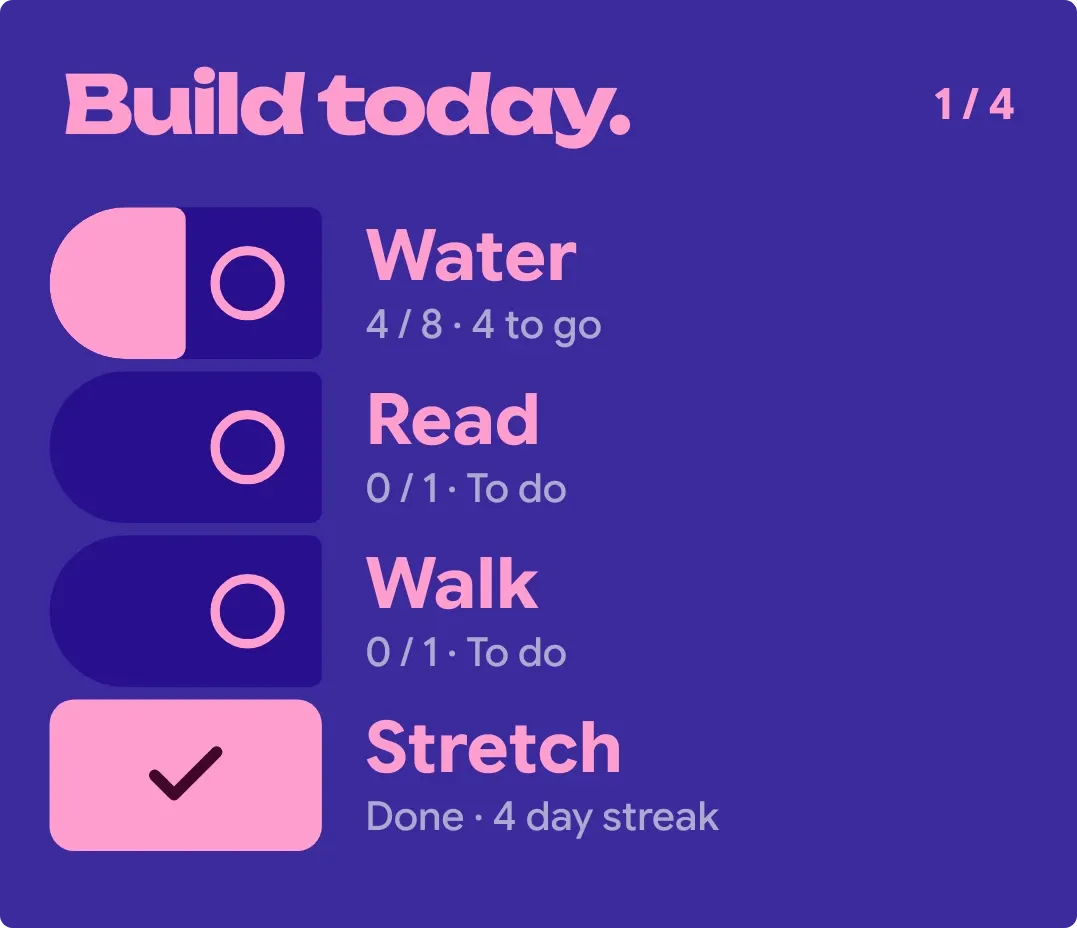 LockstepMaterial Expressive
 Kindle RowScenes
 SipdomeMaterial Expressive
 TicktideMaterial You