Harlequin Tick
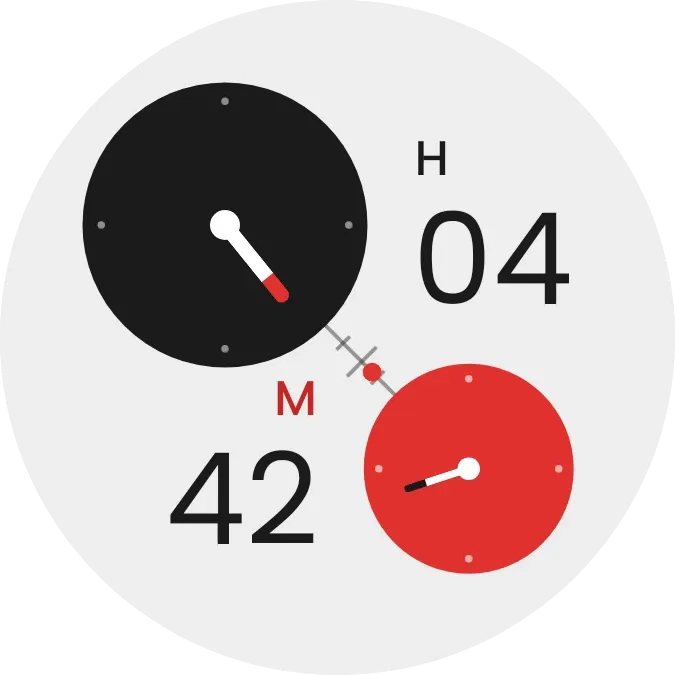
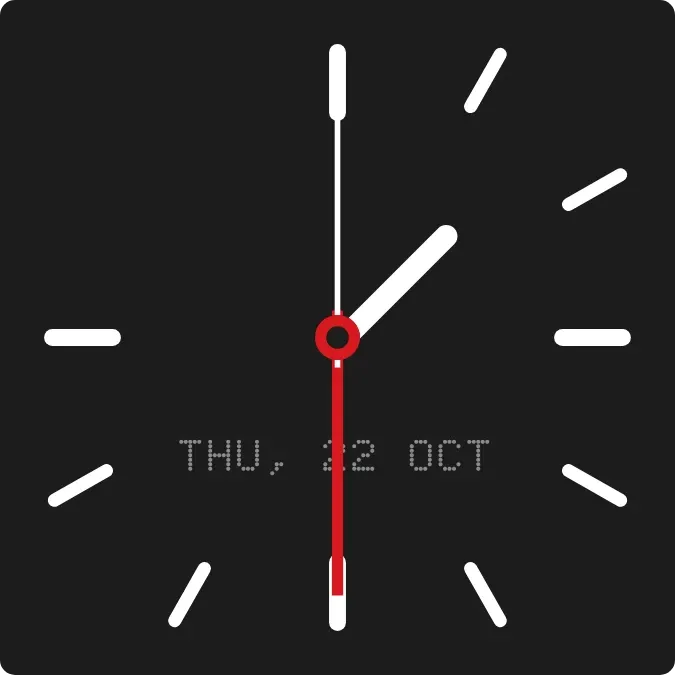
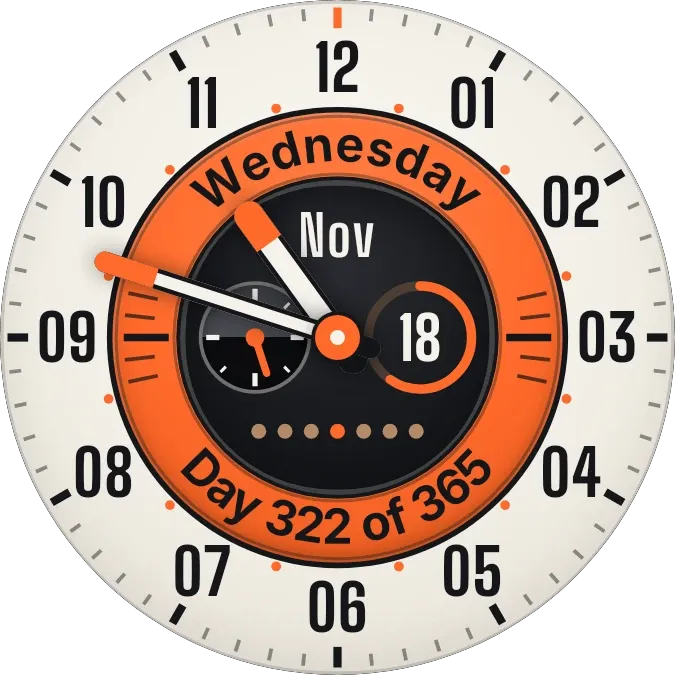
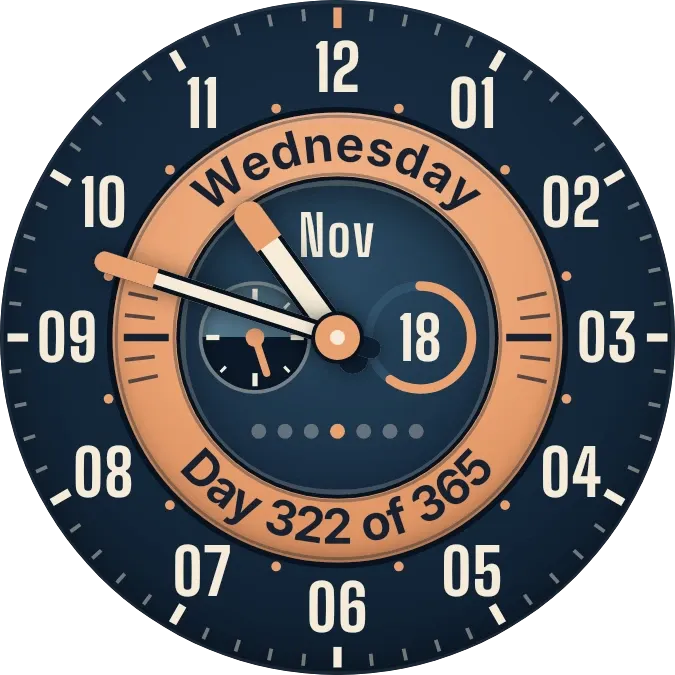
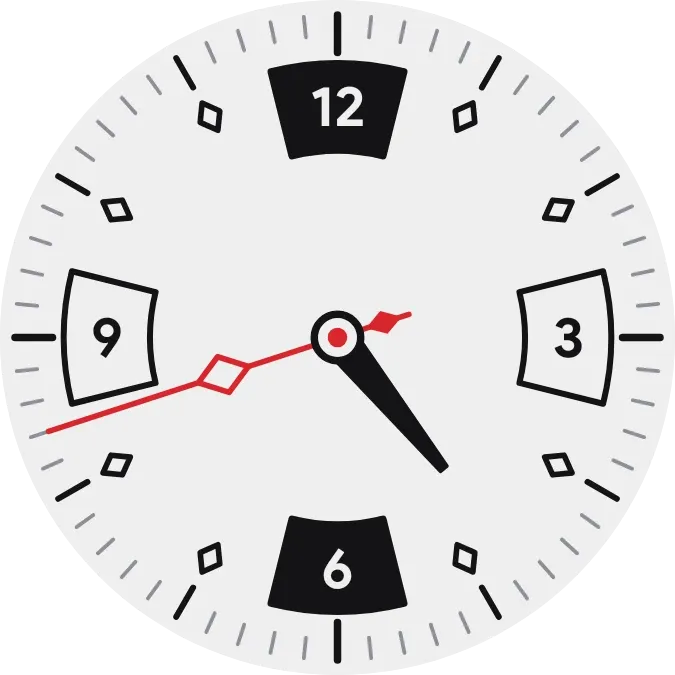
Harlequin Tick is a round analog clock with a pale dial, bold curved panels for 12, 3, 6 and 9, and diamond markers between them. It has a black hour hand and a thin red minute hand with a diamond cutout. The dial turns dark at night.
- Size
- 2x2 cells
- Kit
- Watch Face
- Shows
- Time and date
- Look
- Watch face, retro and bold shapes
- Colours
- White, light background
- Good for
- Daily timekeeping, desk work and morning routine
- Android
- 10 or newer
- Needs
- No additional permissions
- Price
- Free
Kiwi is in beta and is not on Google Play yet. Join to request an invitation.
- analog-clock
- black
- black-and-white
- bold
- clock-hands
- dial
- diamond-markers
- geometric
- grey
- light
- minute-marks
- numerals
- red
- red-hand
- retro
- round
- time
- vintage-clock
- watch-face
- white
What changes
- The hour hand and the red minute hand move around the dial to match the current time.
- From 6:00 to 18:59 the dial is pale grey with dark markings and a red minute hand.
- From 19:00 to 5:59 the dial is near black with light markings and a brighter red minute hand.
- The 12 and 6 panels are filled and the 3 and 9 panels are outlined, in both the day and night looks.
Data and settings
- Reads the current time to position the hands and to choose the day or night look.
- Nothing to set: no city, date or name is needed.
Set it up
- Open Harlequin Tick in Kiwi, either from its kit or from this page.
- Tap Use.
- Confirm your launcher's prompt to place the widget on your home screen.
Good to know
- It has no second hand and no date, so it shows only the hour and minute.
- The dial switches between day and night at fixed times, 6:00 and 19:00, not at sunrise or sunset.