Steel Pinch
Steel Pinch shows how much internal storage is used on a dark panel. The word STORAGE sits above a large percentage, with the used space underneath. Beside them a steel ruler marked from 0 to 100 is gripped by a blue jaw, and a blue bar runs from the fixed grey jaw to the blue one.
- Size
- 5x1 cells
- Kit
- Instruments
- Shows
- resources
- Look
- Hardware, 3D and monochrome
- Colours
- Grey, dark background
- Good for
- Checking free space, phone cleanup and before updates
- Android
- 10 or newer
- Needs
- No additional permissions
- Price
- Free
Kiwi is in beta and is not on Google Play yet. Join to request an invitation.
- at-a-glance
- big-numbers
- blue
- dark
- digital
- disk-space
- grey
- instruments
- measure
- minimal
- progress
- progress-bar
- ruler
- slider
- steel
- storage
- storage-used
What changes
- The blue jaw slides along the ruler to the mark that matches the percentage of internal storage used.
- The blue bar between the two jaws gets longer as more storage is used and shorter as space is freed.
- The large percentage and the used space beside the ruler change to match the current figures.
- The jaw stays within the 0 to 100 ends of the ruler.
- Tapping the widget opens Android's internal storage settings.
Data and settings
- Reads the percentage of internal storage in use.
- Reads the amount of internal storage used, shown below the percentage.
- There is nothing to set.
Set it up
- Open Steel Pinch in Kiwi, either from its kit or from this page.
- Tap Use.
- Confirm your launcher's prompt to place the widget on your home screen.
Good to know
- It reports internal storage only.
Widgets like Steel Pinch
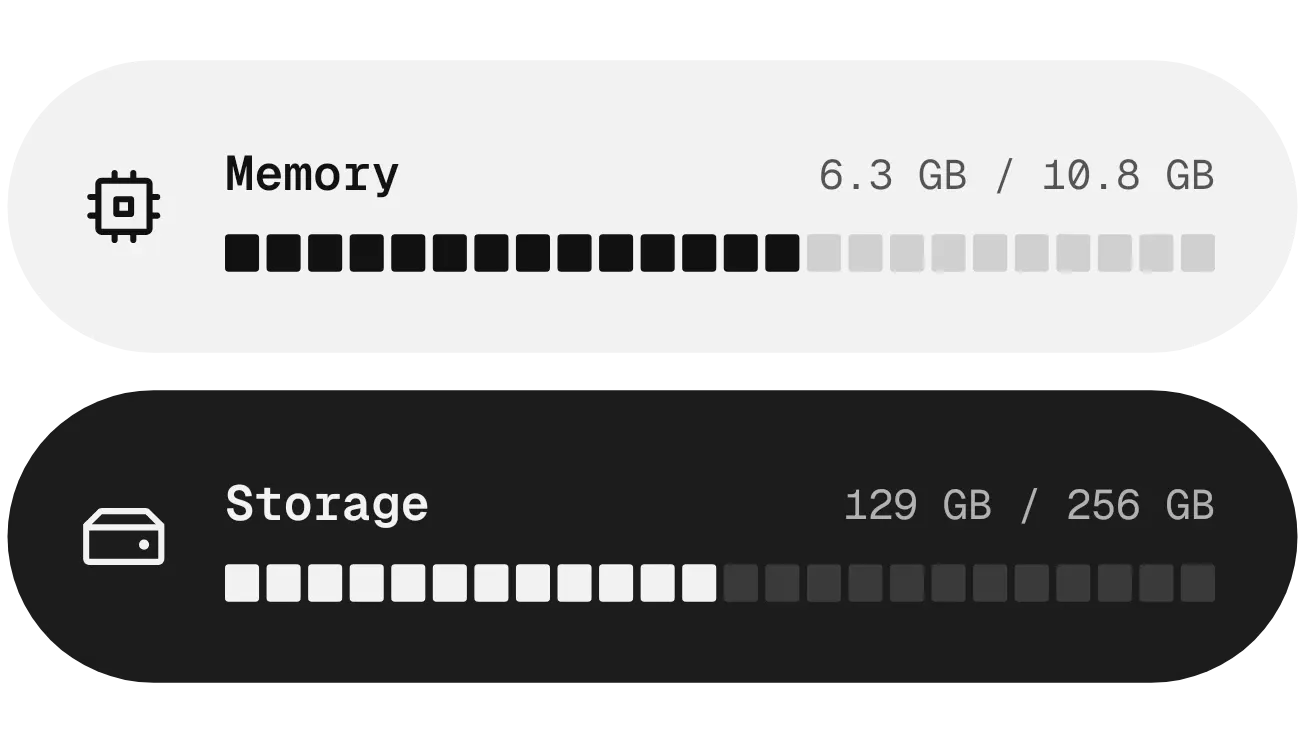 Chalk & CoalNothing
 Halfway PillMaterial You
 Slow PourGlass
 Shape ChargeMaterial Expressive