Chalk & Coal
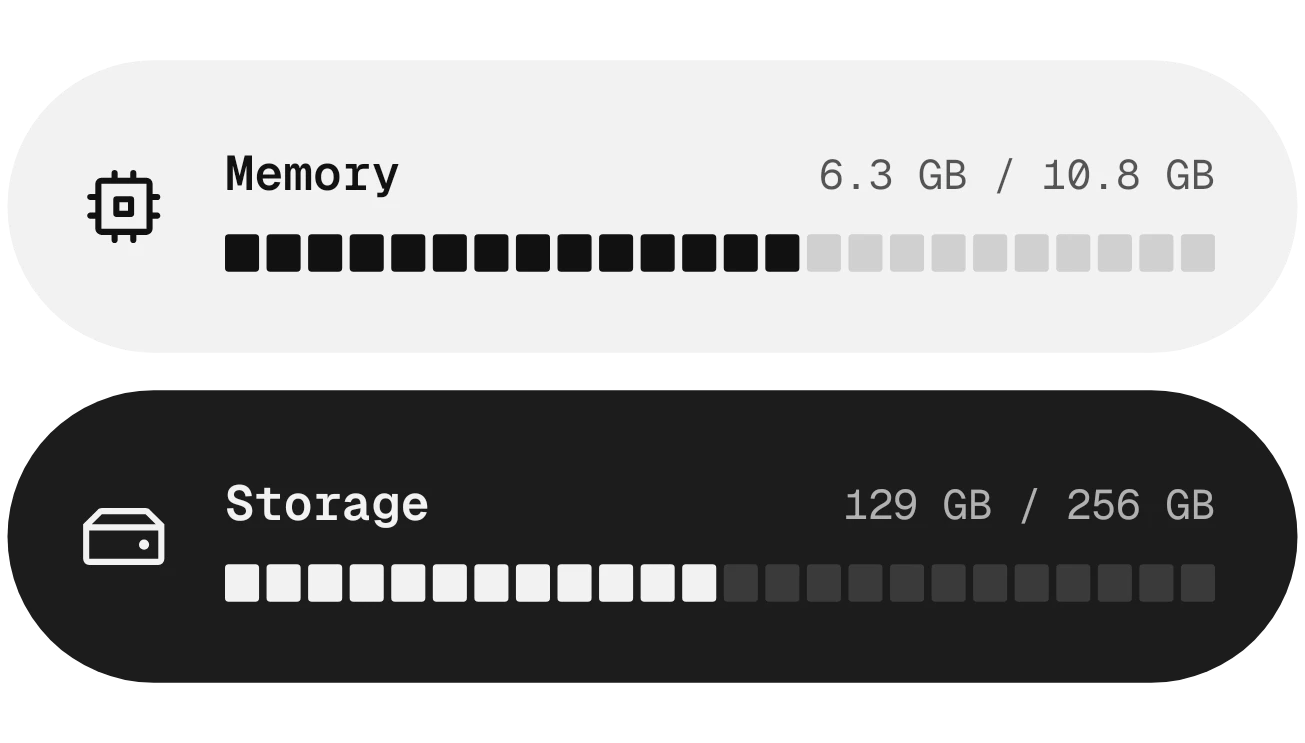
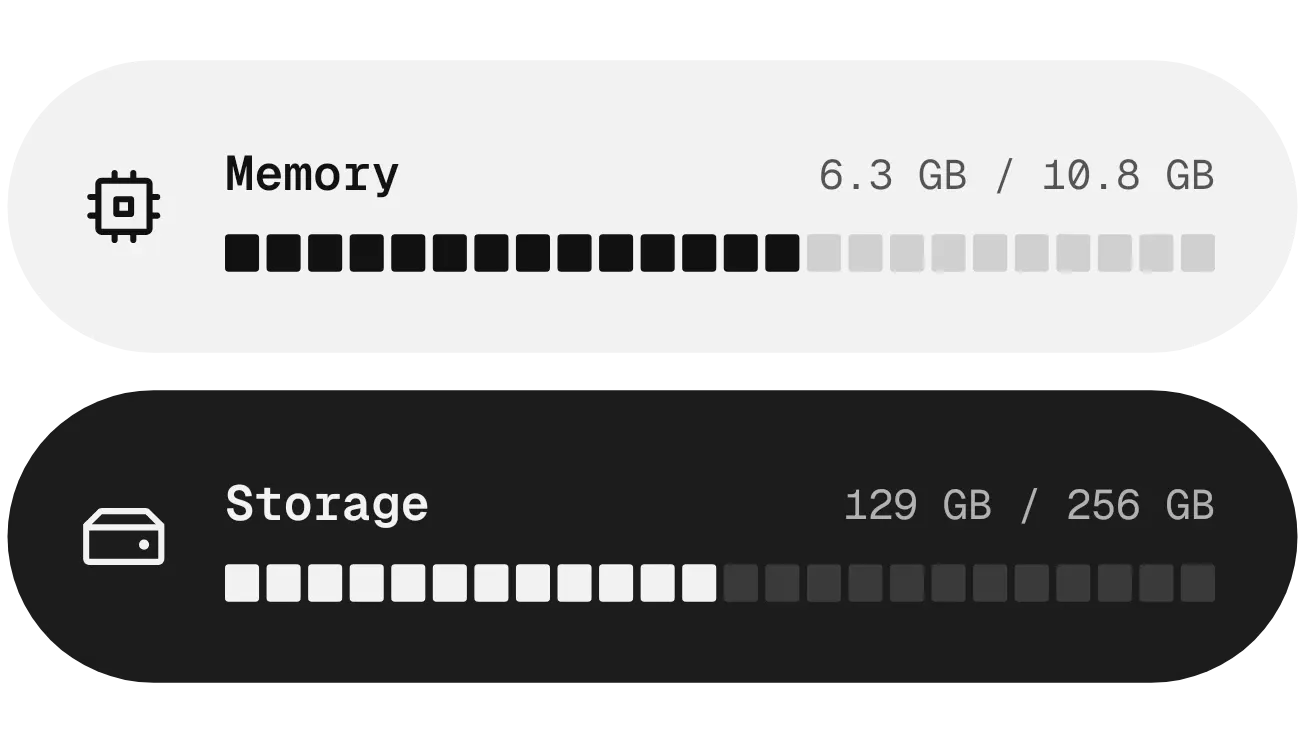
Chalk & Coal shows memory and storage as two stacked pill shapes. Memory sits in a light grey pill with dark text, and storage sits in a black pill with light text. Each pill has an icon, a label, the amount used out of the total, and a bar of 24 small segments.
- Size
- 4x2 cells
- Kit
- Nothing
- Shows
- resources
- Look
- Minimal, monochrome and typographic
- Colours
- White, black and grey, dark background
- Looks like
- Nothing widgets
- Good for
- Checking phone storage, clearing space and work setup
- Android
- 10 or newer
- Needs
- No additional permissions
- Price
- Free
Kiwi is in beta and is not on Google Play yet. Join to request an invitation.
- at-a-glance
- big-numbers
- black-and-white
- bright
- dark
- digital
- forest
- landscape
- light
- memory
- memory-usage
- minimal
- monochrome
- monospace
- moody
- mountain
- nothing
- phone-storage
- pill
- progress-bar
- ram
- segmented
- storage
- storage-usage
- trees
What changes
- Each bar fills segments from the left in proportion to how much memory or storage is in use. The remaining segments stay as faint grey blocks.
- While memory use is below 85 percent, its filled segments are dark. Once it reaches 85 percent or more, they turn red.
- Storage works the same way. Its filled segments are light while use is below 85 percent and turn red at 85 percent or more.
- The text on each pill gives used and total amounts, for example 6.3 GB / 10.8 GB for memory and 129 GB / 256 GB for storage.
Data and settings
- Reads the device's used and total memory.
- Reads the device's used and total storage.
Set it up
- Open the widget in Kiwi, either from its kit or from this page.
- Tap Use.
- Confirm your launcher's prompt to place the widget on your home screen.
Good to know
- The bars have 24 segments, so they show usage in steps. The used and total figures in the text give the exact amounts.
Widgets like Chalk & Coal
 Steel PinchInstruments
 Tadpole HalfMaterial You
 Hour BloomInstruments
 DaydrainMaterial Expressive



