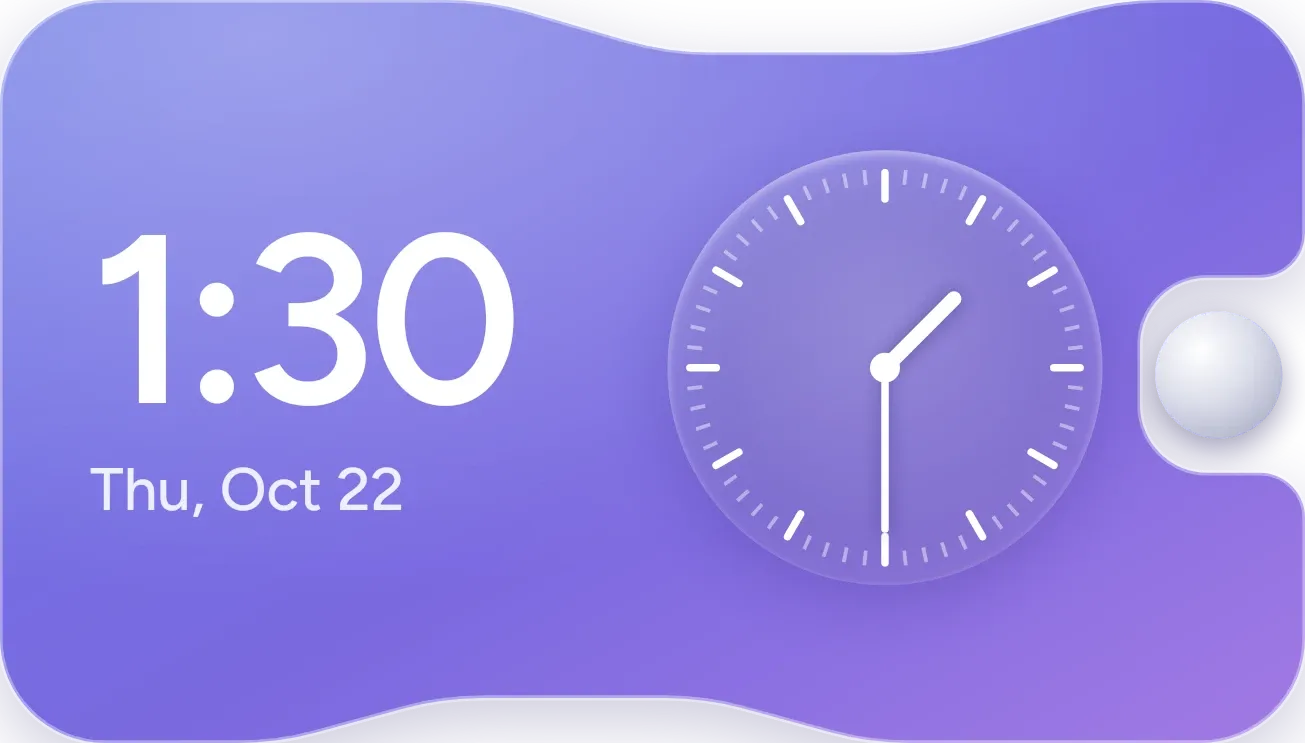
Dual Time Slab
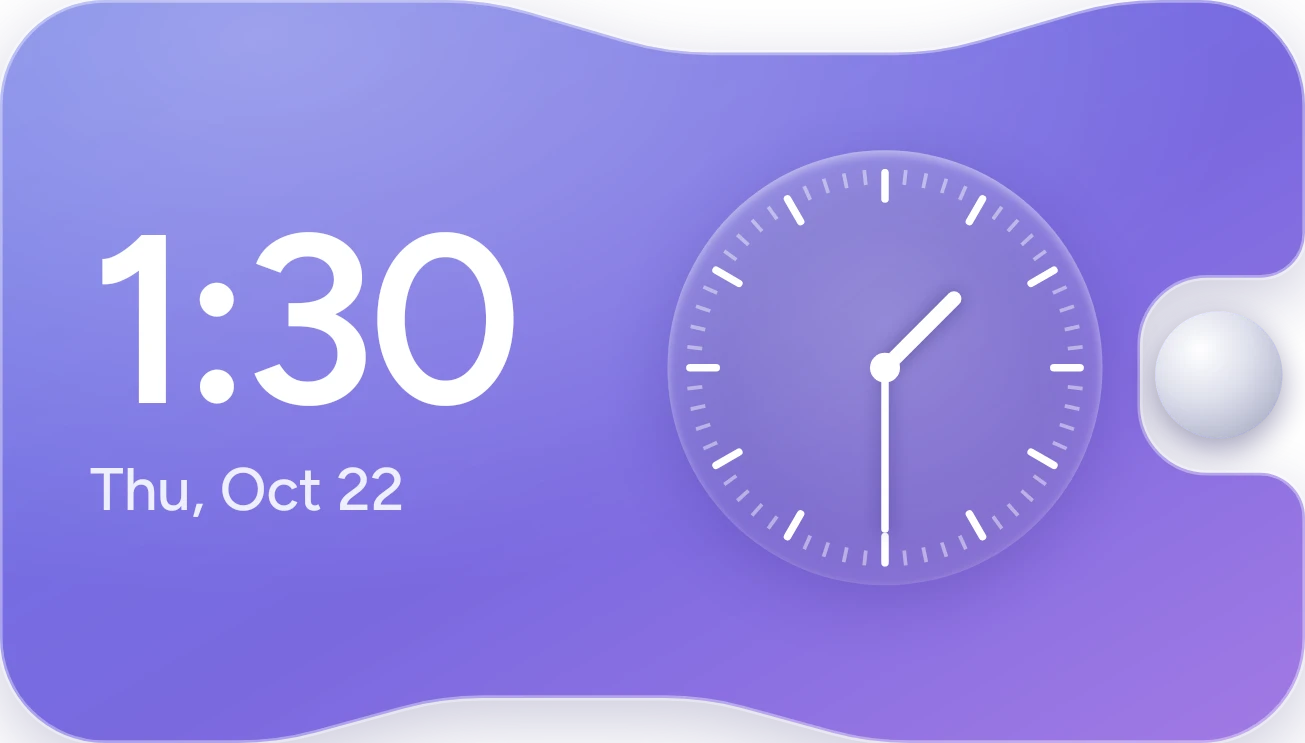
Dual Time Slab shows the current time in large white digits on the left, with the day and date beneath it. Beside it sits a frosted round analog dial with hour and minute hands. Both sit on a lavender-to-violet slab with a round knob set into a notch on the right edge.
- Size
- 4x2 cells
- Kit
- One UI
- Shows
- Time and date
- Look
- Glass and gradient
- Colours
- Purple and blue, dark background
- Looks like
- Samsung widgets
- Good for
- Everyday and home screen
- Android
- 10 or newer
- Needs
- No additional permissions
- Price
- Free
Kiwi is in beta and is not on Google Play yet. Join to request an invitation.
- analog
- clock
- digital
- lavender
- samsung
What changes
- The digital time and the hands on the analog dial both follow the current time.
- The date line under the time shows the weekday, month and day, for example Thu, Oct 22.
- Tapping the knob in the notch opens your alarms.
- Tapping the rest of the widget opens the clock.
Data and settings
- Reads the current time and date from your phone.
- Nothing in the widget is set by the person using it.
Set it up
- Open Dual Time Slab in Kiwi, either from its kit or from this page.
- Tap Use.
- Confirm your launcher's prompt to place the widget on your home screen.
Good to know
- The analog dial shows hour and minute hands only, with no second hand.
- The knob and the widget open your alarms and clock; they don't set or show alarm times on the widget itself.
Widgets like Dual Time Slab
 Drip OrbitGlass
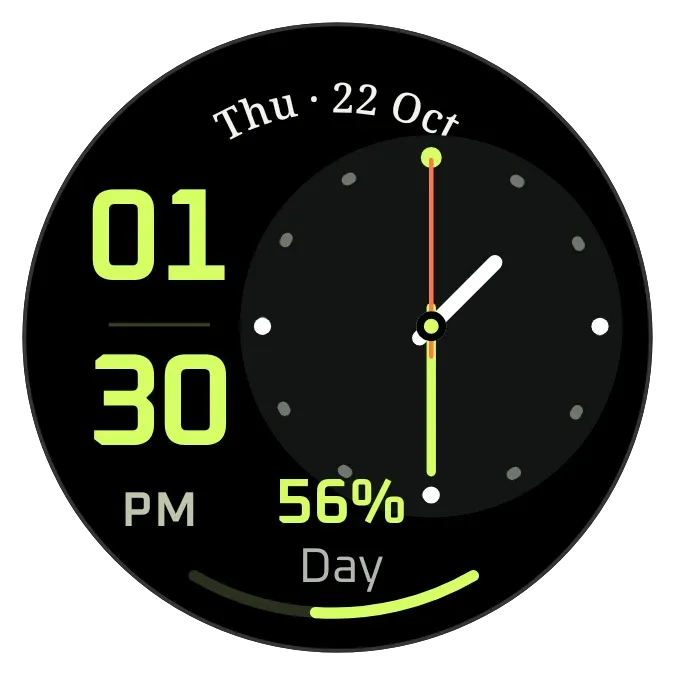 Lime WatchWatch Face
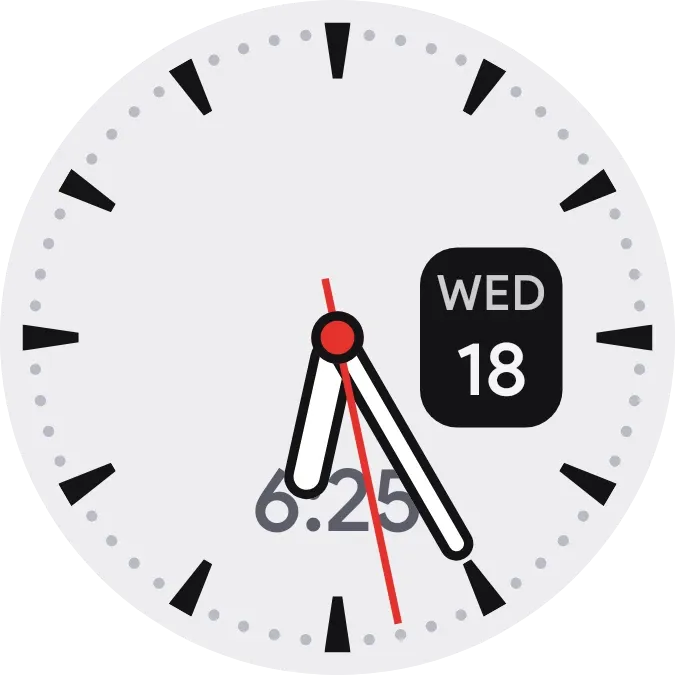 RivetWatch Face
 Periwinkle PunchMaterial Expressive