Indigo Step Arc
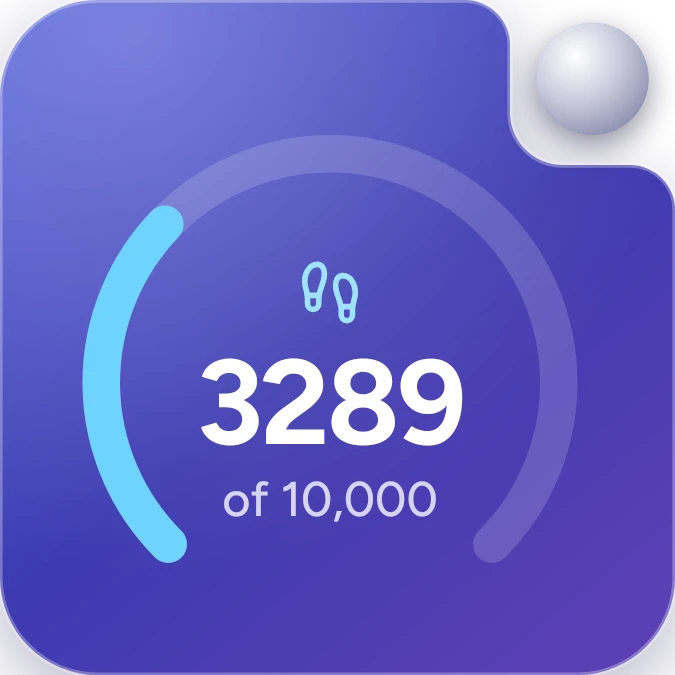
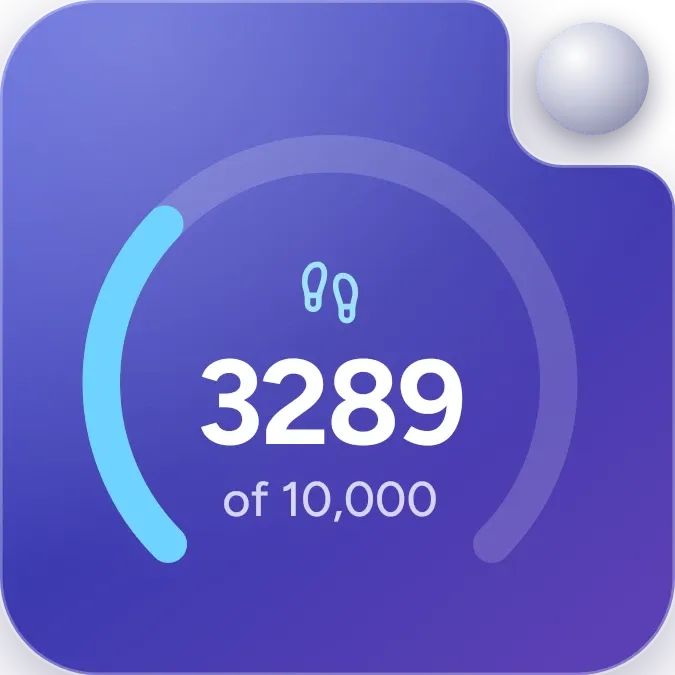
Indigo Step Arc shows today's step count in large white numbers, with a small footprints icon above and the line "of 10,000" below. A light blue arc curves around the number and fills as the count climbs toward 10,000. It sits on a deep indigo slab with a notched top right corner and a small round silver knob.
- Size
- 2x2 cells
- Kit
- One UI
- Shows
- Steps
- Look
- Gradient and glass
- Colours
- Purple and blue, dark background
- Looks like
- Samsung widgets
- Good for
- Walking, fitness and gym
- Android
- 10 or newer
- Needs
- No additional permissions
- Price
- Free
Kiwi is in beta and is not on Google Play yet. Join to request an invitation.
- fitness
- indigo
- samsung
- steps
What changes
- The number updates to today's step count, and the blue arc fills in proportion to how far that count is toward 10,000.
- While the count is under 10,000, the line under the number reads "of 10,000".
- At 10,000 steps or more, "of 10,000" is replaced by "Goal reached".
- If step counting hasn't been allowed, the arc is replaced by the title "Steps" and the message "Allow step counting in Kiwi".
- If the phone has no step counter, it shows "Steps" with the message "This phone has no step counter".
- If counting is allowed but no count is available yet, it shows "Steps" with "Your steps will appear here soon".
Data and settings
- Reads today's step count from your phone's step counter.
- Measures progress against a goal of 10,000 steps.
Set it up
- Open Indigo Step Arc in Kiwi, either from its kit or from this page.
- Tap Use.
- Confirm your launcher's prompt to place the widget on your home screen.
Good to know
- It needs step counting to be allowed in Kiwi before it can show your steps.
- It only works on phones that have a step counter.
- It shows a single day's steps, so the count and arc reflect today only.
- A new step count may take a little while to appear when the widget is first placed.